100 BD FACSCalibur Instructions for Use
4 Click the Change button next to Directory; create or choose a data storage
folder in the location dialog that appears.
; Tip BD recommends you do not save files directly to an external storage
device such as a zip drive, file server, or remote computer. Save files to the
hard drive and move them later.
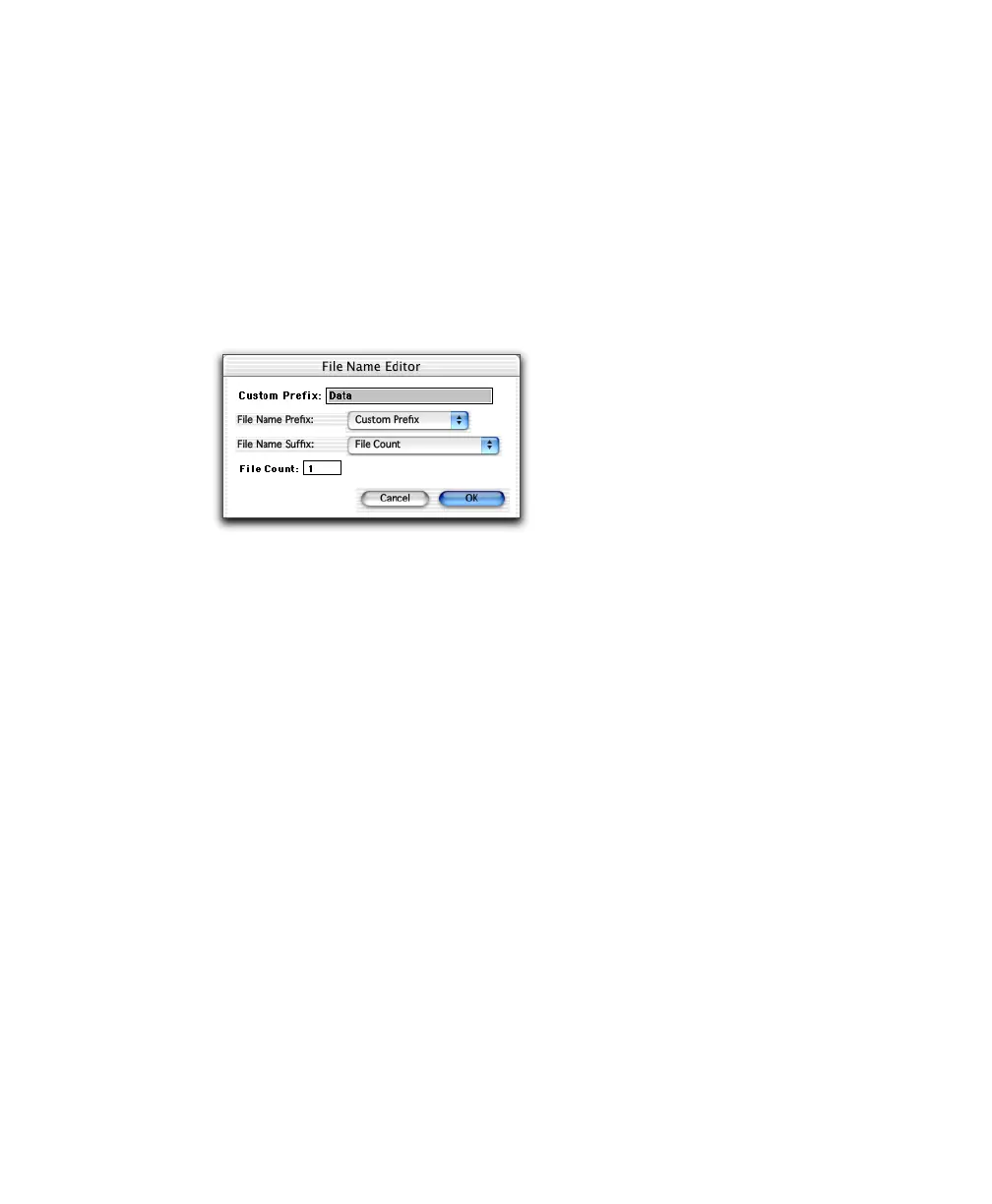
5 Click the Change button next to File; specify a file name in the File Name
Editor dialog.
• Choose the type of file name prefix. For Custom Prefix, enter a prefix
in the Custom Prefix field. For Patient or Sample ID, enter information
in the respective fields of the Acquisition Browser. (To use the Load
Sample feature, you must enter a unique Sample or Patient ID before
you acquire samples.)
• Choose the type of file name suffix. For File Count (.nnn), the starting
number is determined by the File Count field. Choose Tube Number if
you are acquiring a panel. The tube number is appended to the file
name.
6 Click OK; your choices appear in the Acquisition Browser.
7 Enter an identifier (eg, Donor 1) in the Sample ID field of the Browser.
8 Save the Experiment document.
Choose File > Save Document As, and enter a name for the document in the
dialog that appears. Choose a storage folder, and click Save.



 To Next Page