66 BD FACSCalibur Instructions for Use
4 If new offset values are required, click the New Offset Values button and
enter the new values.
5 When finished, choose File > Print; repeat for the other target file.
; Tip Print settings for both LW and LNW target files. Save the printouts for
future reference.
6 Click OK.
Running BD FACSComp Software
The following section describes how to run with the Loader. To run manually, see
page 69.
Acquiring with the Loader
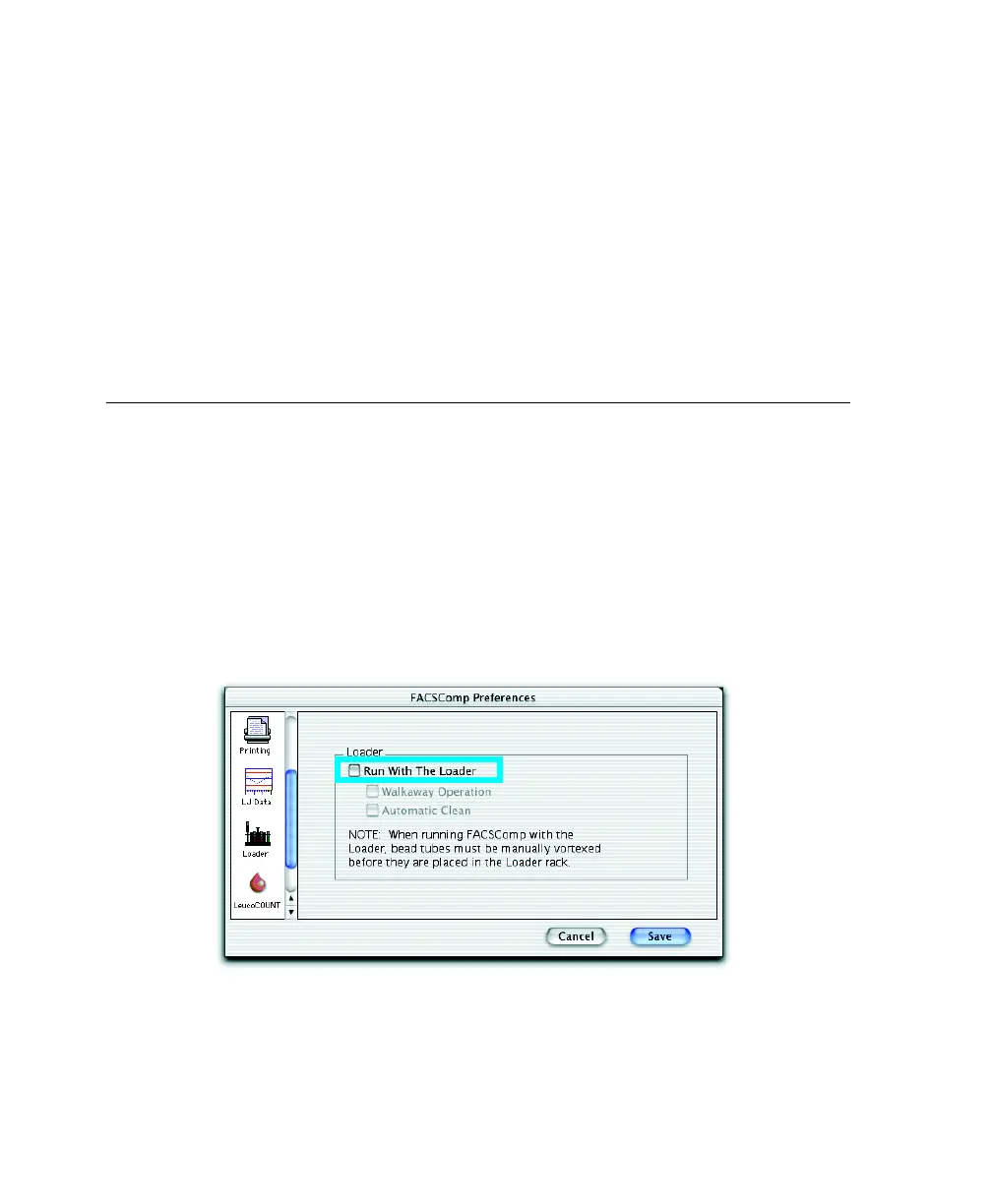
1 Choose FACSComp > Preferences and click the Loader icon.
2 Select the Run With The Loader checkbox.



 To Next Page