28 BD FACSCalibur Instructions for Use
BD CellQuest Pro Software
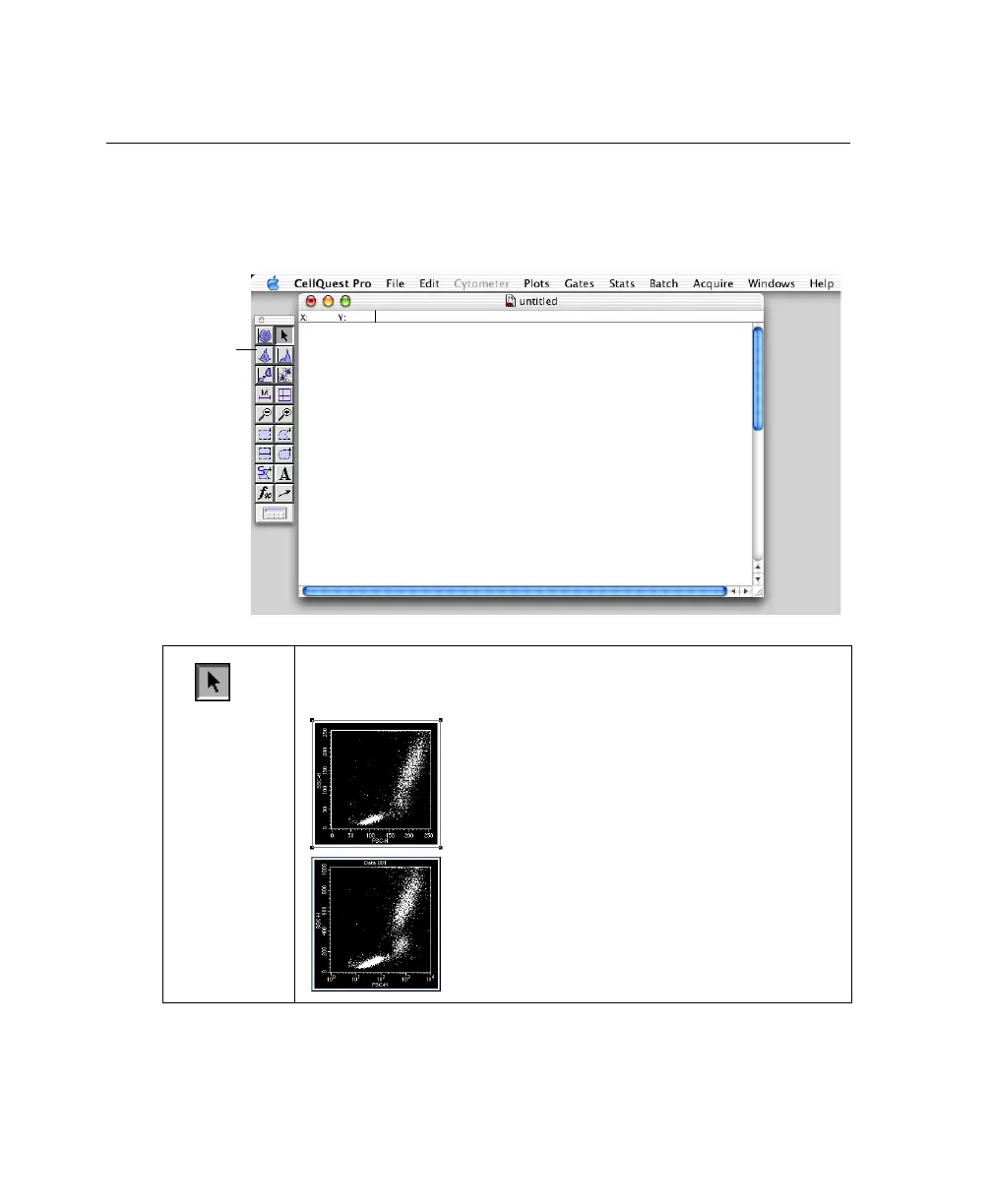
When you launch the software, a blank Experiment document window and the
tool palette appear. Use tools in the palette to create or edit objects in the
Experiment document window.
Selection tool—select, move, or resize items in the Experiment
document window
To select an object, click its border: black
handles appear. Only selected objects can be
deleted, resized, moved, or formatted using
the Inspector. (To select more than one
object, press Shift as you select.)
To make an object active, click inside its
border: the object’s border turns blue. An
active object is the target of any chosen
commands. Only one object can be active at
a time.
tool palette



 To Next Page