Chapter 5: Running Samples Manually 101
Specifying Acquisition and Storage Settings
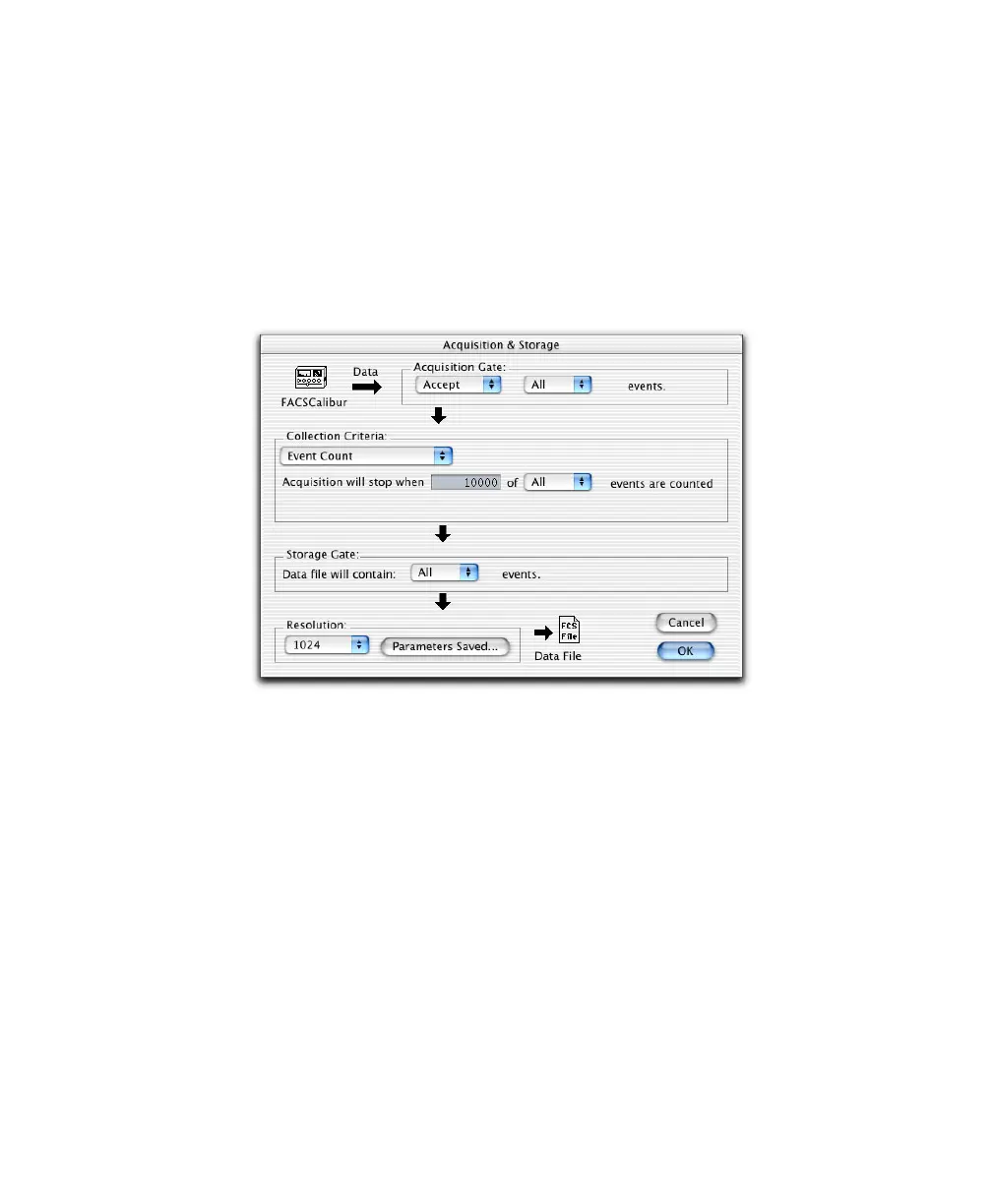
Use Global Settings to define the number and type of events to acquire and store.
Global settings apply to all tubes in an Experiment document that do not have
tube-specific settings (page 108). Global settings are defined in the Acquisition &
Storage dialog or Acquisition & Storage Inspector.
1 Choose Acquire > Global Acquisition & Storage.
; Tip Alternatively, to use the Inspector, open the Global Settings folder in
the Acquisition Browser, and double-click the Global Acquisition & Storage
Settings icon (Figure 5-2).



 To Next Page