Chapter 5: Running Samples Manually 87
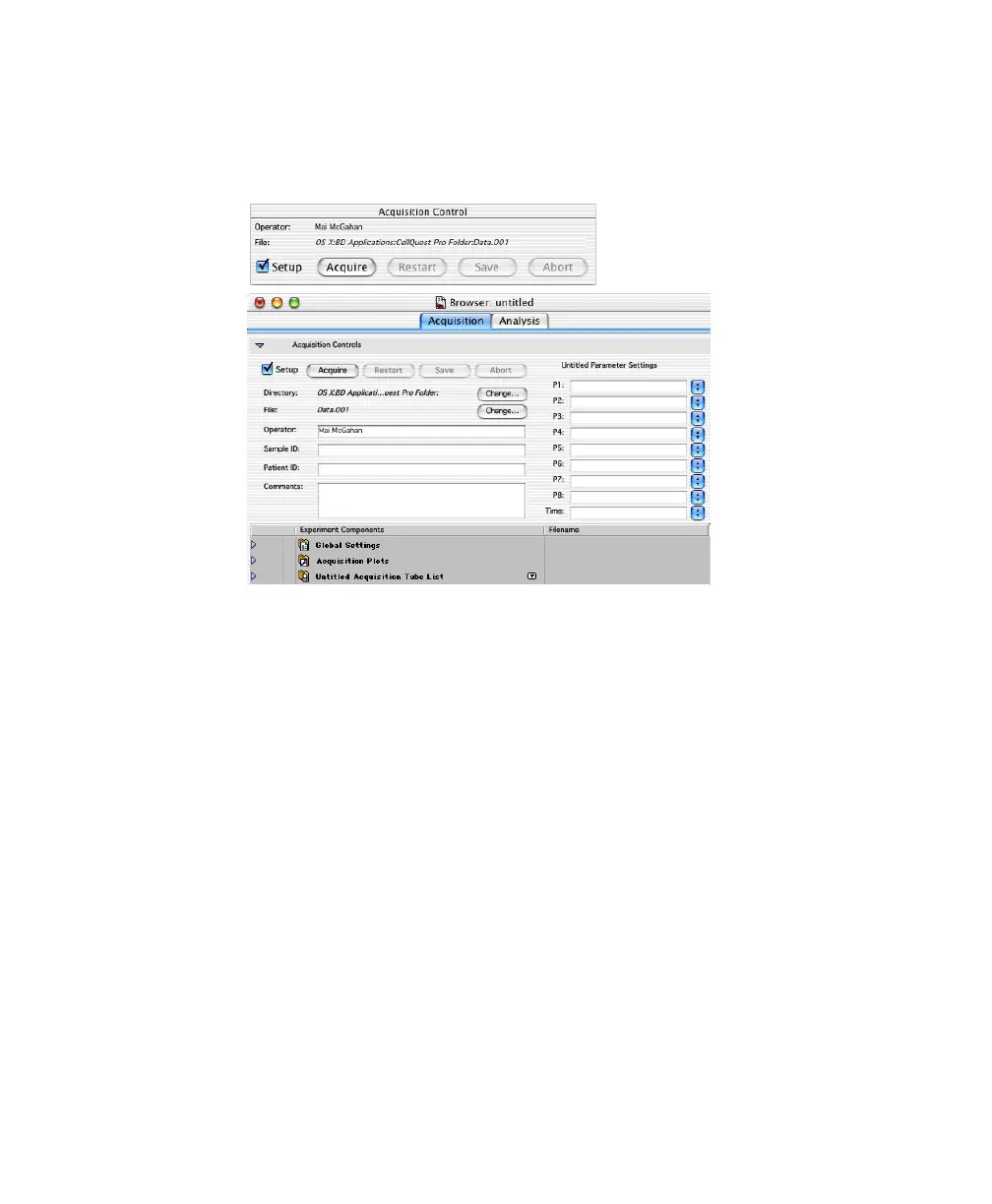
2 Choose Acquire > Connect to Cytometer (a-B).
The Acquisition Control dialog and Acquisition Browser appear.
; Tip When you click the Experiment document window, the Browser
window moves to the back. To view a hidden Browser window, choose
Windows > Browser:Title X (where Title X is the name of the Experiment
document).
3 Choose Cytometer > Detectors/Amps, and drag the Detectors/Amps
window to the side.
To access instrument controls, you must be connected to the cytometer.
4 Choose Cytometer > Threshold, and drag the Threshold window to the side.



 To Next Page