Chapter 5: Running Samples Manually 145
5 Click Analyze or wait for automatic analysis to proceed.
The Analyze button is enabled when 15,000 events have been acquired.
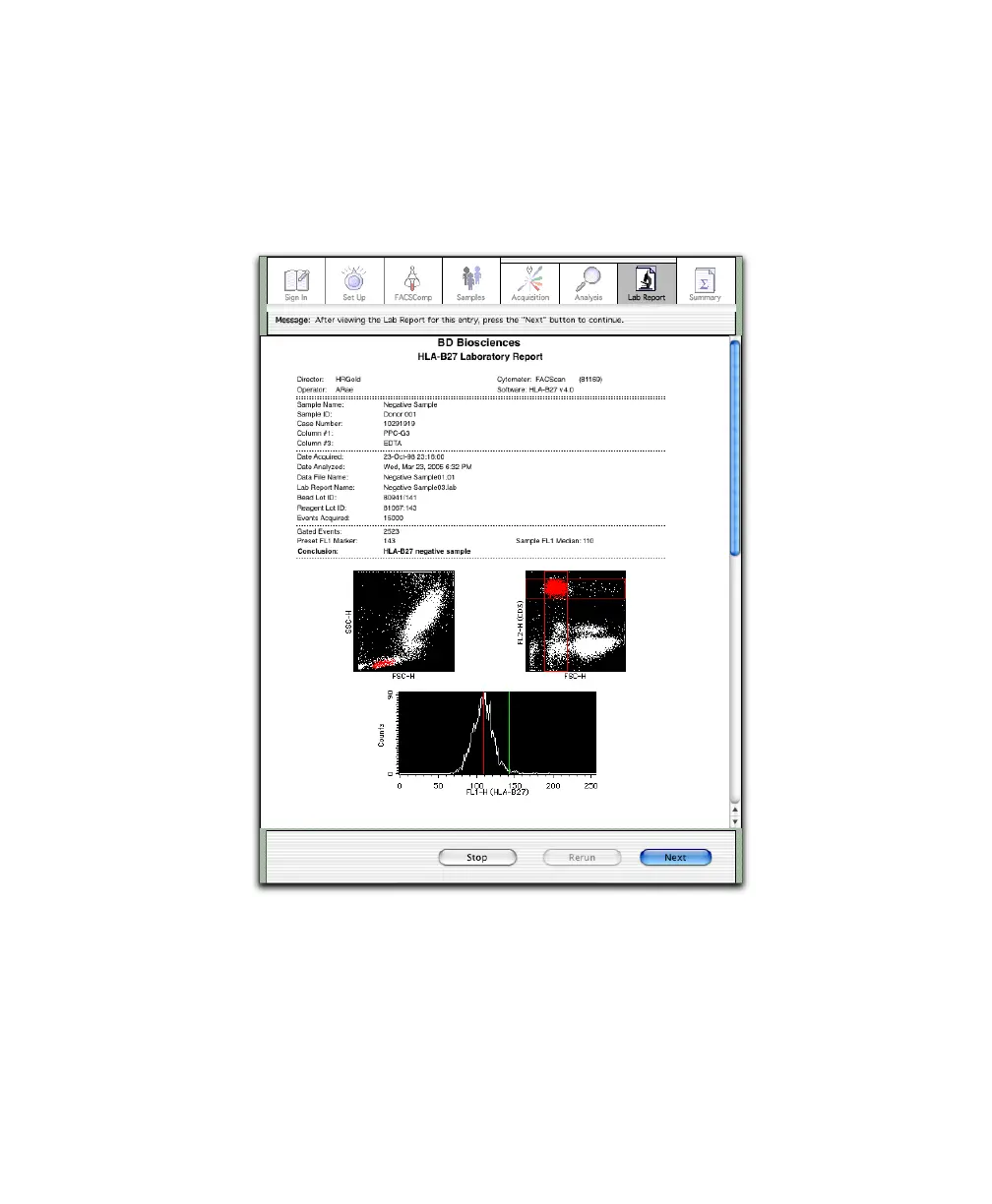
6 Review data on the Lab Report.
7 Vortex and then install the next tube on the SIP.
Alternatively, click Rerun to repeat the current tube.
8 Verify RUN is on, and click Next.



 To Next Page