Chapter 5: Running Samples Manually 147
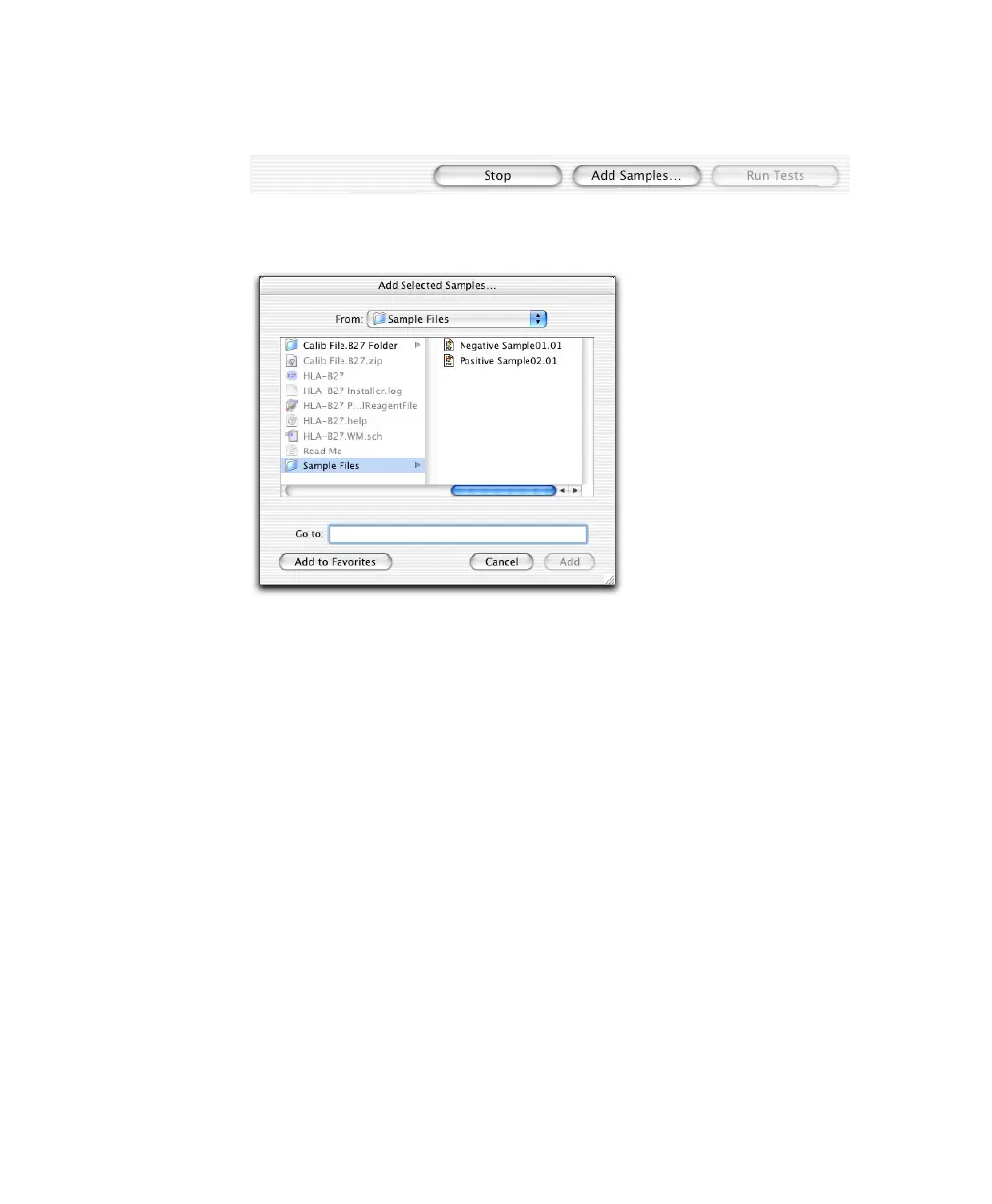
1 From the Samples view, click Add Samples.
2 Choose files for analysis.
• Navigate to the required folder.
• Double-click an individual file, or select multiple files and click Add.
The Samples view appears, listing all selected files.
3 Click Run Tests.
The Acquisition view appears briefly while data is read from the file, and
the Lab Report view displays.
4 Review the Lab Report, and click Next.
5 When all files have been analyzed, review the Summary Report, and click
Quit.



 To Next Page