Chapter 6: Running Samples with the Loader 161
4 Press RUN and the appropriate flow rate button.
; Tip Before proceeding with the next step, make sure the printer paper tray
has sufficient paper. If the printer runs out of paper in the middle of a run,
the run will stop.
5 Click Run Tests.
Acquisition begins. If the Worklist contains different assay types, a short
cleaning cycle runs between assays. When the Worklist is finished, a longer
cleaning cycle runs.
NOTICE If an error occurs, a dialog appears with options to Retry,
Continue, or Stop Run. Click Retry to recheck the status; click Continue to
finish acquisition of the tube without fixing the error. Errors are shown on
the Summary Report.
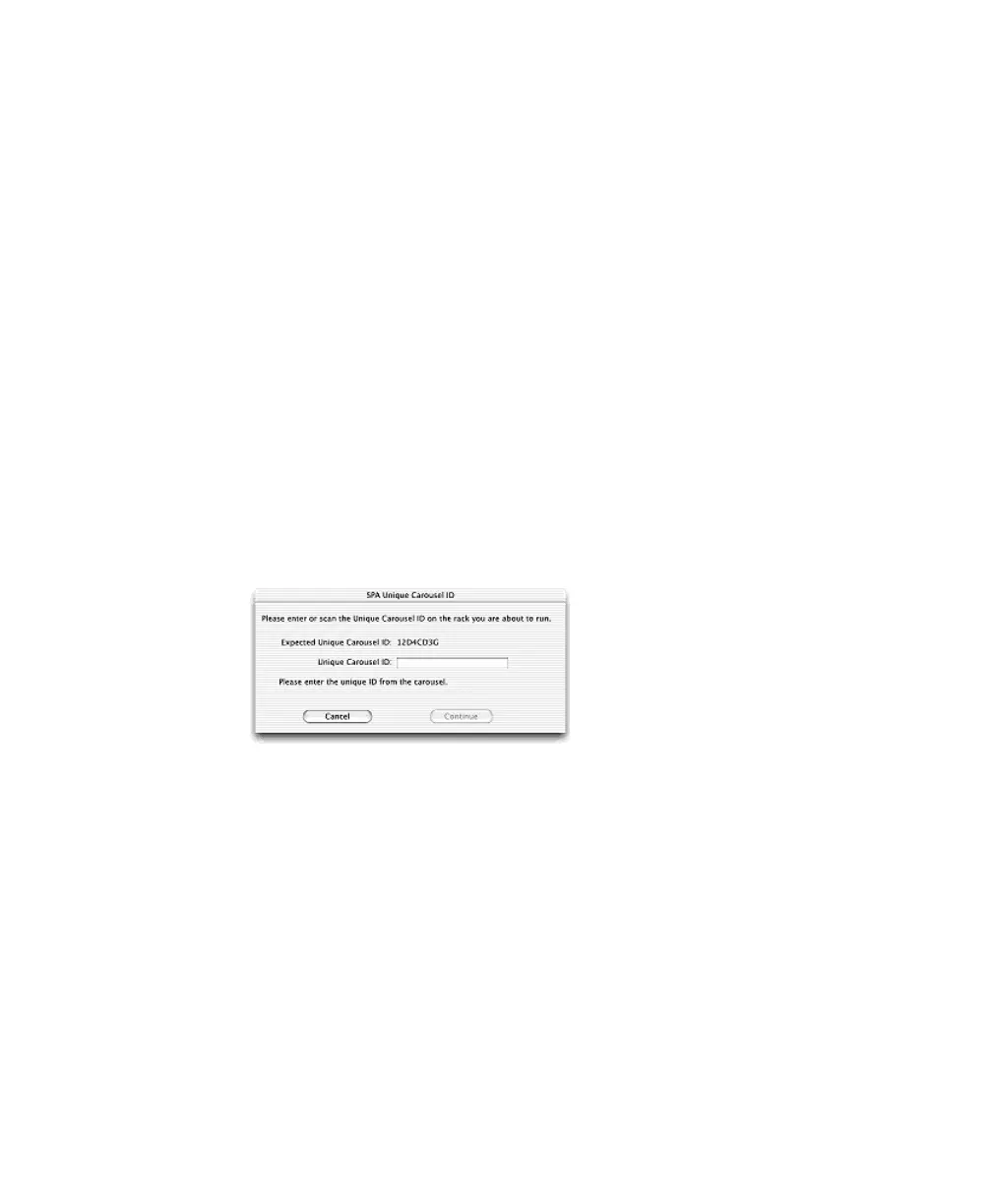
6 If prompted, enter or scan the carousel ID for an imported SPA Worklist,
and click Continue.
7 Install the next rack when prompted, if running more than 40 tubes.



 To Next Page