26 BD FACSCalibur Instructions for Use
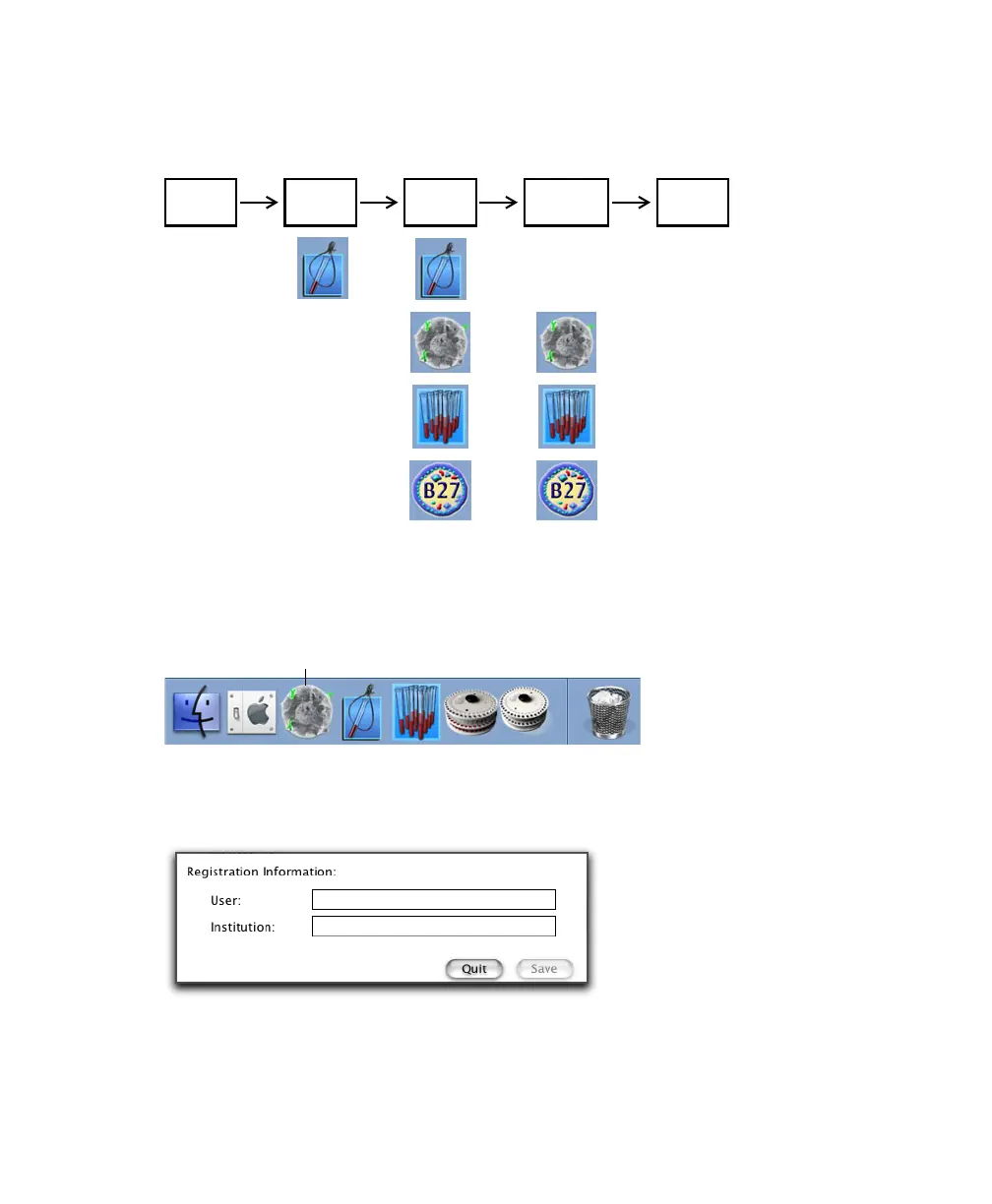
This figure shows the workflow for running samples with BD FACStation
software:
; Tip To create a shortcut for launching applications, drag the software icon from
the Finder window to the Dock. You can then launch the software by clicking its
icon in the Dock.
The first time you launch each software application, enter your user name and
institution in the Registration dialog:
start up
perform
shut down
QC
optimize
settings
acquire &
analyze data
BD CellQuest Pro icon



 To Next Page