Operating the BD FocalPoint™ Slide Profiler
149
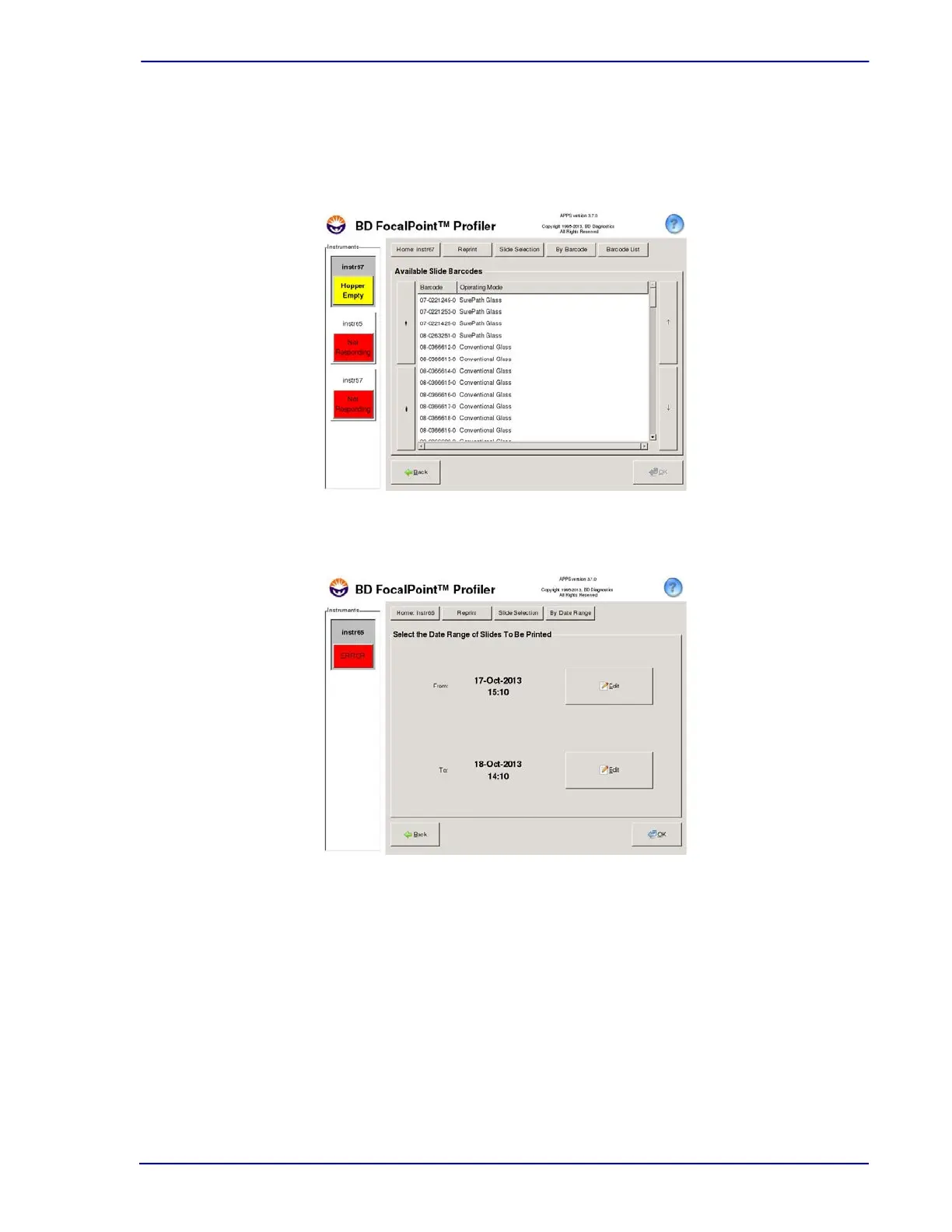
Slide Barcode Range
— Click the Edit button in the From: field and type the first barcode
number in the range. Tab to the To: field and type the optional last barcode number in the
range to access available slide barcodes (Figure 15-8). Note that no ranking information is
available with this option.
Figure 15-8 – Reprint by Barcode Screen
Figure 15-9 – Reprint Reports - by Date/Time Range
Date/Time Range
— The system defaults to the current date. No action is required to reprint
the current day’s reports. To change the dates, click in the month field and either type the
desired month manually or click on the arrow buttons to scroll to the month to reprint results
(Figure 15-9). Repeat this process for the day and year fields. Note that no ranking
information is available with this option.



 To Next Page