BD FocalPoint™ GS Imaging System Instrument User’s Manual
154
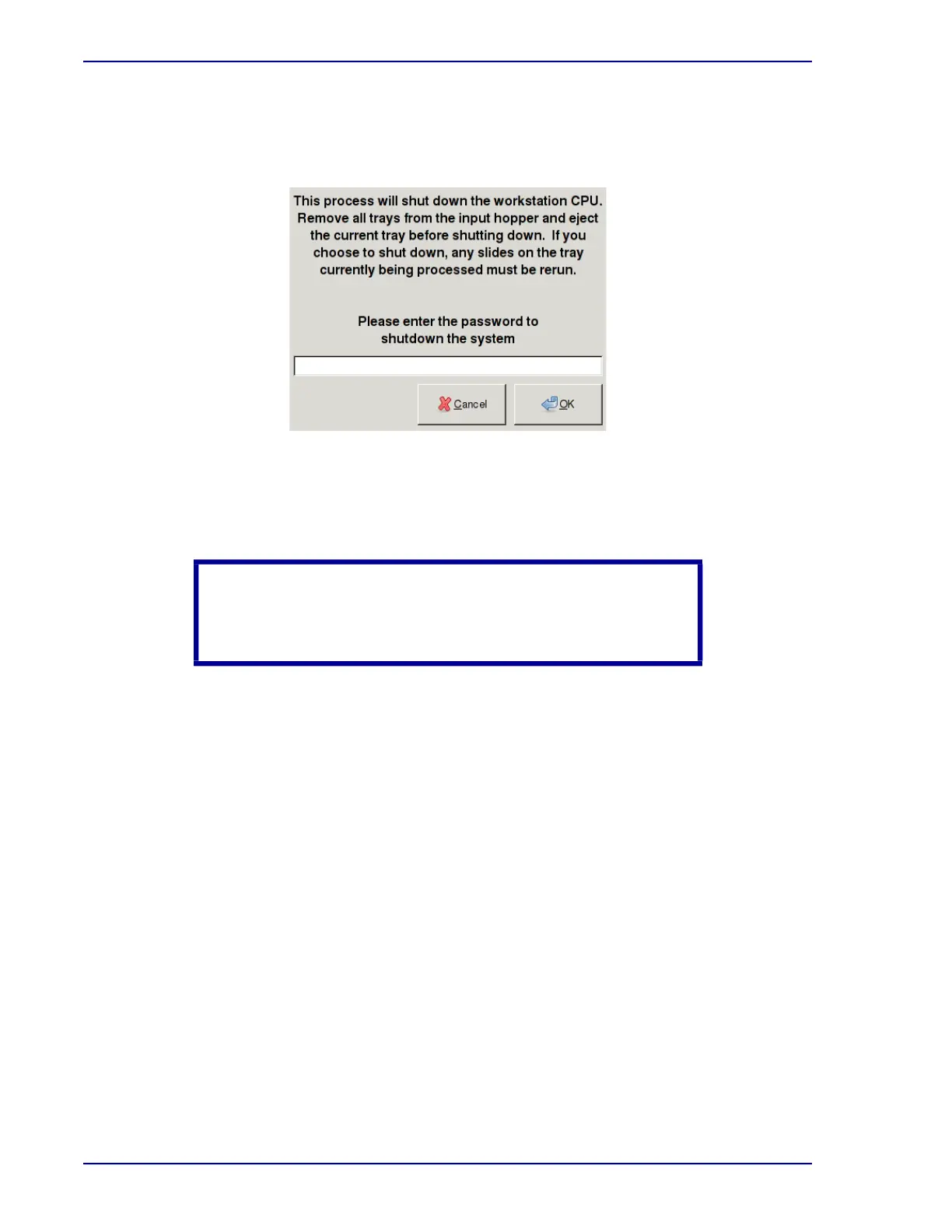
4 From the BD FocalPoint™ Slide Profiler Main Window, choose Utilities†Shutdown. A
window similar to the one shown in Figure 15-14 appears asking for a password. Type your
password and click on OK.
Figure 15-14 – Password window
To cancel the shutdown request and return to the Main Window, click on the Cancel button.
At this point the system components may be powered down as described in the following steps.
1 Shut off the BD FocalPoint™
instrument by turning the switch at the bottom right of the
instrument from I to 0.
2 Turn off the printer by pressing the switch from I to 0.
3 Turn off the modem or router by pressing the rocker switch on the rear panel from I to 0.
4 Turn off the monitor by pressing the push-button at the lower right corner of the monitor case.
CAUTION
It is important to power down the system components exactly in
the order shown below:



 To Next Page