BD FocalPoint™ GS Imaging System Instrument User’s Manual
174
To check the slide reject rate:
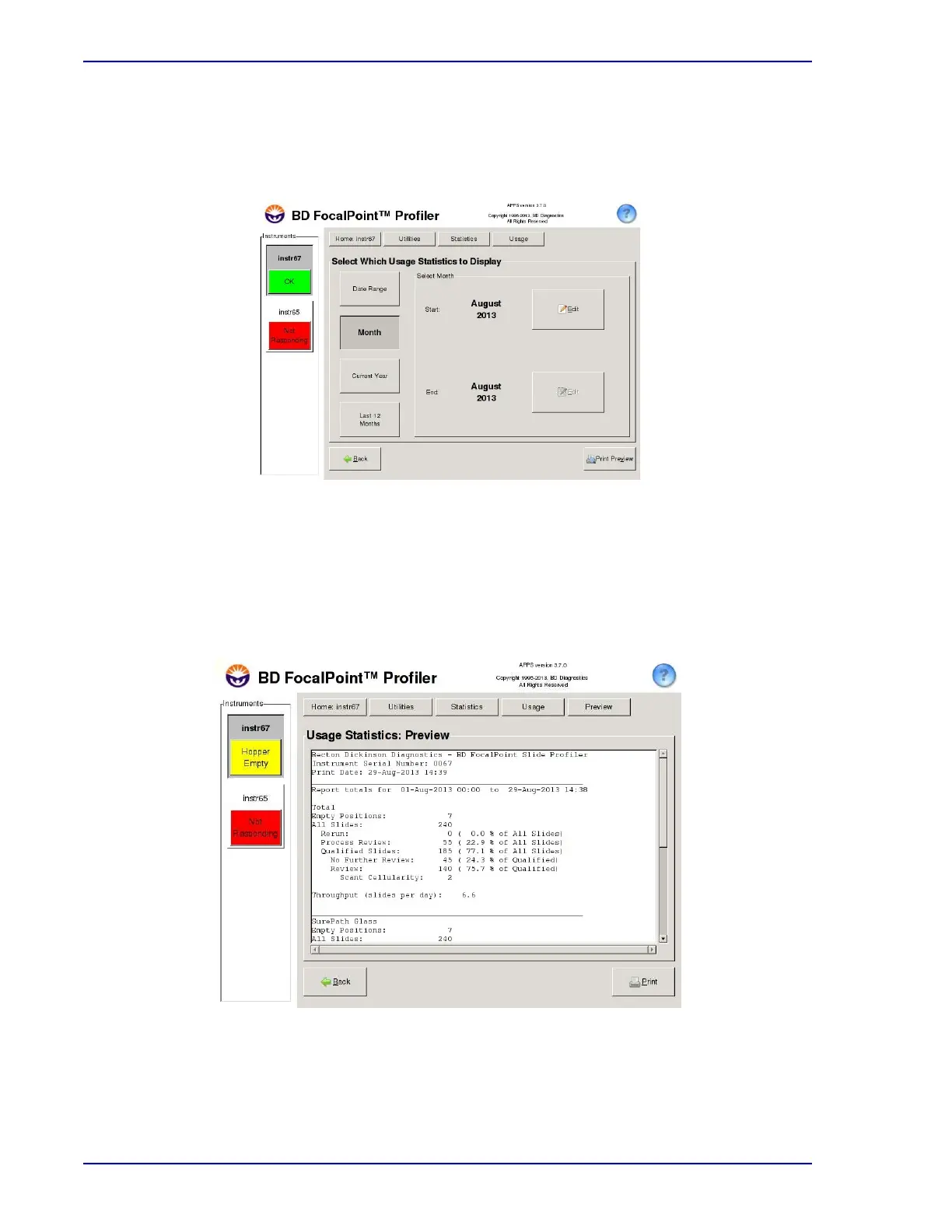
1 Choose Utilities†Statistics†Usage Statistics to display the Statistics Reports window as
shown in Figure 18-6.
Figure 18-6 – Usage Statistics options
2 Click on the Month button. Click on the Edit buttons and select the appropriate month and
year.
3 Click Preview to display the statistics on the screen. Figure 18-7 shows an example of
usage statistics for the month of January.
Figure 18-7 – Usage statistics



 To Next Page