Screening Slides
43
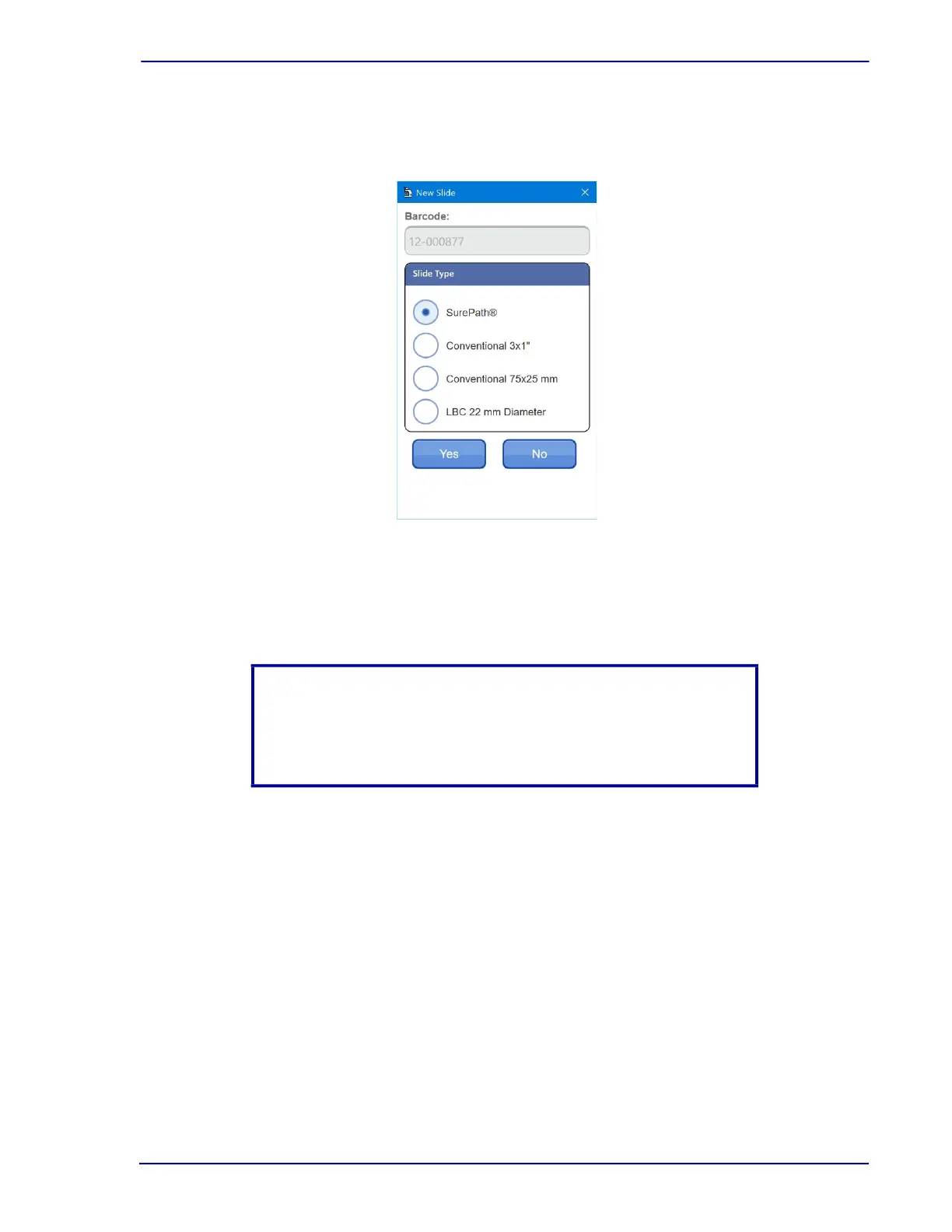
2 Click the New Slide button on the far left of the Slide Selection window (shown in Figure 4-5)
or press the Enter key on the keyboard. This brings up the New Slide dialog box as shown in
Figure 4-6.
Figure 4-6 – New Slide dialog box
3 Select the preparation type for the slide to screen and then click OK to manually screen
the slide.
4 When finished manually screening the slide, proceed to Section 3.7.
NOTE
Because this slide was not processed by the BD FocalPoint™ Slide
Profiler, it is not a candidate for BD FocalPoint™
GS System-directed QC review.



 To Next Page