BD FocalPoint™ GS Imaging System Instrument User’s Manual
70
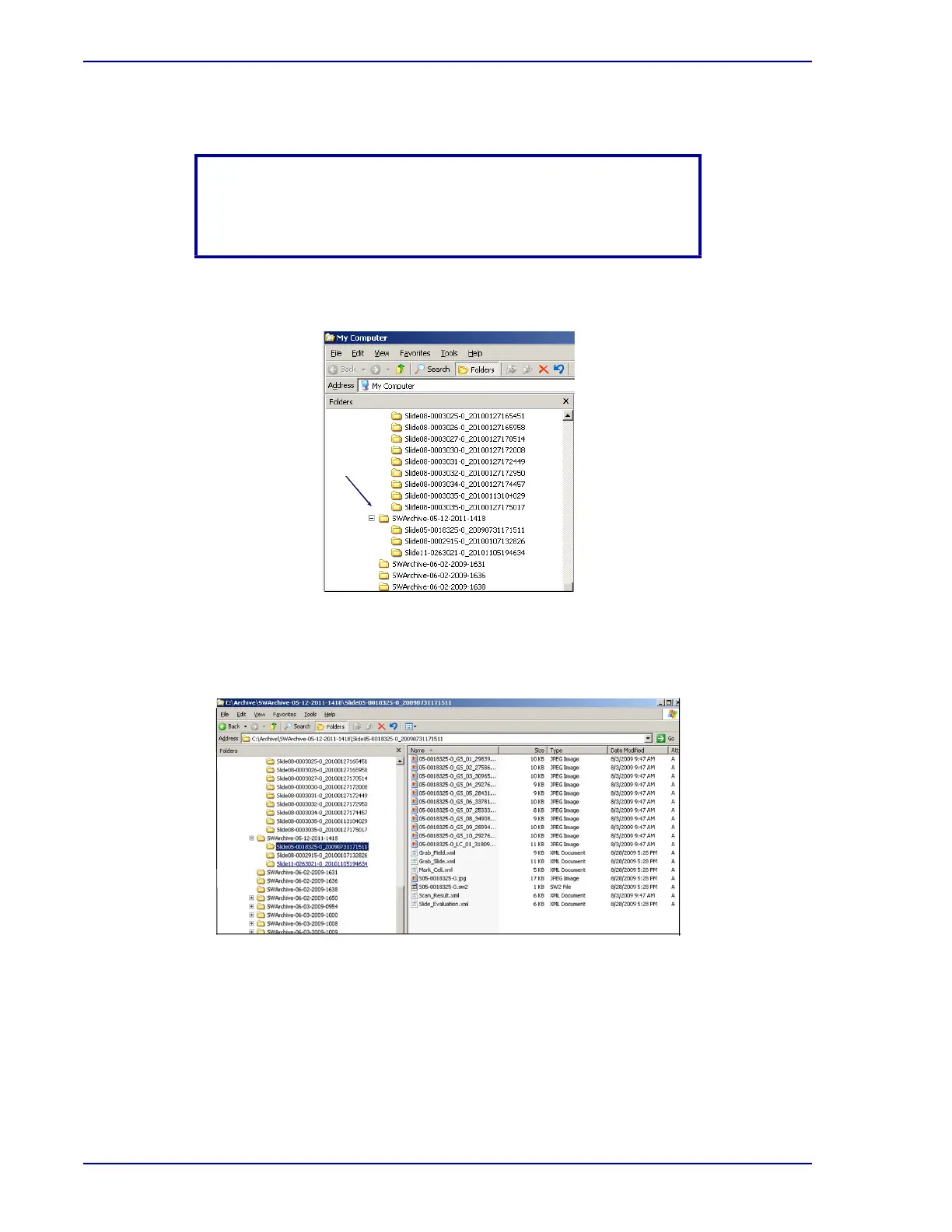
A different folder exists for each time slides were archived.
5 Click on the + for the desired archive folder. The slide folders for that archive appear.
Figure 7-17 – My Computer menu (archived slide folders)
6 Click on the desired slide folder. The data for that slide appear on the right side of the
window. Here, verify that all the information and images are present.
Figure 7-18 – My Computer menu (archived slide data)
NOTE
The name of the folder starts with “SWArchive” and also contains
the date and time that slides were archived.



 To Next Page