Managing the BD FocalPoint™ GS Review Station Server
69
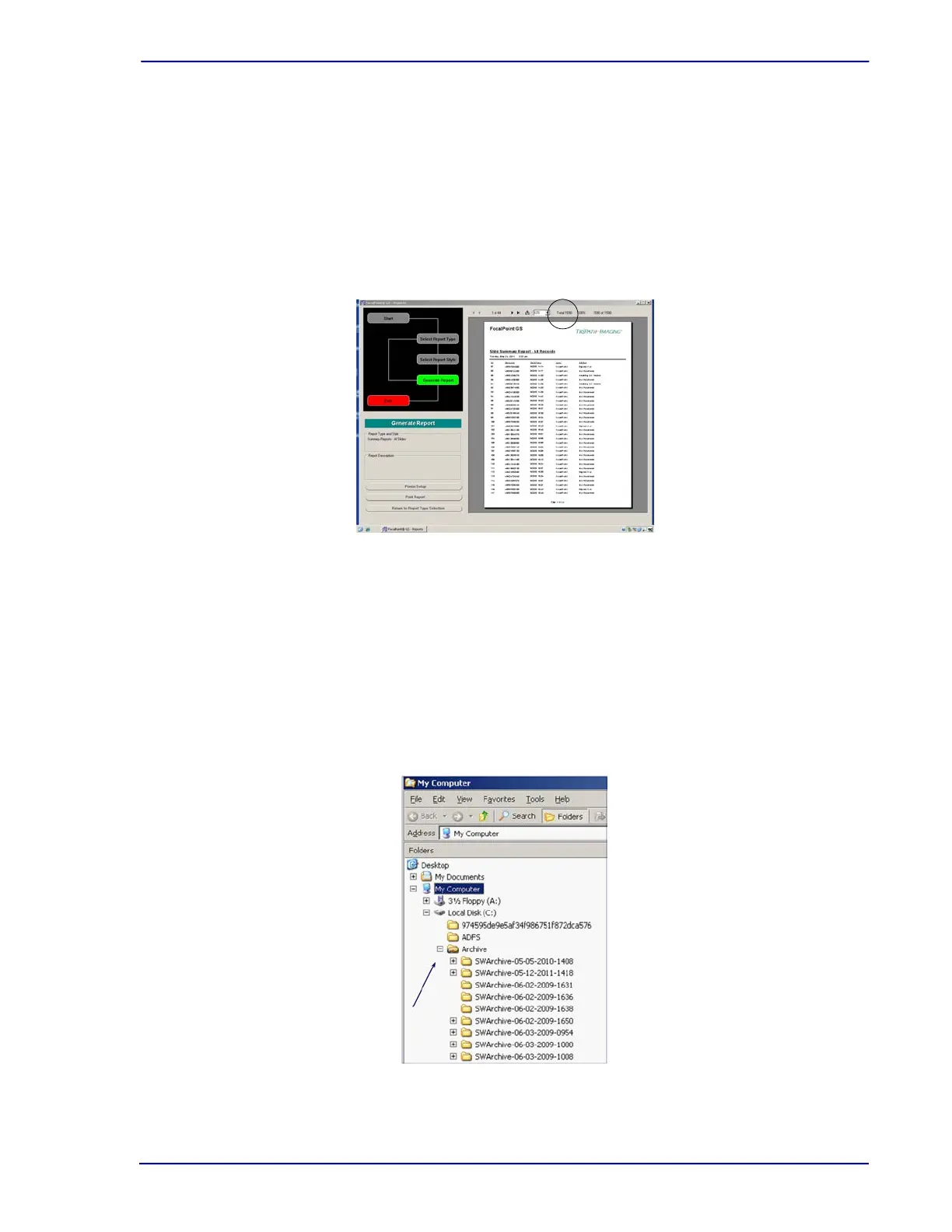
To determine how many slides/batches are in the database:
1 From the Windows Start menu, select Programs†
FocalPoint™
GS†
FocalPoint™
GS -Tools†
FocalPoint™
GS - Reports.
2 Select Report Type†Summary Reports.
3 Select Report Style†All Slides.
4 Select Generate Report.
5 The number of slides in the database is noted at the top of the report.
Figure 7-15 – BD FocalPoint™ GS - Reports
To locate archived files
1 From the Windows desktop, right-click the My Computer icon.
2 Select Explore.
3 Click the + to expand My Computer.
4 If slides have been archived to the C:\Archives destination, click the + to expand that folder.
If slides have been archived to a customized destination, locate the drive and folder in the
same manner.
Figure 7-16 – My Computer menu



 To Next Page