MC6 also has some "flat" buttons. They are used in, e.g lists. The color of the
flat buttons may vary depending on the context.
The following editable fields are available:
Text Fields,
Numeric Fields, in certain cases including Spinning and
Date/Time Fields.
The letters/numbers on all editable fields are blue to indicate that they are ed-
itable. Black texts are descriptive user interface texts that are not editable. An
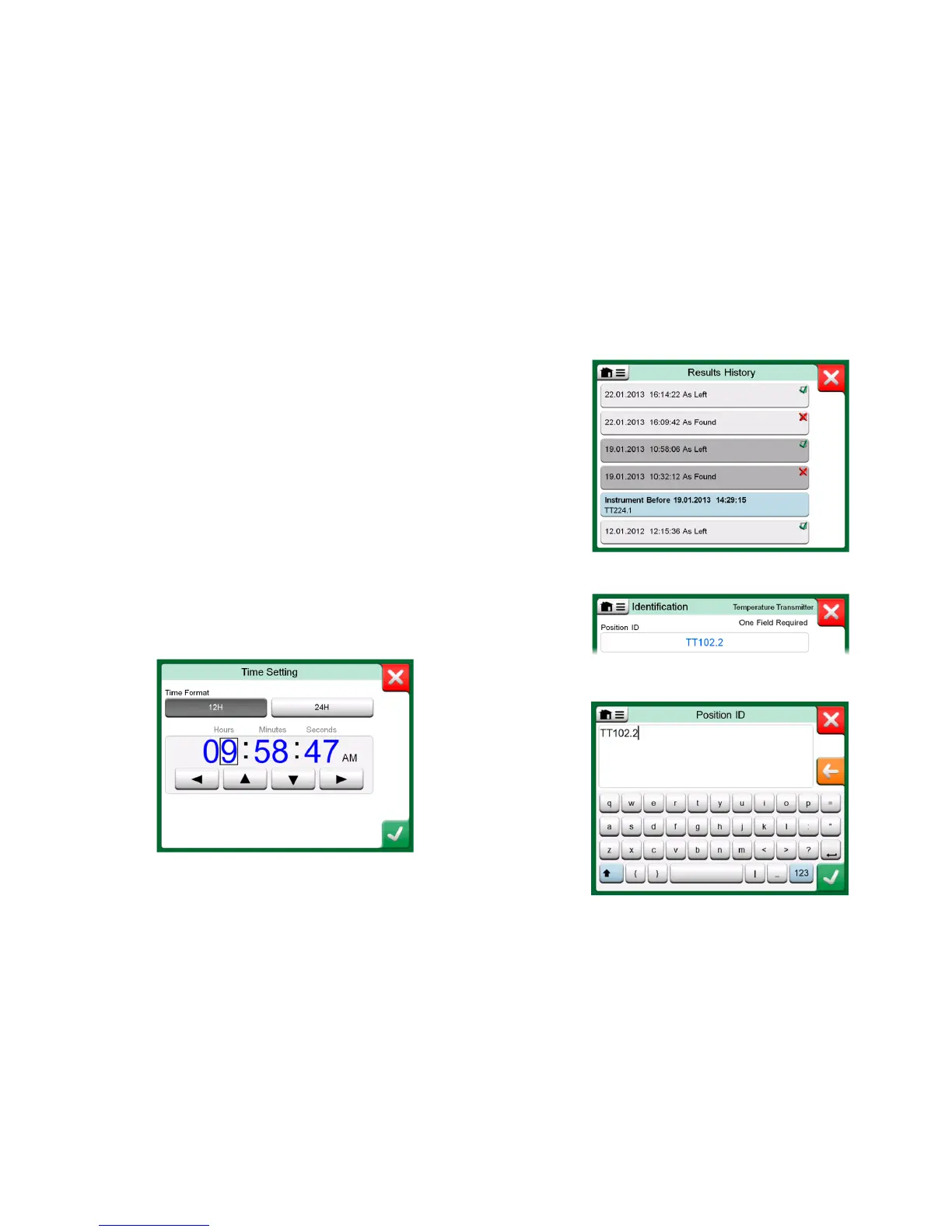
example of a Text Field and the Text Edit Window is at the bottom right of this
page.
Use of Numeric Fields and Spinning is described in Part 2, Active Terminals
and Connections and Part 5, Documenting Calibrator.
Date Fields are actually special cases of Numeric Fields. Entering the date is
just like entering any numeric value.
Setting MC6's time is a special case of the Spinning functionality. See picture
below. The "Left" and "Right" arrow buttons move the highlight to another digit.
The "Up" and "Down" arrow buttons change the value of the highlighted digit.
Time Setting window



 To Next Page