58 MC6 User Manual – Part 6, Data Logger
TRANSFERRING DATA LOG RESULTS TO A PERSONAL COMPUTER
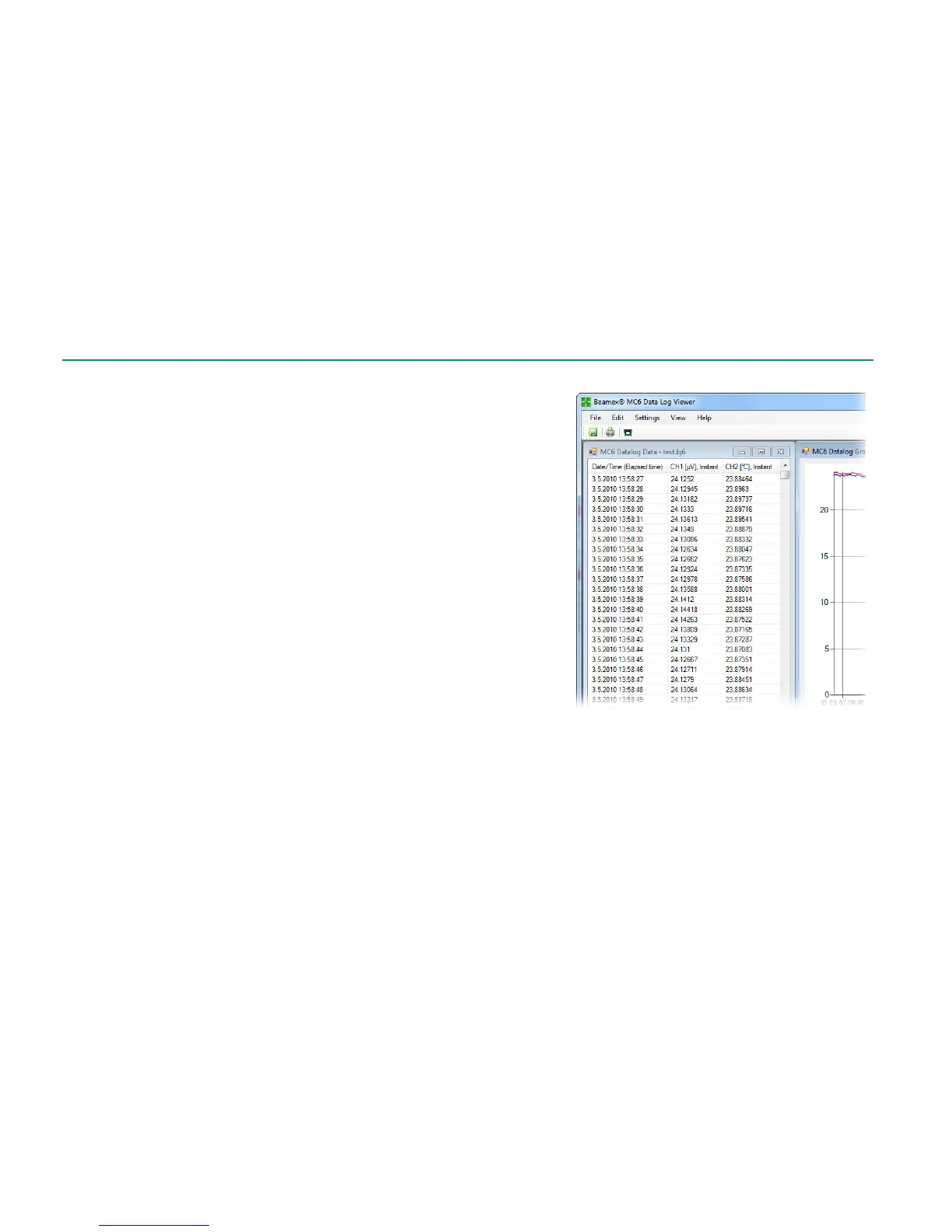
Beamex MC6 Data Log Viewer (executable file: "MC6DataLogViewer.exe")
reads data log results to a Personal Computer. The software works in any 32 bit
or 64 bit Windows
®
operating system. Installation software for Beamex MC6
Data Log Viewer is shipped with MC6, on an adjoining CD-ROM, and is also
downloadable from Beamex's web site http://www.beamex.com. Look for
downloads section.
Before you read data from MC6, you must connect MC6 to your PC using the
USB cable provided. Then install the driver as presented in Part 1, Introduc-
tion, chapter USB Communication Driver.
After the driver is installed, the software can be used for downloading the re-
sults from MC6 and viewing the results. The data can be saved in viewer's na-
tive format (.LG6) or saved as CSV files. The latter format can easily be import-
ed into spreadsheet software.



 To Next Page