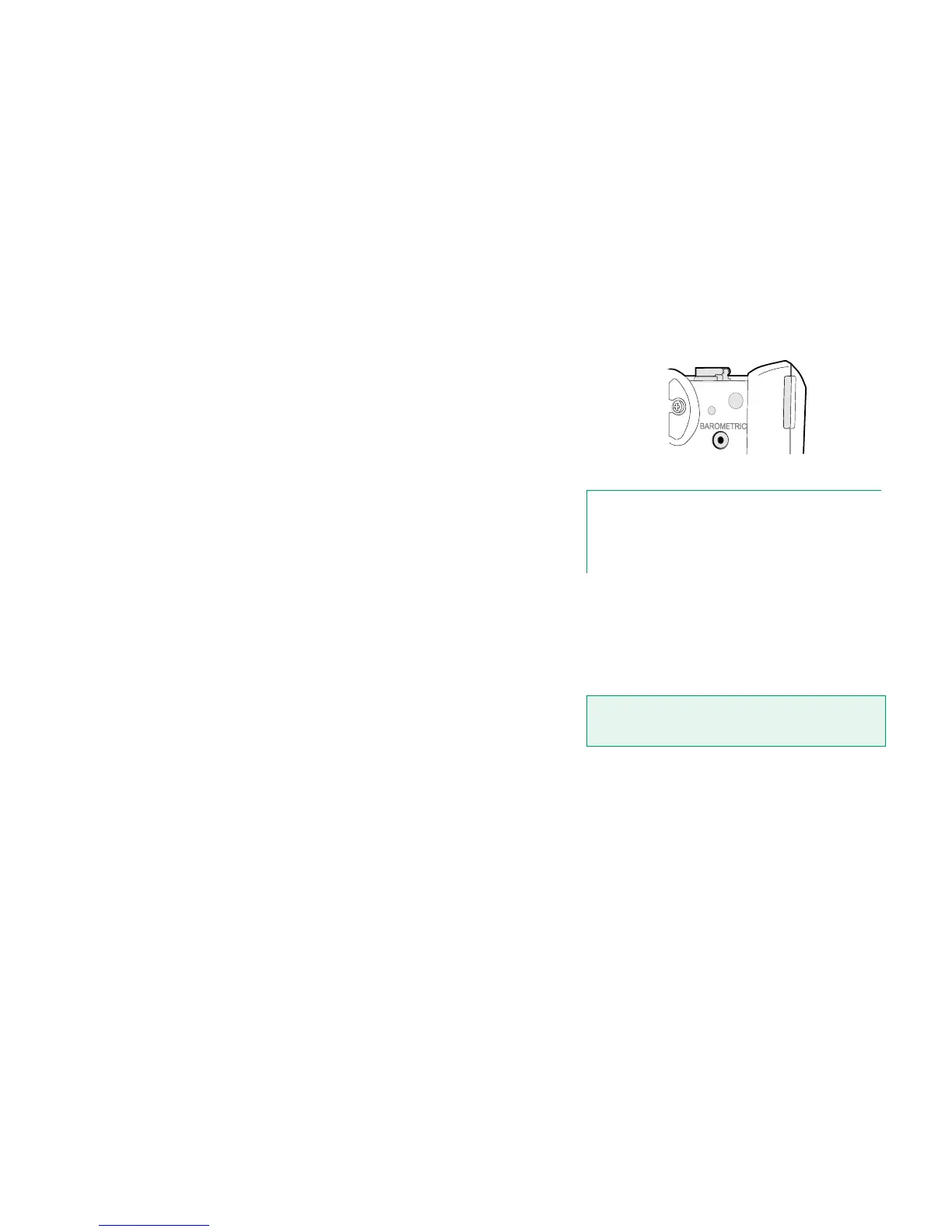
INTERNAL BAROMETRIC PRESSURE MODULE
The optional Internal Barometric Pressure Module is located inside MC6. It has
a venting hole on the back side of MC6. To ensure valid barometric pressure
measurements, do not plug the venting hole.
MEMORY
MC6 maintains data very much like personal computers. Data is saved on a
solid state memory that does not need any power to maintain its state. Solid
state memory is shock-proof so the data is not lost when the calibrator is trans-
ported. Also, you can safely save a large amount of instruments, calibration
results and data log results.
Available memory can be used for anything that requires it (e.g. instrument da-
ta, calibration results etc.).
DISPLAY
MC6 has a backlit 640 × 480 pixel 5.7" TFT touch screen display. Use the touch
screen with your fingers, gloves on or off. Optionally, use a stylus meant for
touch screen use.
See also brightness settings in Part 8, Settings.
Venting hole of the Internal Barometric Module.
Note.
The Internal Barometric Pressure Module is not located in the
space reserved for Internal Gauge Modules, so you may have
both a barometric module and up to three gauge modules in
your MC6.
Warning!
Using sharp tools such as a screwdriver on the touch
screen may damage it. More warnings in Appendix.



 To Next Page