Doing a Data Log - Viewing and Saving or Deleting the Results 57
VIEWING AND SAVING OR DELETING THE RESULTS
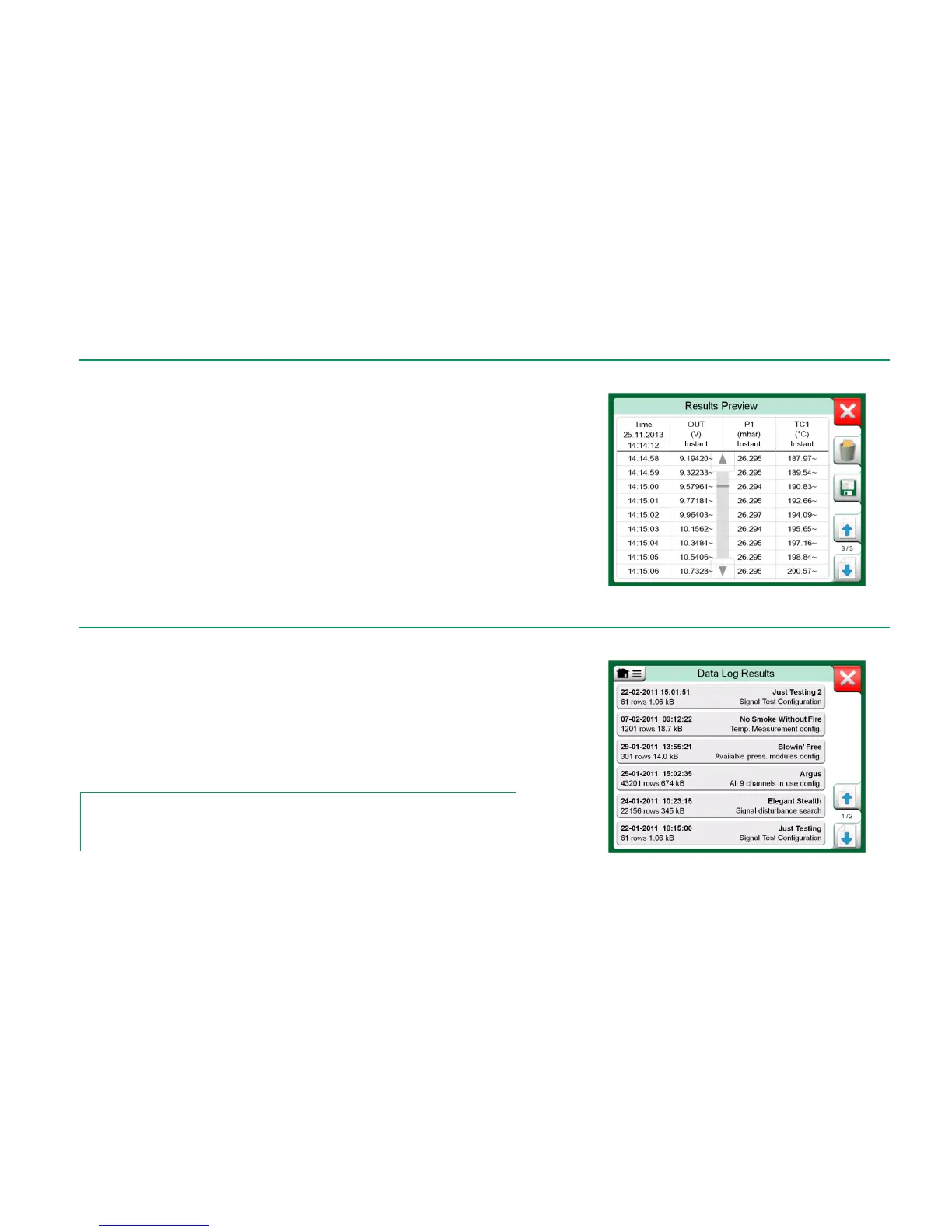
When Data Logging is finished, or stopped, the results are shown on three pag-
es: general information page, graph page and a table of numeric results. If the
table of numeric results is large, use the scroll buttons or the scroll bar to see
hidden rows/columns.
All pages include a possibility to either save or delete the Data Logging results.
When saving, you have the possibility to give a descriptive name to the Data
Logging results. MC6 automatically adds date and time to the Data Logging
results.
VIEWING SAVED DATA LOG RESULTS
If you have saved Data Logs, they may be viewed as follows:
From the menu of the Data Logging's main configuration window. Select
menu option View Data Log Results.
Each saved Data Log result has the time/date it was saved and the entered
result name on the first row in bold font. On the second row you can see infor-
mation of Data Log's size and possibly the name of the configuration used for
doing the Data Log.
Note.
When viewing the list of saved Data Log results, the menu includes the possibility to Delete
All saved Data Log results. If you select one of the existing results for viewing, the menu in-
cludes a possibility to either Delete or Rename the viewed Data Log results.



 To Next Page