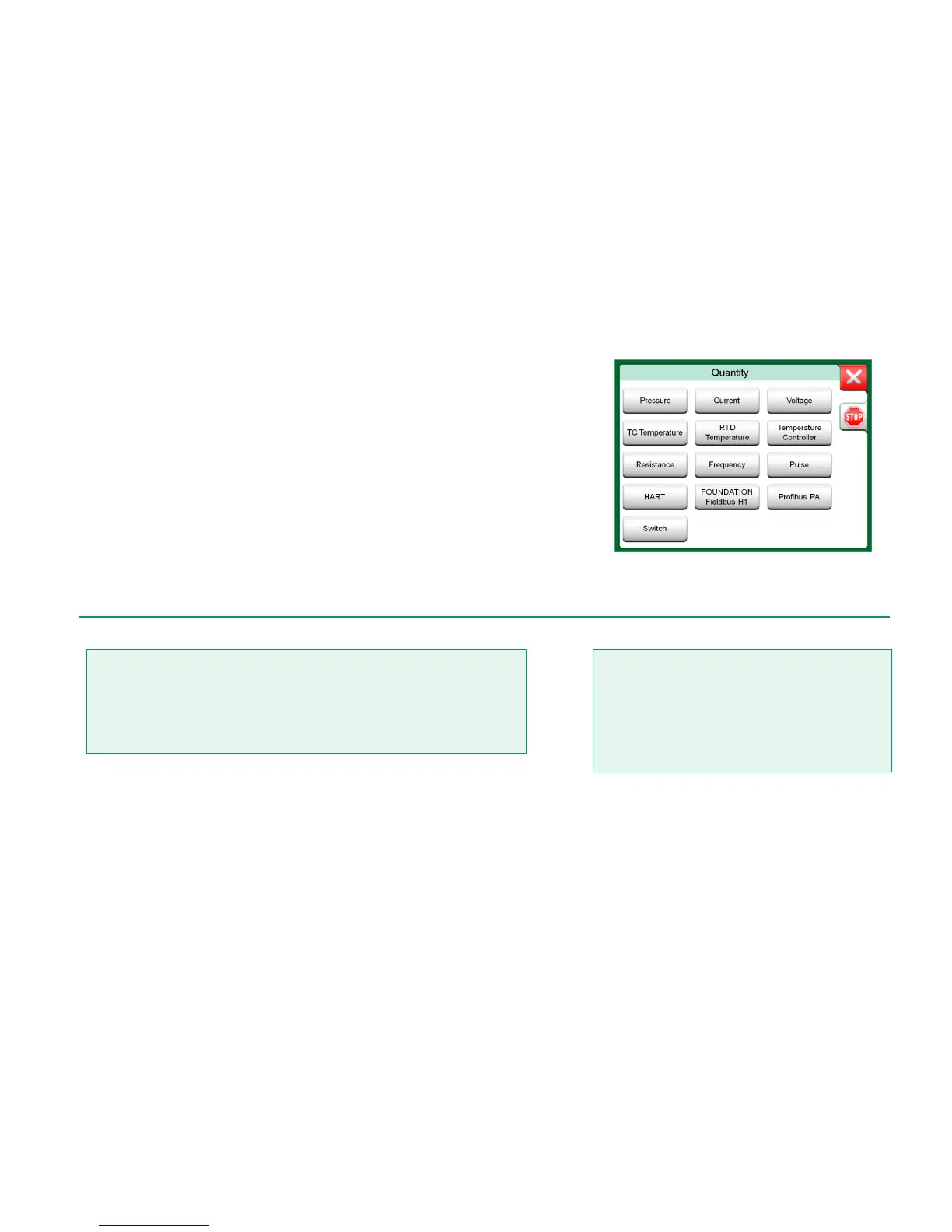
Communication may also be started from the following main functions in MC6:
Calibrator,
Documenting Calibrator and
Data Logger.
Depending on active/inactive options, some communication protocols may be
disabled (grayed).
MC6's Communicator is primarily meant for viewing and editing the configura-
tion of Digital Communication Instruments. However, when invoking communica-
tion from Calibrator, Documenting Calibrator or Data Logger, you most likely
plan to select a Variable or Parameter (e.g. Primary Value) for calibration or
data logging instead of doing full configuration for the instrument. MC6, of course,
supports this functionality too.
See also HART Device Description Specifics on page 69.
Selecting a communication protocol in Calibrator,
Documenting Calibrator and Data Logger.
Configuring/calibrating an instrument that is part of a live segment is possible in HART
and FOUNDATION Fieldbus only. When working in a live segment, first make sure, the
control loop the instrument is part of is set to manual. Follow the guidelines available in
the instrument's own manual.
Beamex cannot be held responsible for any damages caused by connecting MC6 to a live
factory fieldbus segment.
Using MC6 to change the parameters of an instrument may
result in discrepancies: A fieldbus host control system may
mirror all instrument parameters in its permanent database.
In such a case, when returning an instrument with changed
parameters to a live segment, ensure that the parameters
are also available in the control system's permanent data-
base. Also verify that the new parameters do not result in
an unstable control loop.



 To Next Page