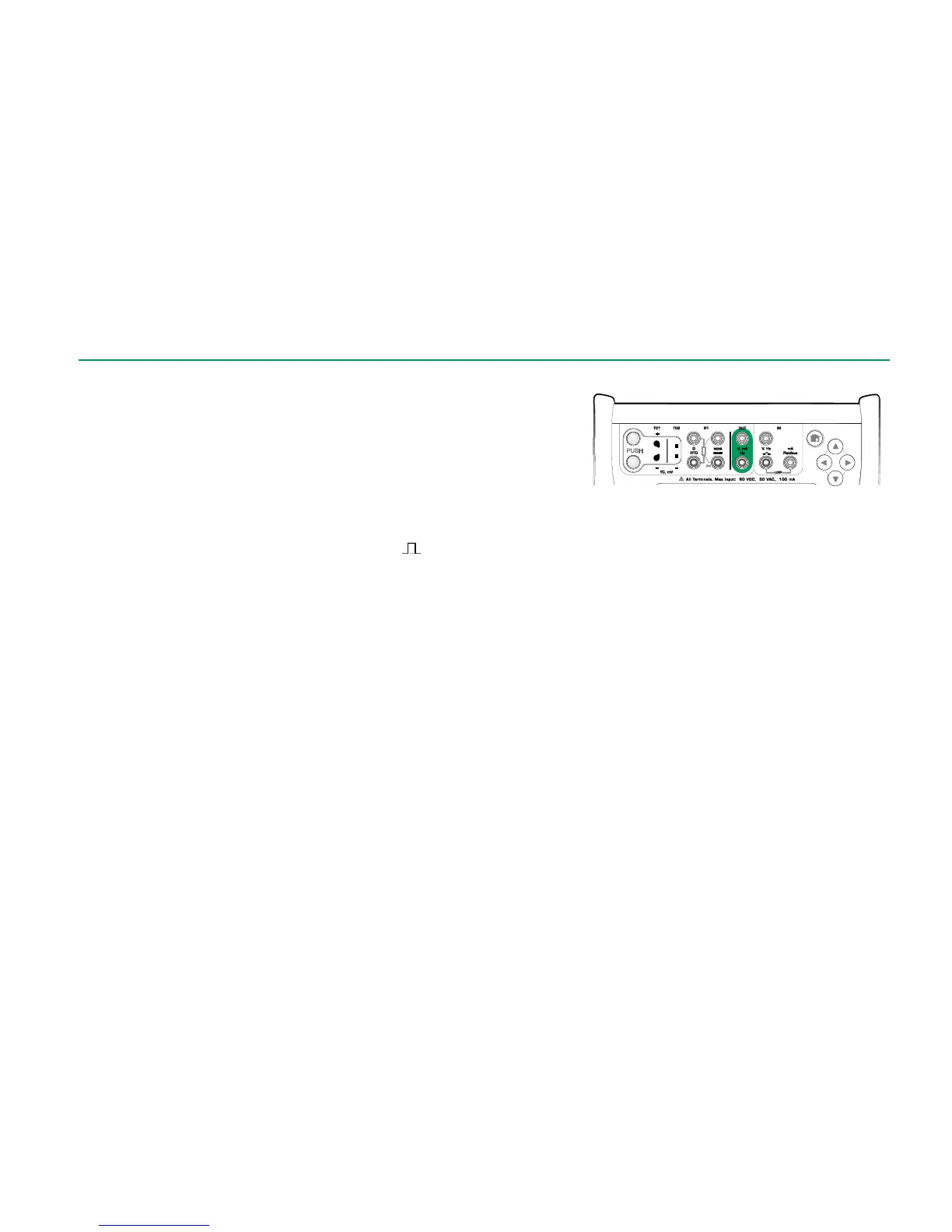
Before generating pulses, the following settings should be checked:
Frequency. To set the frequency, tap on the button with the "Hz" value.
Amplitude. Defined from the button with the "V" value.
Waveform and Duty Cycle. Set together from the rightmost button.
Duty Cycle is the ratio of the output high time to the total cycle time. Due to
technical reasons, the entered Duty Cycle is not always realized with relatively
high frequencies. When the realized Duty Cycle differs from the desired Duty
Cycle, the realized Duty Cycle is shown with an asterisk (
*
) in front of it, e.g.:
*
8 %
See also: Pulse Counting on page 21 and
Frequency Generation on page 26.



 To Next Page