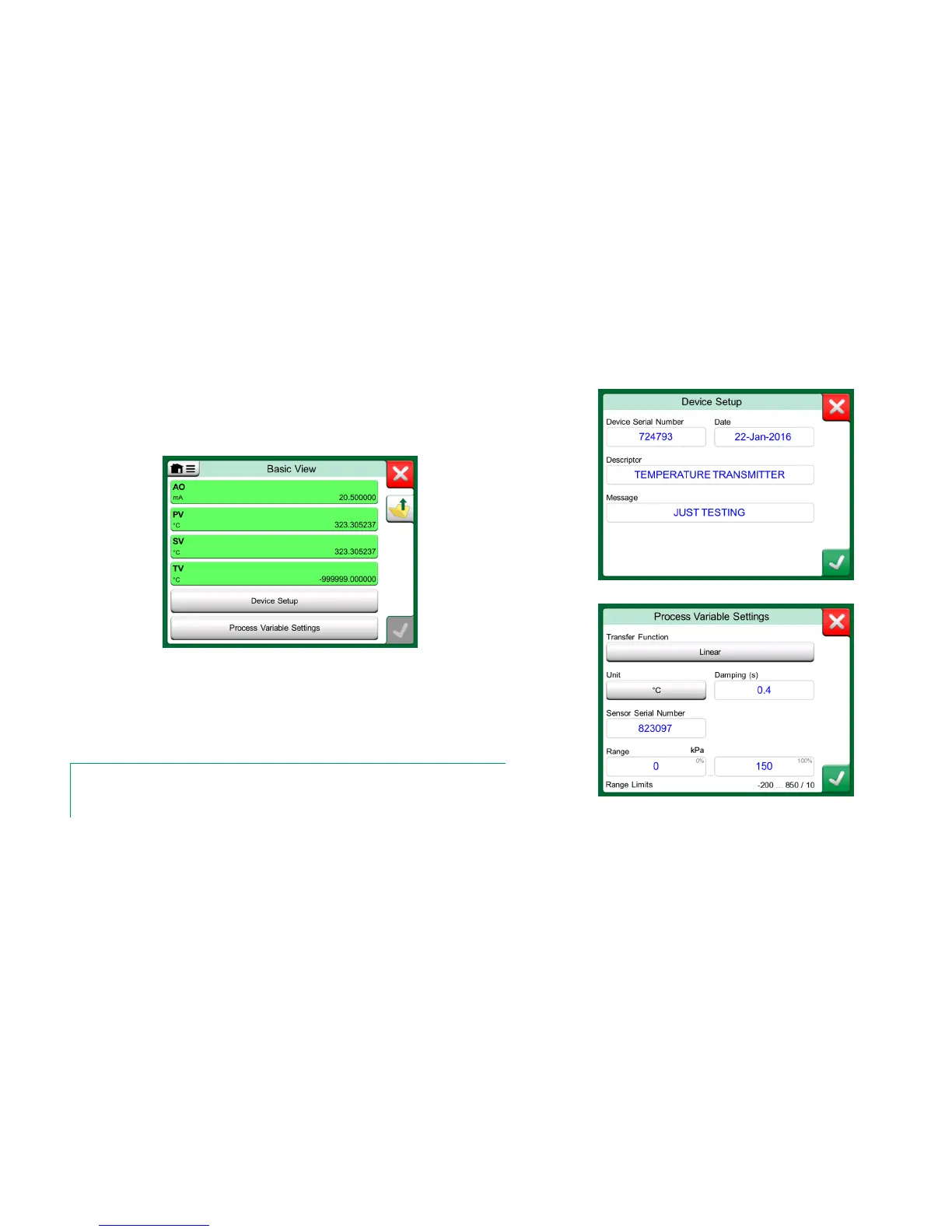
MC6's Basic View simplifies the use of HART instruments, since all that is seen
are the instrument's value parameters in addition to basic Device Setup and Pro-
cess Variable Settings. Select any value parameter you like for calibration, data
logging etc.
Example of HART Basic View.
The pictures to the right present fields that are available for editing in Device
Setup window (top right) and Process Variable Settings window (bottom right).
Note.
HART trimming is not supported when using MC6's Basic View. Use another Device Description
when trimming a HART instrument.



 To Next Page