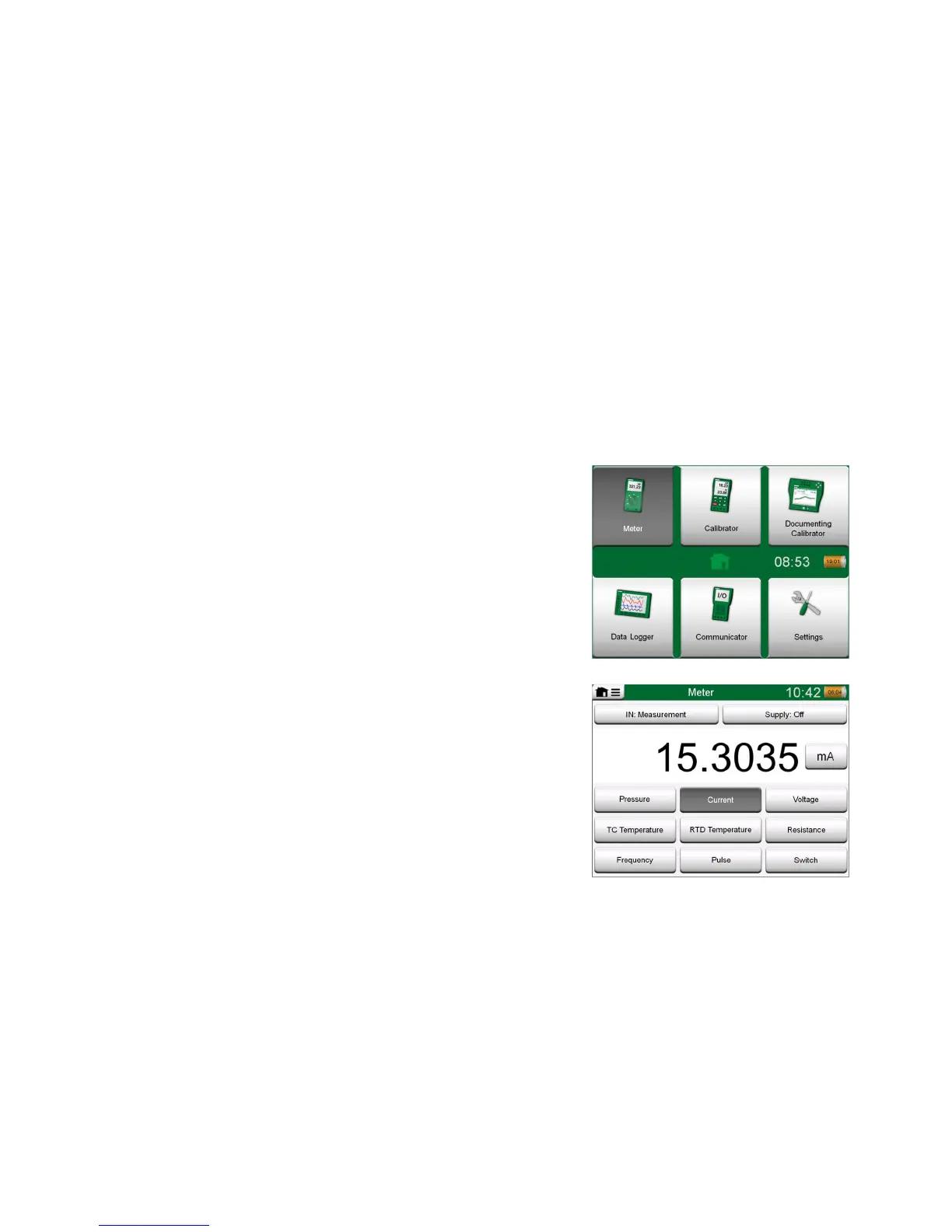
The Meter can be used for quickly checking any device producing a signal that
is measurable with MC6. For calibration needs, use one the calibration related
main functions available in MC6.
Start the Meter by tapping the Meter icon in MC6's Home View (see adjacent
picture). A window like the one on the lower right corner of this page opens. To
measure a signal, do as follows:
Select the Quantity of the signal by tapping one of the nine buttons on
the lower part of the Meter window.
Other, Quantity dependent settings appear on top of the Meter window.
For information on connections and essential settings, see Part 2, Active Ter-
minals and Connections.



 To Next Page