Tools - General 33
TOOLS
GENERAL
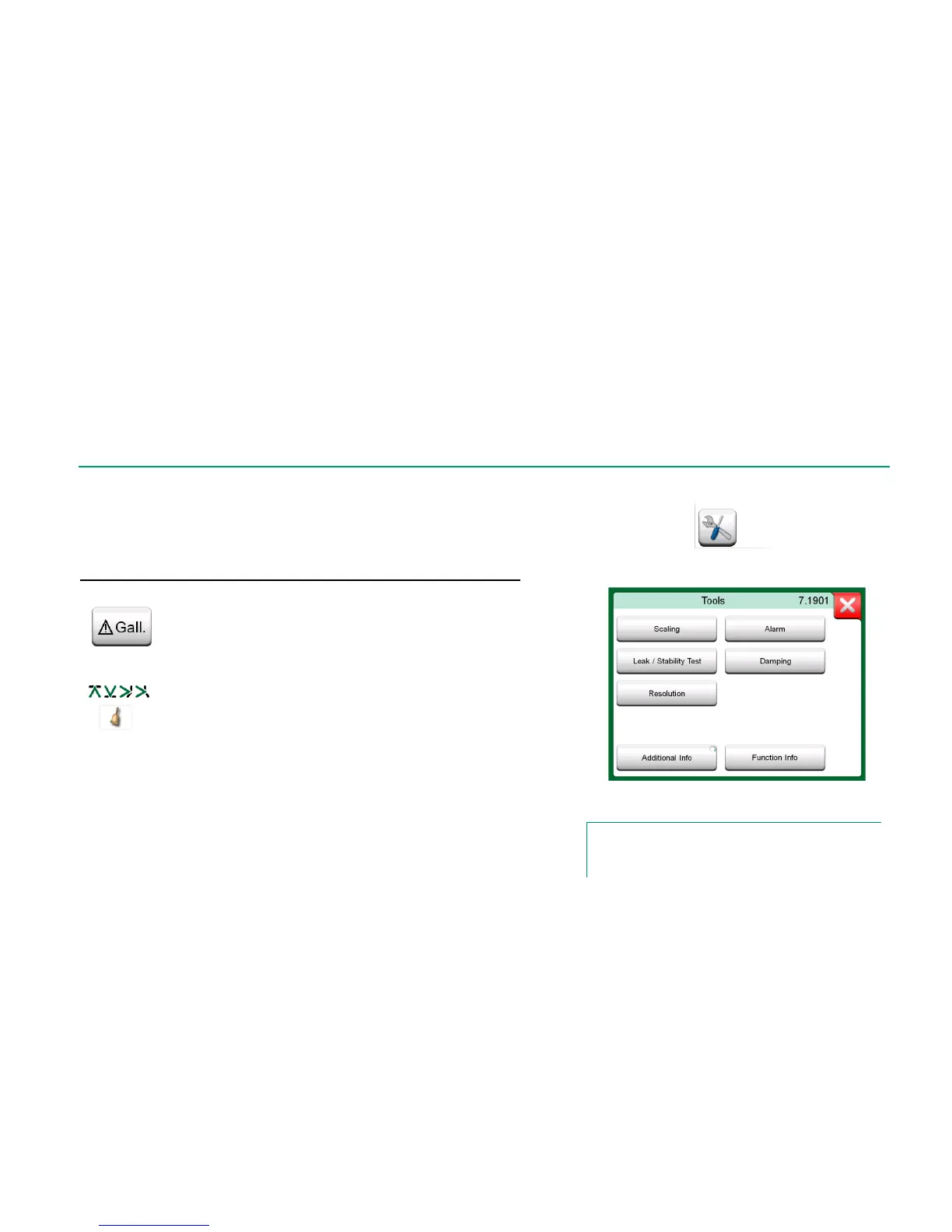
Calibrator window has Tools buttons in the lower left corner of each sub-
window. See the picture to the right. The following list presents available tools.
Certain tools are available for measurements only and others for genera-
tions/simulations only.
Tool Description
Tools button. See also note below.
Any signal may be scaled provided the conversion is
known. When scaling is active, it is indicated with a tri-
angle in the unit button. The true measurement value is
shown in the additional info row at the bottom of the
sub-window.
Tools available for measurements.
Note.
For practical reasons, the available Tools are limited for
Switches.
Main measurements may be assigned with four alarm
limits: high, low, high and low change rate. Active
alarms are shown above the main measurement.
When an alarm limit is exceeded, a warning signal is
heard. A button for acknowledging an alarm appears
when needed.
A leak/stability test may be assigned to main measure-
ments. It tests the leak or stability of, e.g. a pressure
measurement system.
In the Leak / Stability Test configuration window: Enter
Test time and start recording. Use the "+30 sec" button
to increase the test time, when needed.
Continues on next page…



 To Next Page