34 MC6 User Manual – Part 4, Calibrator
Tools available for generations and simulations.
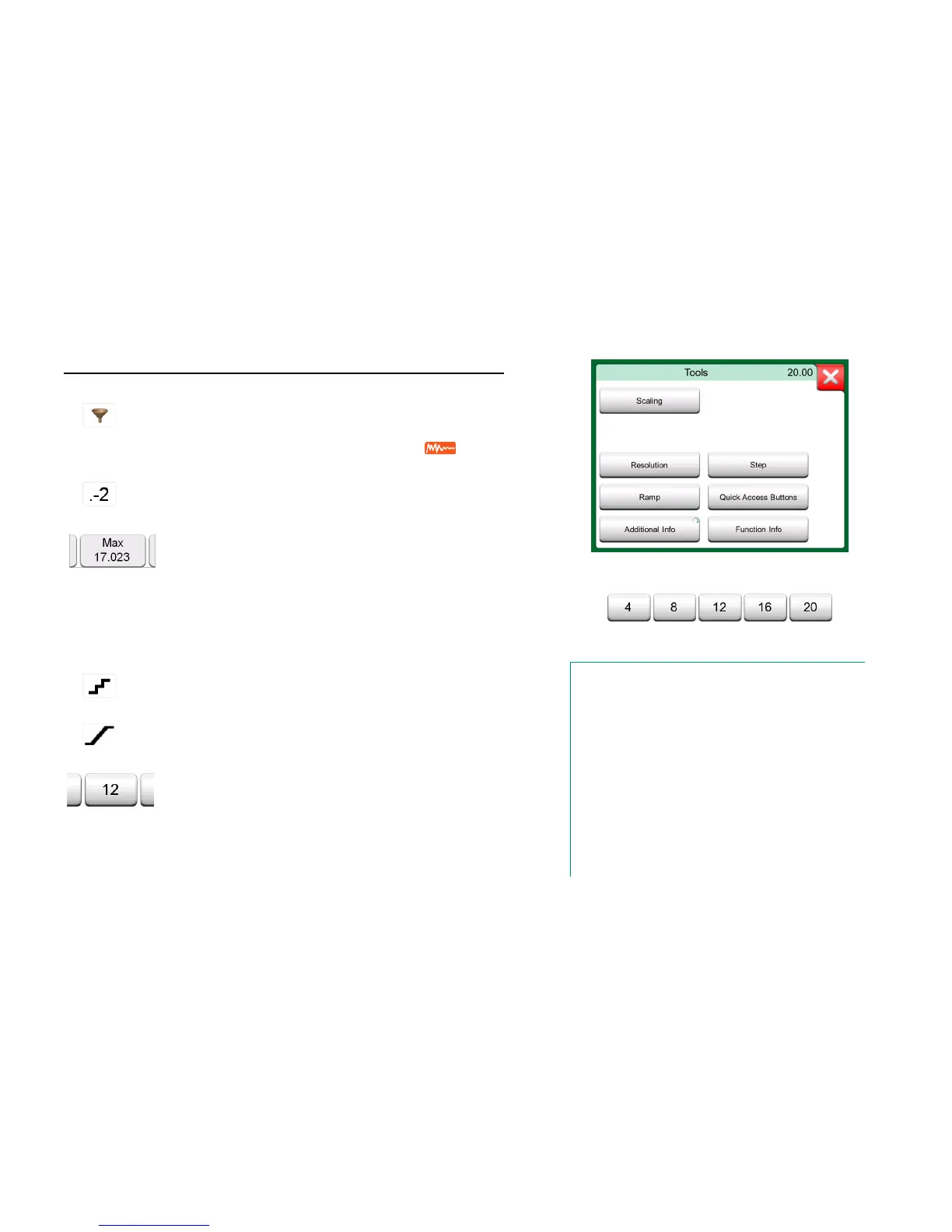
Quick Access Buttons in use
Notes.
Several Tools have a "Stop" button in the pop-up window the
Tool is configured in. To stop, e.g. Damping, open the Damp-
ing configuration window and tap the "Stop" button. Then MC6
reverts to default damping settings.
Changing the Quantity of a sub-window revert all Tools, except
Additional Info settings, to their default settings for that particu-
lar Quantity.
In Calibrator window: the additional info fields with black text
may be zeroed "on the fly". Zeroing options are available in
Additional Info window's menu.
Some of the tools presented here are also available in Docu-
menting Calibrator and Data Logger.
Use damping when a measurement signal contains un-
wanted noise. Select one of the available options.
When Damping is used, a funnel appears to the left of the
main measurement. When damping is active, the follow-
ing symbol is shown above the unit button:
.
Any signal's resolution may be increased or decreased.
Altered resolution is indicated in sub-window, e.g. ".-2"
equals two less decimals.
Including additional information fields at the bottom of a
sub-window is always available. The available fields,
however, depend on the quantity/settings. Up to four
fields may be added to both sub-windows. The additional
information row settings are saved for future needs. See
also notes to the right.
Always available. Opens a pop-up window with infor-
mation of current function (measurement range, uncer-
tainties etc.).
Available for generations/simulations: Opens a window
for defining a step function for the generated/simulated
signal.
Available for generations/simulations: Opens a window
for defining a ramp function for the generated/simulated
signal.
Available for generations/simulations: Opens a window
for defining five shortcuts to user configurable genera-
tion/simulation values. Quick Access buttons appear at
the bottom of the sub-window, taking over the space of
possible additional info data.



 To Next Page