48 MC6 User Manual – Part 5, Documenting Calibrator
CALIBRATION RESULTS
Once an instrument has been calibrated, you may view saved calibration results
as follows:
When viewing the Instrument Overview Window, select the Calibra-
tion Results button.
The most recent saved calibration is presented. If you want to see older results,
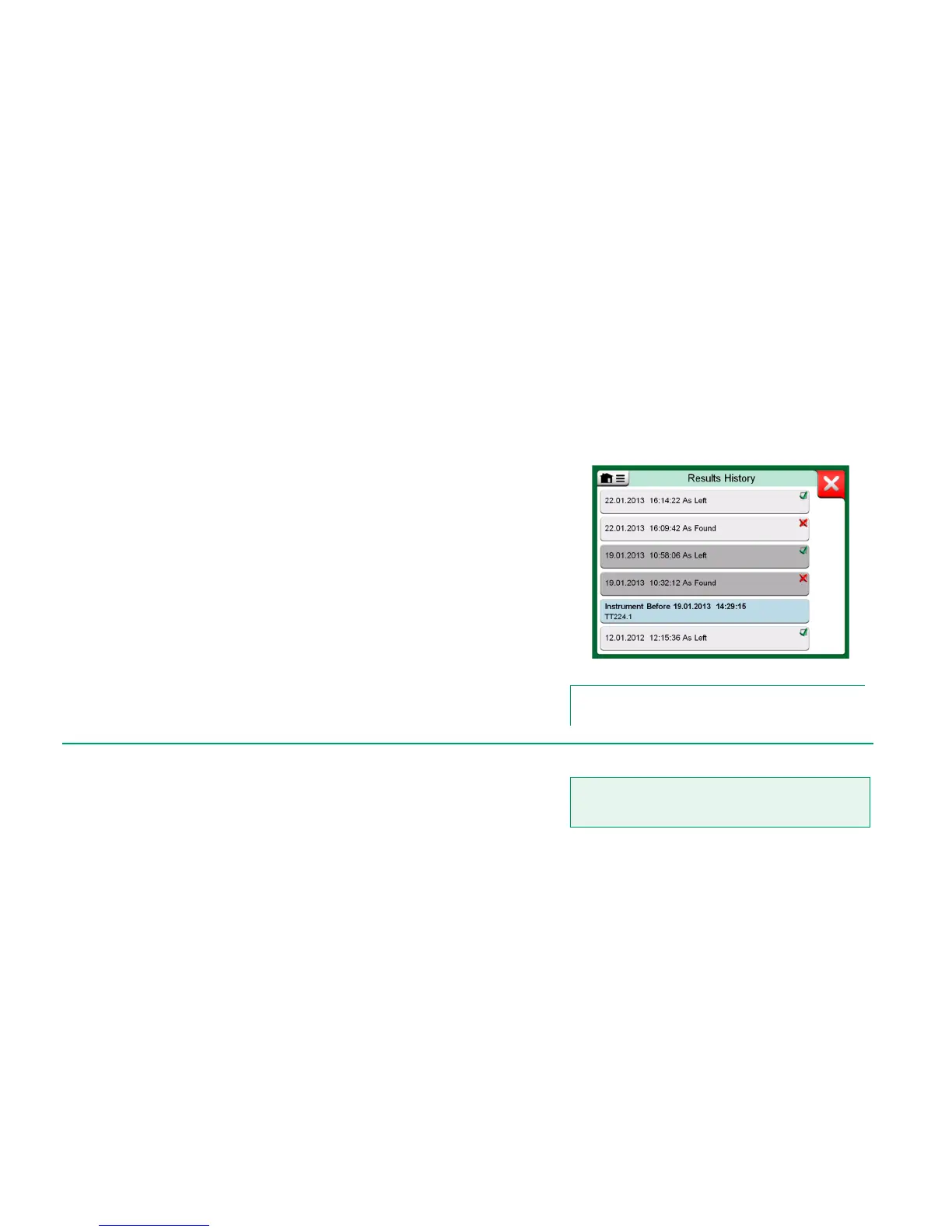
open the menu in Calibration Results window and select Results History.
Then a list presenting all saved results opens. See adjacent picture.
To separate calibration events from each other, they have a different shades of
gray background colors. If the instrument's settings have changed, a field with
blue background is seen. Tap it to see the settings as they were before that
date/time.
Calibration results history window
Note.
Saved calibration results cannot be edited.
DELETING CALIBRATION RESULTS
When viewing the results of a calibration, you may delete the currently viewed
result (menu option Delete This Result) or remove all results related to current
instrument (menu option Delete All Results).
You may also remove all results related to current instrument in Results Histo-
ry window: Select menu option Delete All Results.
Warning!
Once the results are deleted, there is no way to retrieve
them.



 To Next Page