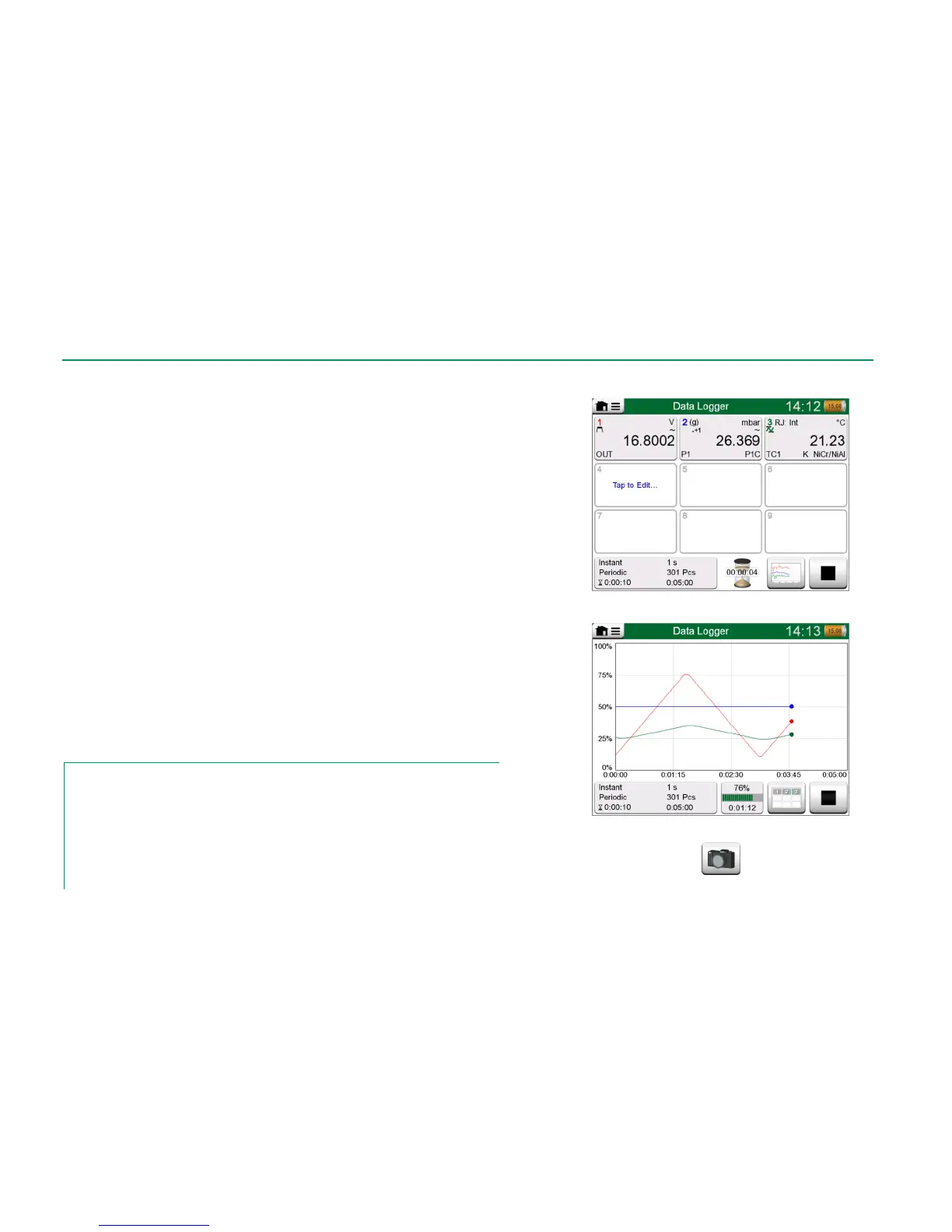
Start the Data Log by tapping on the red "Record" button in the main configura-
tion window's lower right corner. The button changes to a black "Stop" button
allowing you to interrupt you Data Log, when necessary.
The actual start of Data Logging depend on general settings as follows:
If you have defined a delay in the Delayed Start field, an hour glass with
a down counter appears for as long as the delay requires. The delay
may be either a defined wait time, e.g. 5 minutes, or a specific time of
the day, e.g. 5:15 PM.
If your Logging Method is "Key Press", a camera button appears for
you to take "snap shots" of the measurements.
When the possible delay defined in general settings has expired, possible trig-
gers defined for individual channels delay the start of the Data Logging. Any
channel that trigs, starts the Data Log. See also note below.
You may change the view from the main configuration window to the graph view
(lower picture on this page) and back using the button to the left of the Rec-
ord/Stop button.
Notes.
If, in general settings, the Logging Method is "Key Press", none of possible triggers defined
for individual channels are valid. The snap shot is saved immediately each time the snap shot
button is tapped on.
A generation/simulation value may be changed during the data log as follows:
In the main configuration window, tap on the channel where a generation/simulation is config-
ured. In the opened window, locate the output value field and tap on it to edit the numeric val-
ue.



 To Next Page