There are several ways of changing the generated/simulated value. The follow-
ing subchapters present the available utilities.
USING THE SOFT NUMERIC KEYPAD
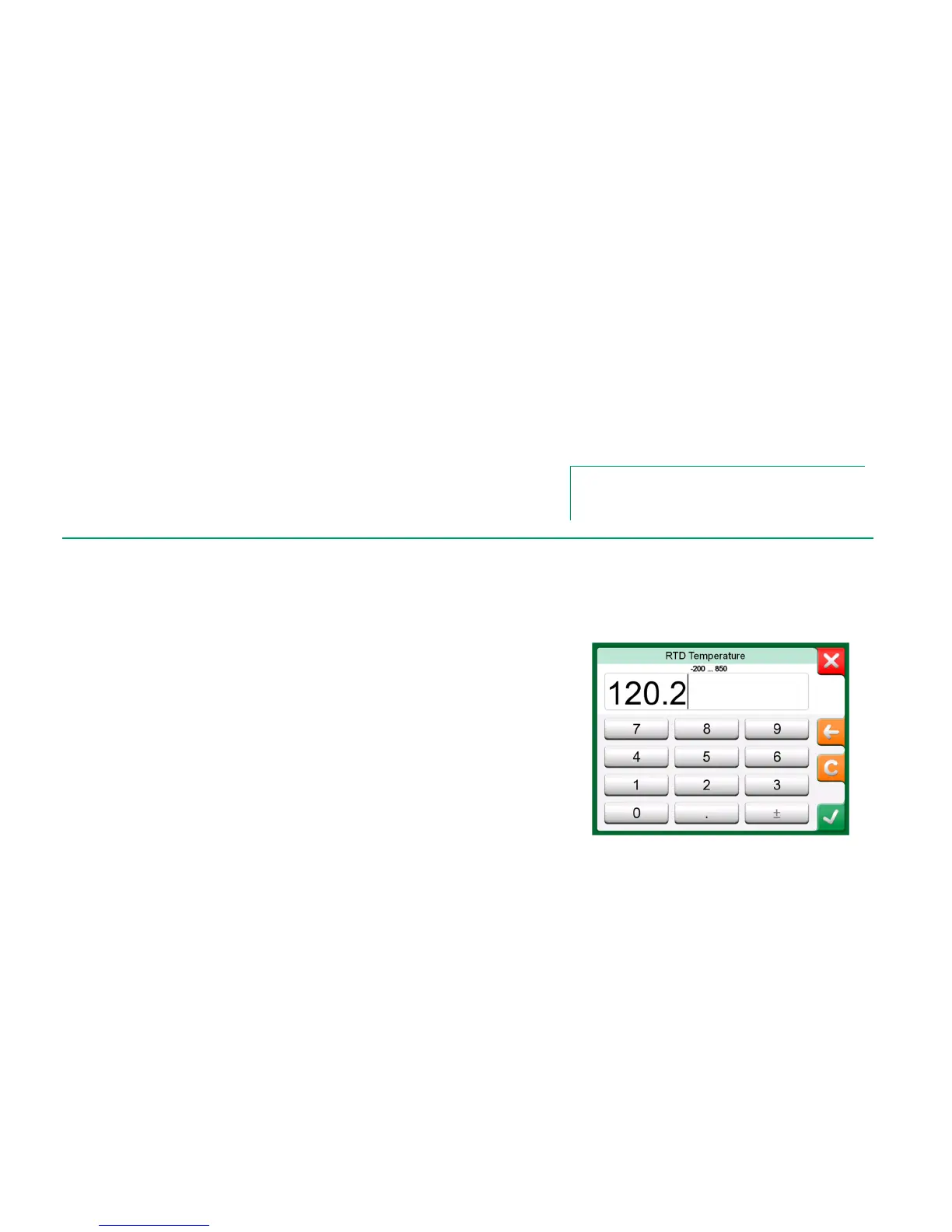
This utility is useful when a generated/simulated value (or any numeric field in
MC6) is either empty (displaying dashes) or when a new and different value is
needed. The soft numeric keypad opens when you tap on the generat-
ed/simulated value (see picture to the right).Tap on numbers to enter a value.
Additional functions:
Use the "C" key on the right to clear the entered value.
Use the "Left Arrow" key to delete the number to the left of the cursor.
The entered value is taken into use when you close the window using the "Ac-
cept" button. Note that MC6 may use the entered value as a source for the val-
ue's resolution. Enter trailing zeros to ensure useful resolution.
When applicable, the minimum and maximum limit of the entered value is shown
above the entered number. If you enter a value above/below the limits, and try to
accept it, MC6 stays in the soft numeric keypad window and replaces the entered
value with appropriate limit value and highlights the replaced value.



 To Next Page