72 MC6 User Manual – Part 7, Communicator
VIEWING/MANAGING CONFIGURATIONS
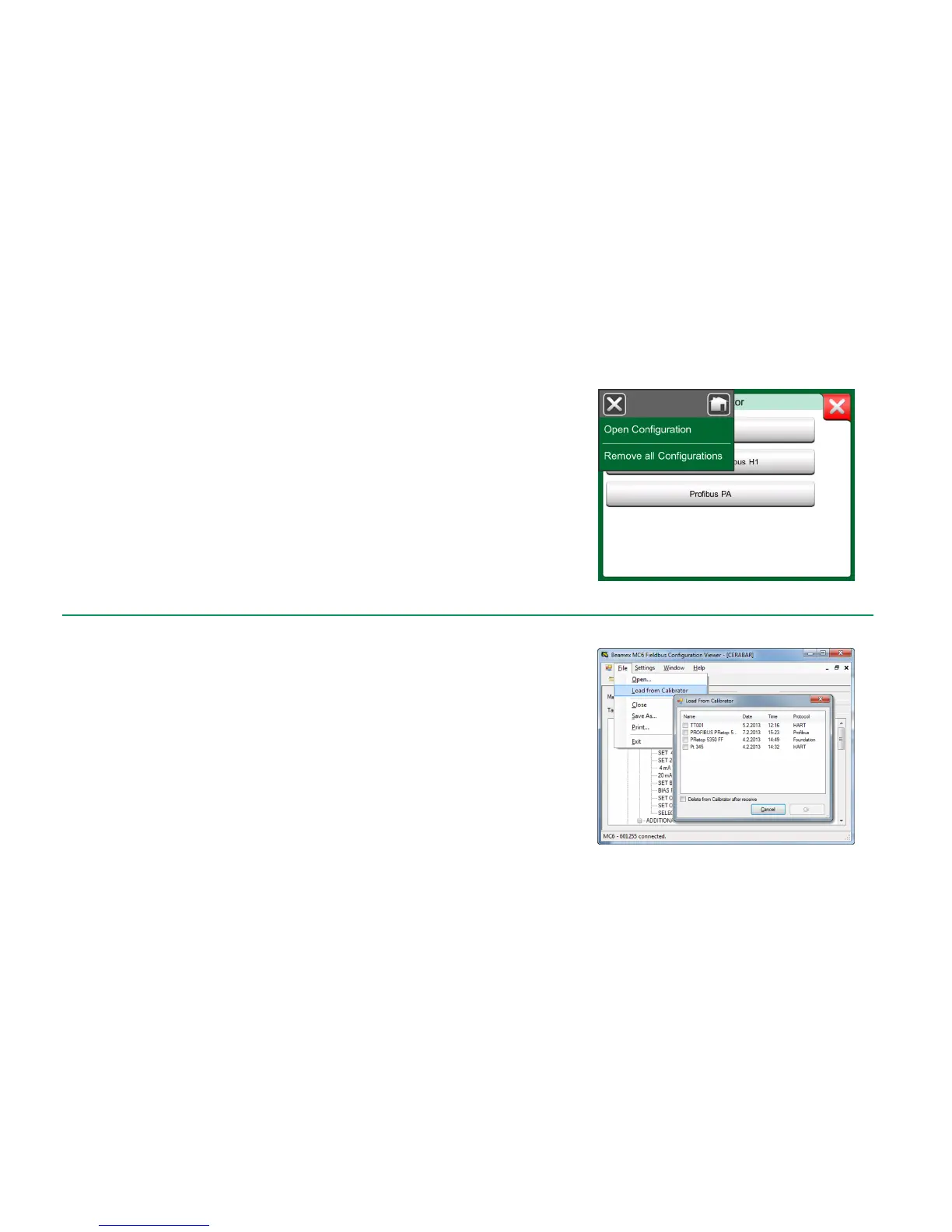
Opening a list of saved configurations can be opened anywhere in Communica-
tor. Open configurations option can be seen in the picture on the previous page
and on this page where no protocol is selected yet.
Selecting Open Configuration shows a list of saved configurations. The list
shows the following information of each saved configuration file:
The name of the file,
Manufacturer / Model,
Date / Time when saved and
Protocol name.
You can sort the list of configurations according to your own needs with the help
of the sorting tools available in the menu. Tap on a configuration to view the
saved configuration data. Note that the data cannot be edited.
Configuration options in protocol selection window.
BEAMEX MC6 FIELDBUS CONFIGURATION VIEWER
Beamex MC6 Fieldbus Configuration Viewer is a free tool for personal com-
puters with Windows
®
operating system. It is shipped on a DVD-ROM along with
other MC6 tools.
UPLOADING CONFIGURATIONS
With Beamex MC6 Fieldbus Configuration Viewer, you can:
Read configuration files from MC6
View the configuration files
Save the configuration files in PC (proprietary *.fc file).
Print the configuration files
LINKING CONFIGURATIONS TO CMX
CMX includes a possibility to link documents to Positions/Devices etc. Use this
feature to link the *.fc files to CMX. Double click the link to open it in the viewer.
Beamex MC6 Fieldbus Configuration Viewer.



 To Next Page