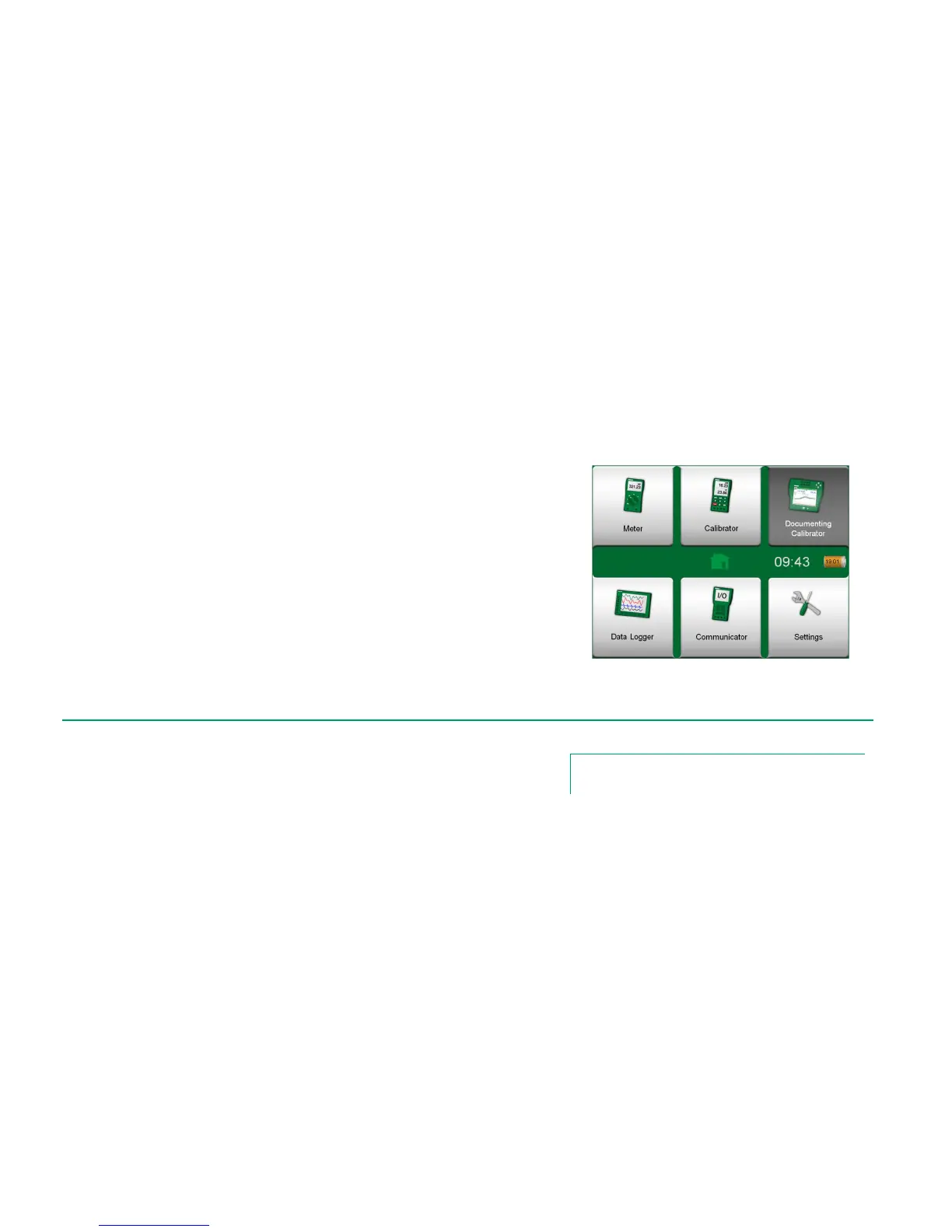
MC6's Documenting Calibrator is an optional, more advanced tool than the
"plain" Calibrator that is also available in MC6. If your MC6 does not have this
option installed, the Documenting Calibrator icon is disabled.
Documenting Calibrator saves instrument data and presents them in a list.
Instrument data consists of input and output quantities and ranges as well as
other data that defines the instrument. Starting to calibrate an instrument is fast,
since all the required data are immediately taken into use.
Instruments to be calibrated may be received from calibration software com-
municating with MC6. Alternatively, instruments may be created in MC6 itself.
Calibration results are saved and they can be viewed in MC6 and also sent to
calibration software for further analysis.
Open Documenting Calibrator by tapping on the Documenting Calibrator
icon in MC6's Home View (see adjacent picture).
When this manual was printed, the following calibration software supported
communication with MC6:
Beamex CMX Calibration Software, version 2, revision 2.7 and later
versions of CMX Light, Professional and Enterprise editions.



 To Next Page