Measurements - Temperature Measurement (Thermocouple) 19
TEMPERATURE MEASUREMENT (THERMOCOUPLE)
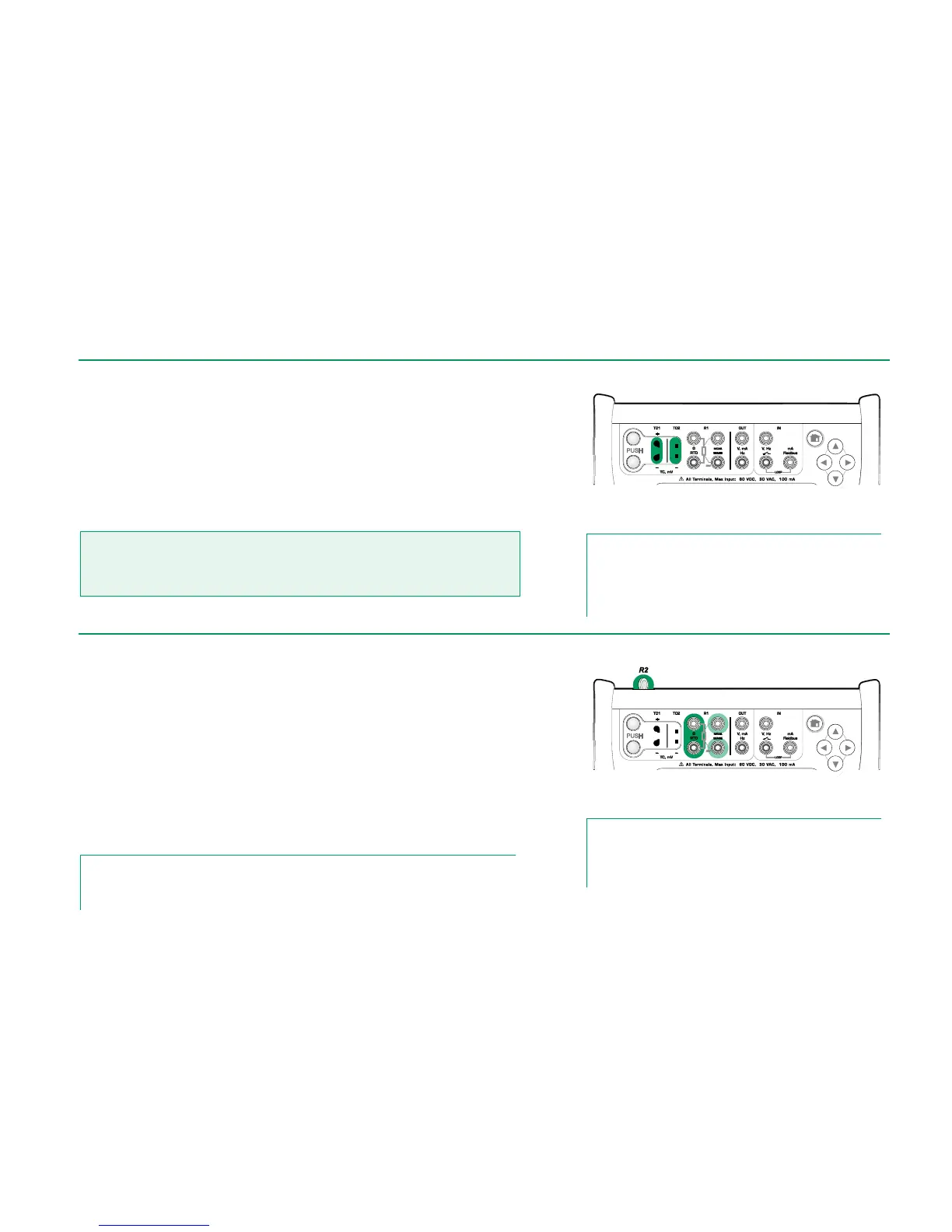
MC6 has two thermocouple connectors. TC1 is for cables and standard TC
plugs. TC2 is for TC plugs with flat contacts.
Check the Sensor Type. Your measurement results are unreliable unless you
select the same sensor type as is connected to MC6. Select also a suitable
Reference Junction compensation method. Wrong settings yield useless
measurement results.
See also: Thermocouple Simulation on page 25 and
Voltage Measurement on page 18.
Warning!
When using another thermocouple or an RTD sensor connected to MC6 to measure the
external reference junction temperature: Keep in mind that there is no isolation between
the thermocouple to be calibrated and the sensor measuring the reference temperature.
Thermocouple measurement terminals.
Range depends on sensor type
Note.
Thermocouple measurements are error prone. There may be
faulty connections, wrong (extension) cables and settings in
MC6. If unsure, see chapter Thermocouple Connections on
page 28 and study thermocouple literature.
TEMPERATURE MEASUREMENT (RTD)
Check the sensor type. Make sure you select the same sensor type as is con-
nected to MC6. Otherwise your measurement results are unreliable.
For R1 terminals:
The two leftmost terminals are used in 2-wire systems. MC6 automatically
checks the connection and displays the found wiring system.
For R2 terminal:
Beamex offers, as an option, an adapter for the R2 terminal. Please contact
Beamex for details. R2 terminal always uses 4-wire measurement.
See also: RTD Sensor Simulation on page 25,
Resistance Measurement on page 20 and
Resistance Simulation on page 26.
Note.
To ensure good contact between the device under test and the test leads, we recommend us-
ing the alligator clips provided with MC6.
RTD measurement terminals.
Range depends on sensor type
Note.
If you get "+OVER" or “-OVER” error messages, check the
connections. If necessary, use 2-wire ohm measurement to
check the wiring.



 To Next Page