Beamex offers a possibility to manage smart transmitter configurations using
MC6 and a free tool for personal computers: Beamex MC6 Fieldbus Configu-
ration Viewer. If applicable, the configurations may also be sent to Beamex
CMX
Calibration Software, as linked documents for a position.
Note.
To be able to utilize this feature you need to have one or more
of the necessary options installed (HART
®
, FOUNDATION
Fieldbus H1
tm
or Profibus PA
tm
).
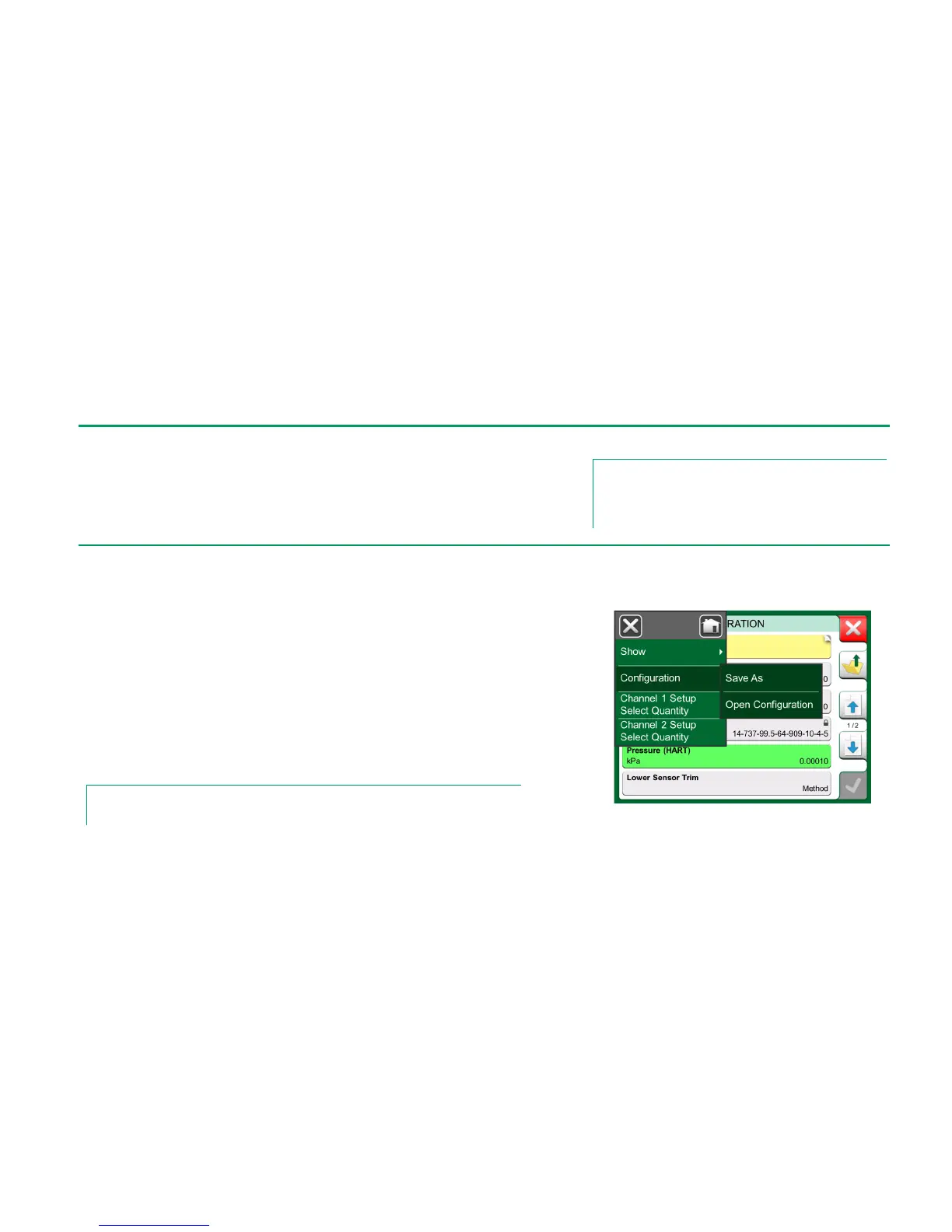
When connected to a smart transmitter, open the menu to locate the Configura-
tion, Save As menu option. When selected, MC6 downloads all configuration
data and after downloading it, prompts you to give the configuration a name. The
default name is the transmitter's Tag name.
This feature is handy especially for customers that have analog DCS system and
HART transmitters in the field. They can use this functionality to create a data-
base with all the settings of their transmitters. If a transmitter breaks, all settings
are stored in MC6 (alternatively on a PC's hard disk) for easy configuration of the
new transmitter replacing the broken one.
Note.
Please note that a saved configuration file cannot be written from MC6 back to a transmitter.



 To Next Page