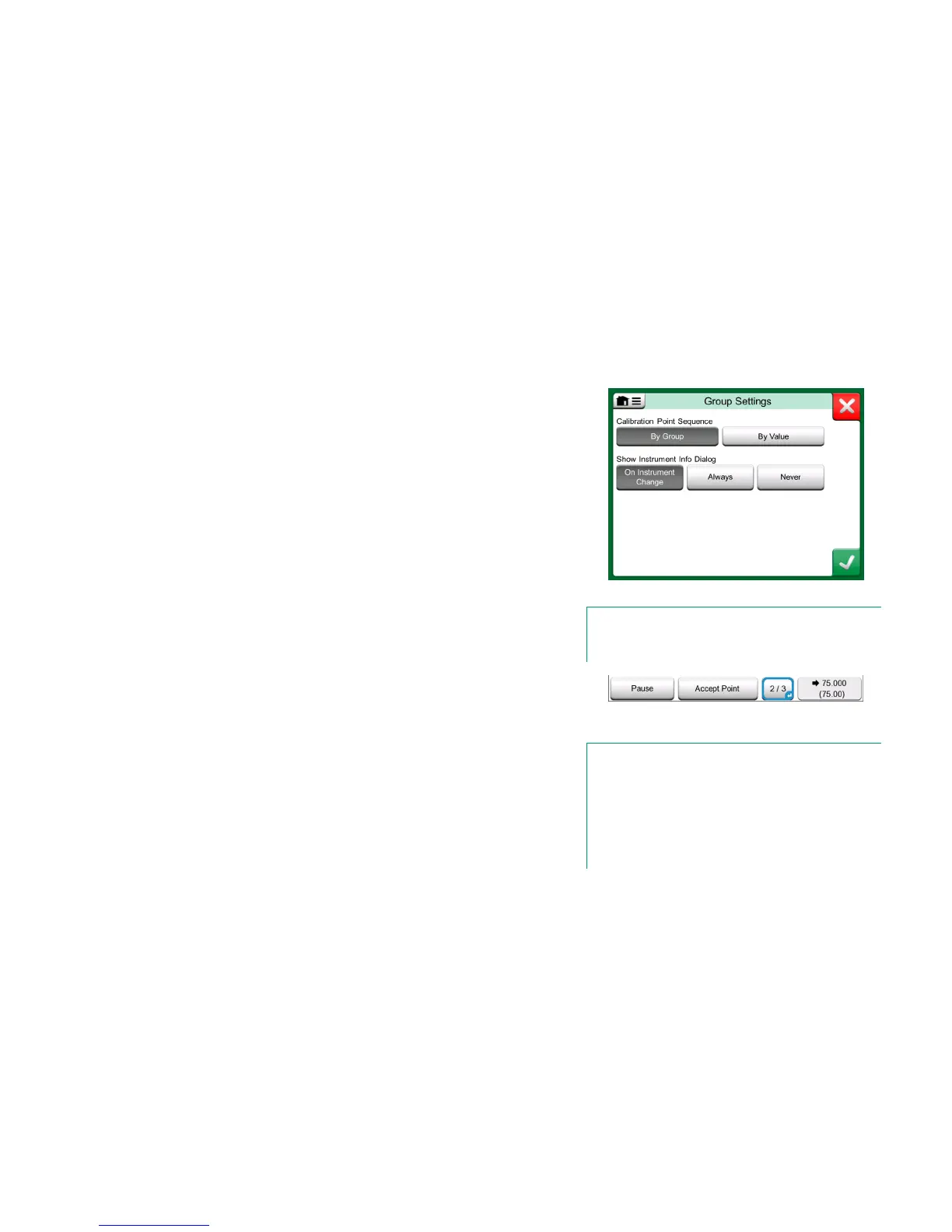
GROUP SETTINGS
In Group Settings you can define two things:
Calibration Point Sequence, i.e. how the calibration points are run
through. More details below.
When the Instrument Overview (Instrument Info) window appears dur-
ing Group Calibration.
Calibration Point Sequence options:
By Group: Suitable when all instruments selected into the group have
the same input span. The instruments may have different amount of cal-
ibration points as long as the input span is the same.
By Value: The instruments selected into the group may have a span of
any size. The only important thing is: The group's first instrument has
to have the smallest/lowest calibration point of all instruments in
the group. When necessary, use the sorting tool presented in chapter
Editing a Group on page 46.
PERFORMING THE CALIBRATION
The actual calibration is done from point to point similarly as a non-Group Cali-
bration. You may change the default calibration order of Instruments/Functions
by tapping the Info button (see adjacent picture) and selecting another Instru-
ment/Function by browsing the Instrument Overview window.
After all points of all Instruments/Functions are done, the calibration result pag-
es open one by one and you have the chance to save (or not) the calibration
results for each Instrument/Function in the Group.
When the results of all Instruments/Functions are saved (or not), MC6 returns to
the Calibration window. Now you may do another calibration run or return to
the instrument list to, e.g. remove Instruments/Functions from the Group that
did pass in the As Found test and leave the Instruments/Functions in the Group
that require As Left calibration.
Group Settings Window.
Note.
Remember to change connections (if necessary) when the In-
strument/Function changes during the Group calibration.
Info button highlighted.
(2
nd
instrument of a group of three @ 75 °C)
Hint.
Examples of Instruments/Functions suited for Group Calibra-
tion:
• A measurement loop, including a temperature transmitter,
a local temperature indicator and a temperature indicator
in the control room.
• A set of temperature sensors calibrated simultaneously
using, e.g. a dry block.



 To Next Page