My BERNINA
2 Introduction 15
Needle Position Left/Right
You can use the Needle Position Left/Right
buttons to move the needle to the left or to the right.
The needle position is shown on the sewing screen.
Negative values indicate a movement to the left,
positive values a move to the right.
2.2 Accessories
Further information and application notes on
the supplied and optional accessories can be
found under:
www.bernina.com/990#!accessories
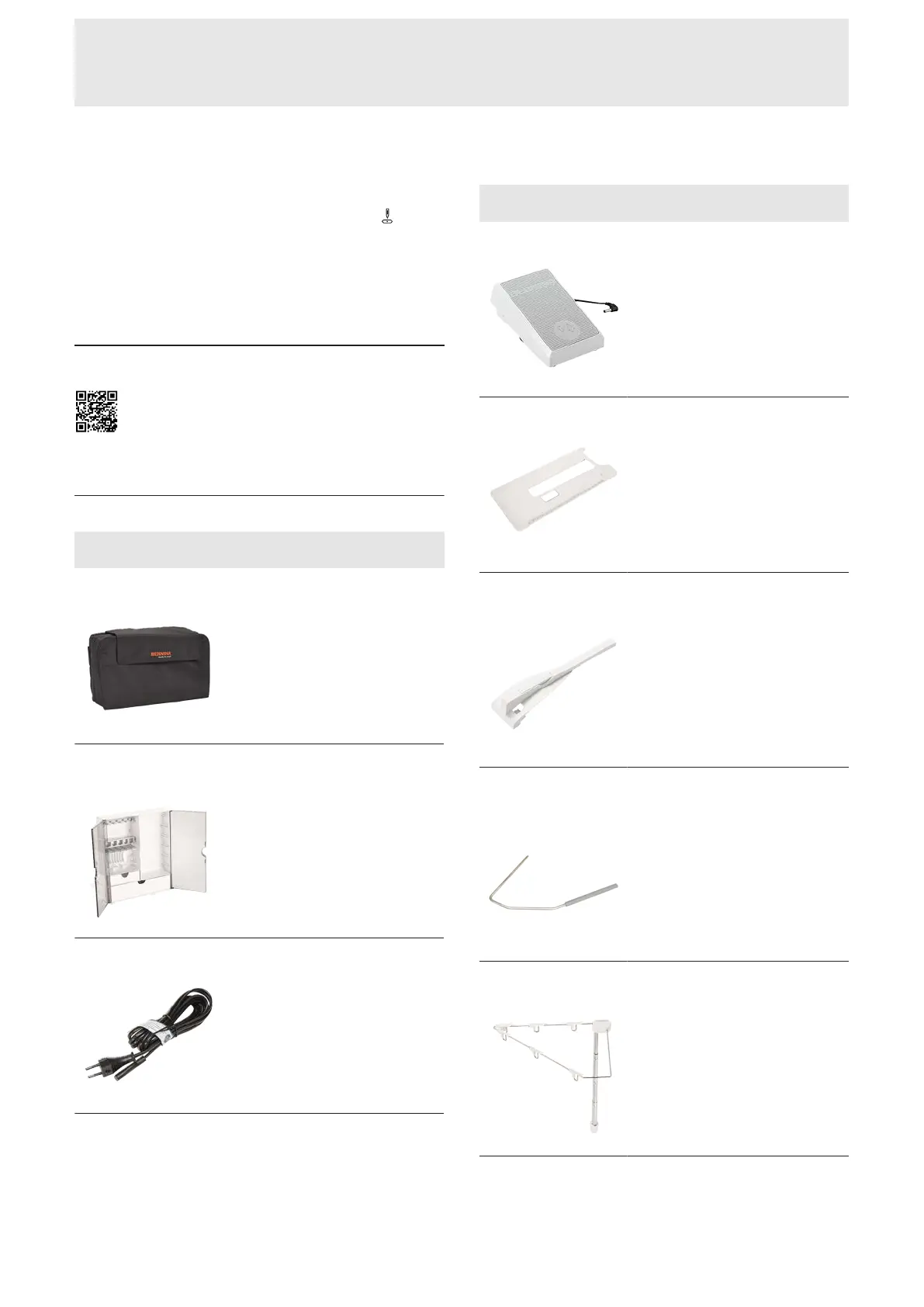
Included Accessories
Accessories Purpose
Dust Cover
To protect the machine from dust
and contamination.
BERNINA Acces-
sories Box
To store supplied and optional
accessories.
Power Cable
To connect the machine with the
power supply.
Accessories Purpose
Foot Control
To start and stop the machine.
To control the sewing speed.
Slide-on Table
To increase the sewing surface.
Seam Guide for
Slide-on Table
To aide in guiding the fabric
along the Slide-on Table.
Knee Lever/Free
Hand System (FHS)
For raising and lowering the
presser foot free hand.
Retractable Thread
Guide
To guide the thread correctly
when threading.










 To Next Page