Perform A Thyroid Uptake On A New Patient:
1. Select <Testing> from the Atomlab 960 Home Page. The Testing Menu is now displayed.
2. Select <Thyroid Uptake>. The Select or Add A Patient screen is now displayed.
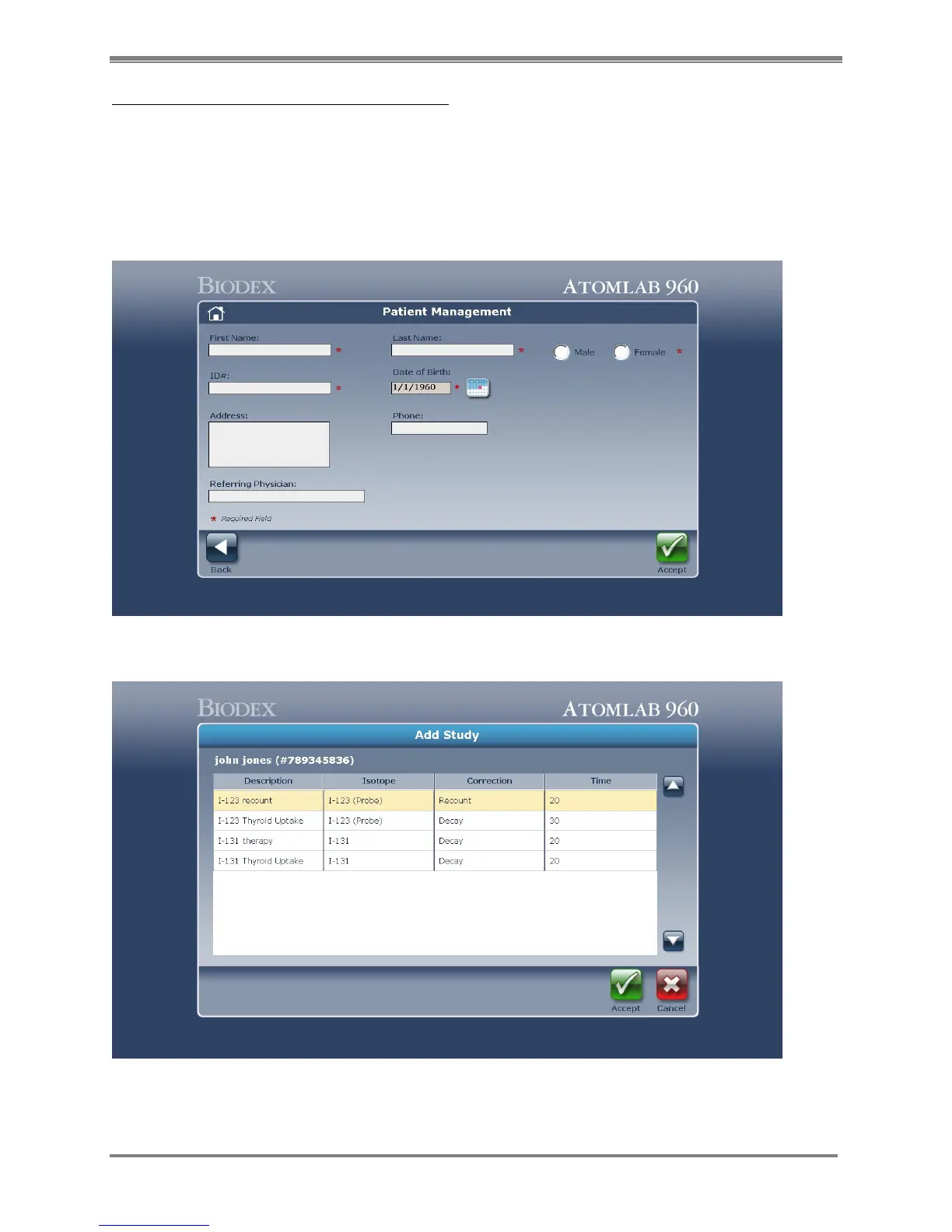
3. Add a patient for which the thyroid study will be performed.
4. Select <Accept>. The Add Study Selection screen is now displayed. This screen displays the
patient name and uptake study procedures from which to choose. Highlight the uptake
procedure method desired and then select <Accept>.
Figure 6.3. The Select or Add a Patient screen.
Figure 6.4. The Thyroid Uptake screen.



 To Next Page