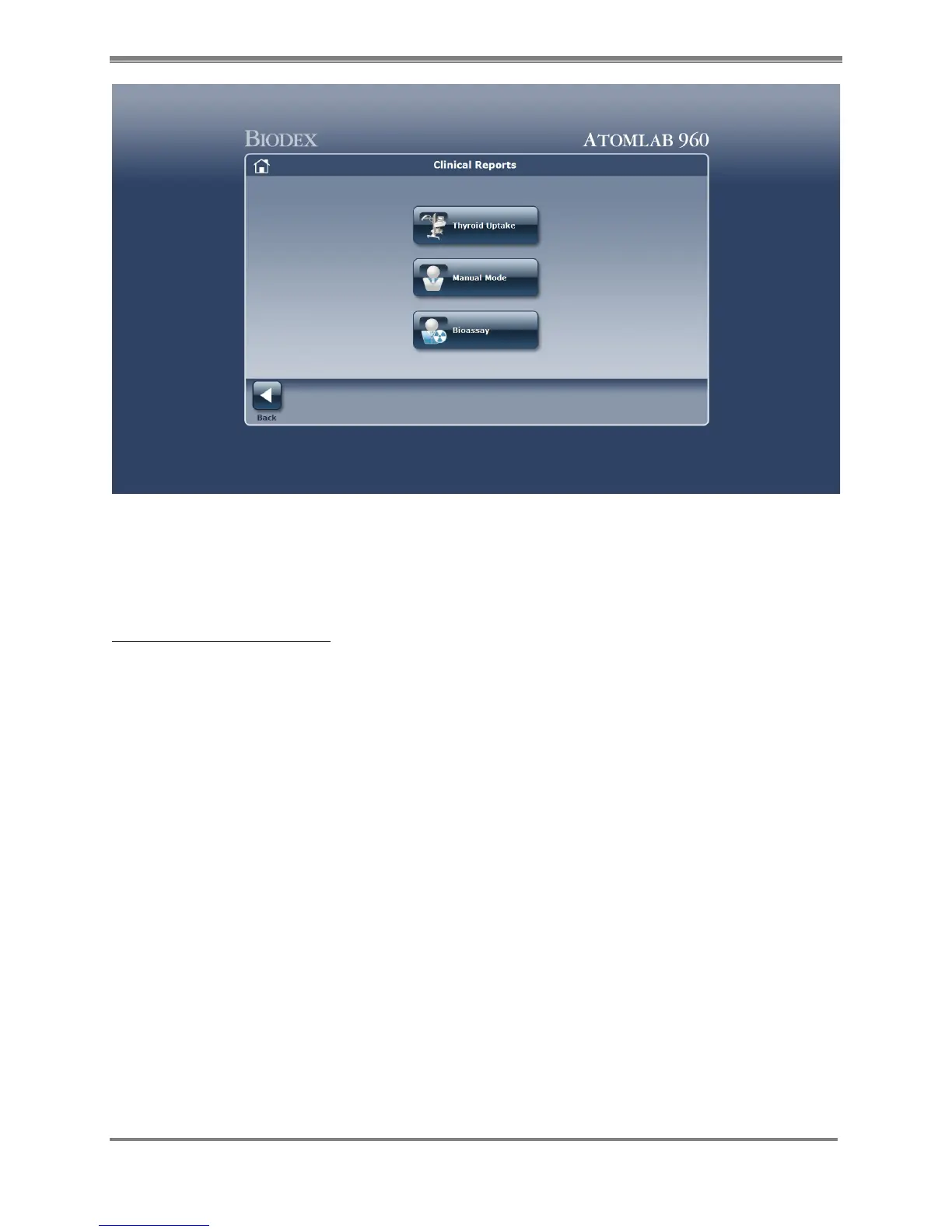
Print Thyroid Uptake Reports
1. To print Thyroid Uptake Reports from the home screen, select <Reports>. Select <Clinical>.
Select <Thyroid Uptake>. The list of patients will be displayed.
2. Highlight the patient you want to print and select <next>. This displays the thyroid studies
for this patient.
3. Highlight the study that you wish to print. Select <Reports>.
4. Choose if it is a <detailed> Uptake Report or a <time activity> report that you wish to print.
5. Select <accept>.
6. The report is now displayed. Select the <printer> icon to print the report.
7. Select <back> to return to Study Selection. Select <back> to return to the Select A Patient
screen. Select <back> to return to the Clinical Reports screen. (See reports below.)



 To Next Page