Bioassay Setup
The Bioassay Isotope Setup function allows the user to add staff members and to assign one or
more isotopes to that staff member for measuring the activity for Bioassay.
Access The Bioassay Setup Screen:
1. From the Home page, select <Utilities>. The Utilities screen is displayed.
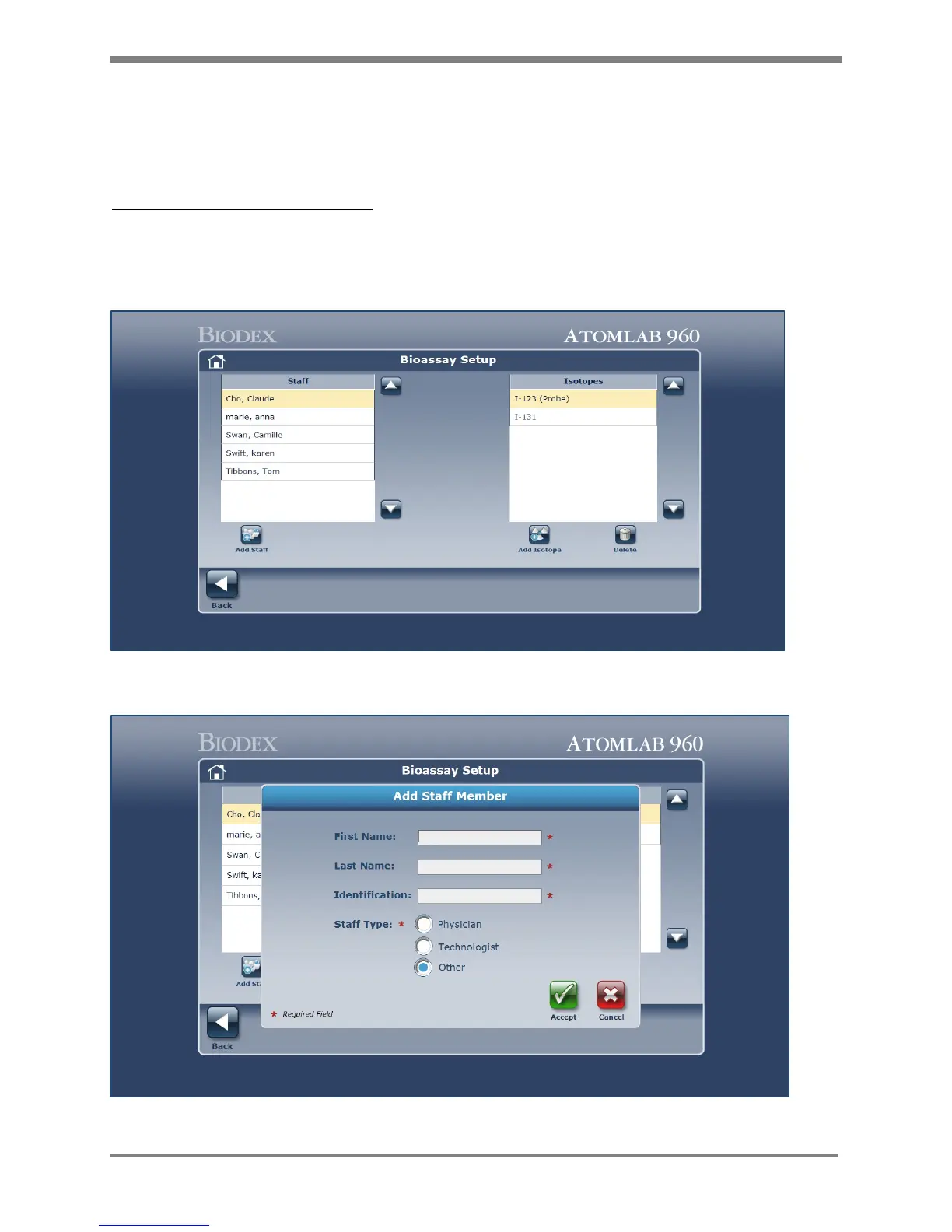
2. Select <Bioassay Setup>. The Bioassay Setup screen is displayed. This page allows you to
add staff for Bioassay and add or delete the isotopes to be assayed for each person.
Figure 4.27. The Bioassay Setup screen.
Figure 4.28. Add Staff Member screen.



 To Next Page