Print Wipe Reports
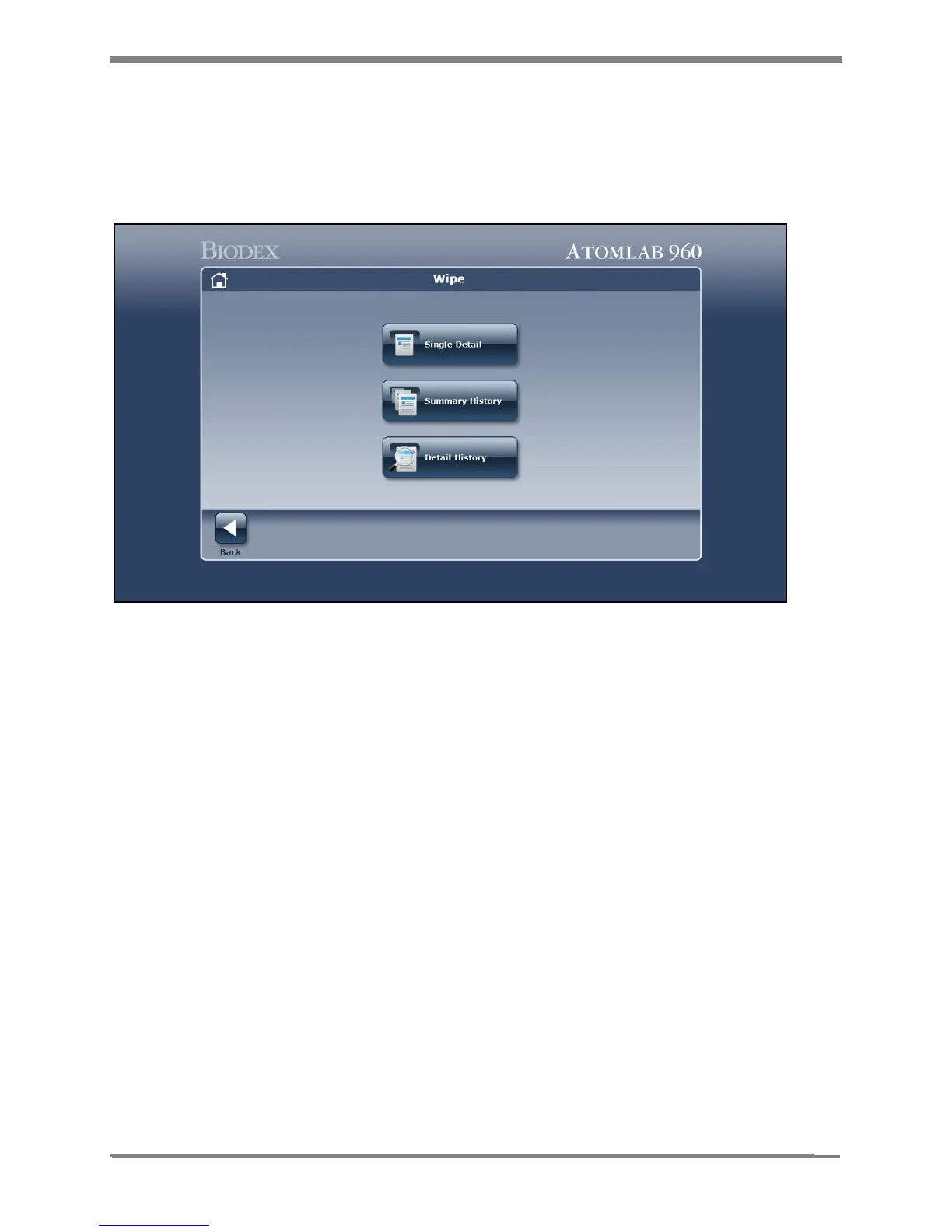
You can view and print three types of Reports explained below:
!
Figure 11.17. Report Wipe Type Selection screen.
!
!
1. Select <Reports> to view and Select the type of Wipe Test Report To View or Print. Choose from
<Single Detail>, <Summary History> or <Detail History> as follows:
- <Single Detail>: allows the user to select a single wipe and view or print the results for that specific
wipe.
- <Summary History>: allows the user to select the <Area Type>, <Area> or <Date Range> and create
a Wipe Test Summary Report. The Wipe Test Summary Report lists the wide window results
along with the overall status of the selected options.
- <Detail History>: allows the user to select the <Area Type>, <Area> or <Date Range> and create a
Wipe Test Detail Report. The Wipe Test Detail Report shows all the isotopes in each wipe for the
selected options.
2. Select <Back> twice to return to the Wipe History screen from any of the reports.



 To Next Page