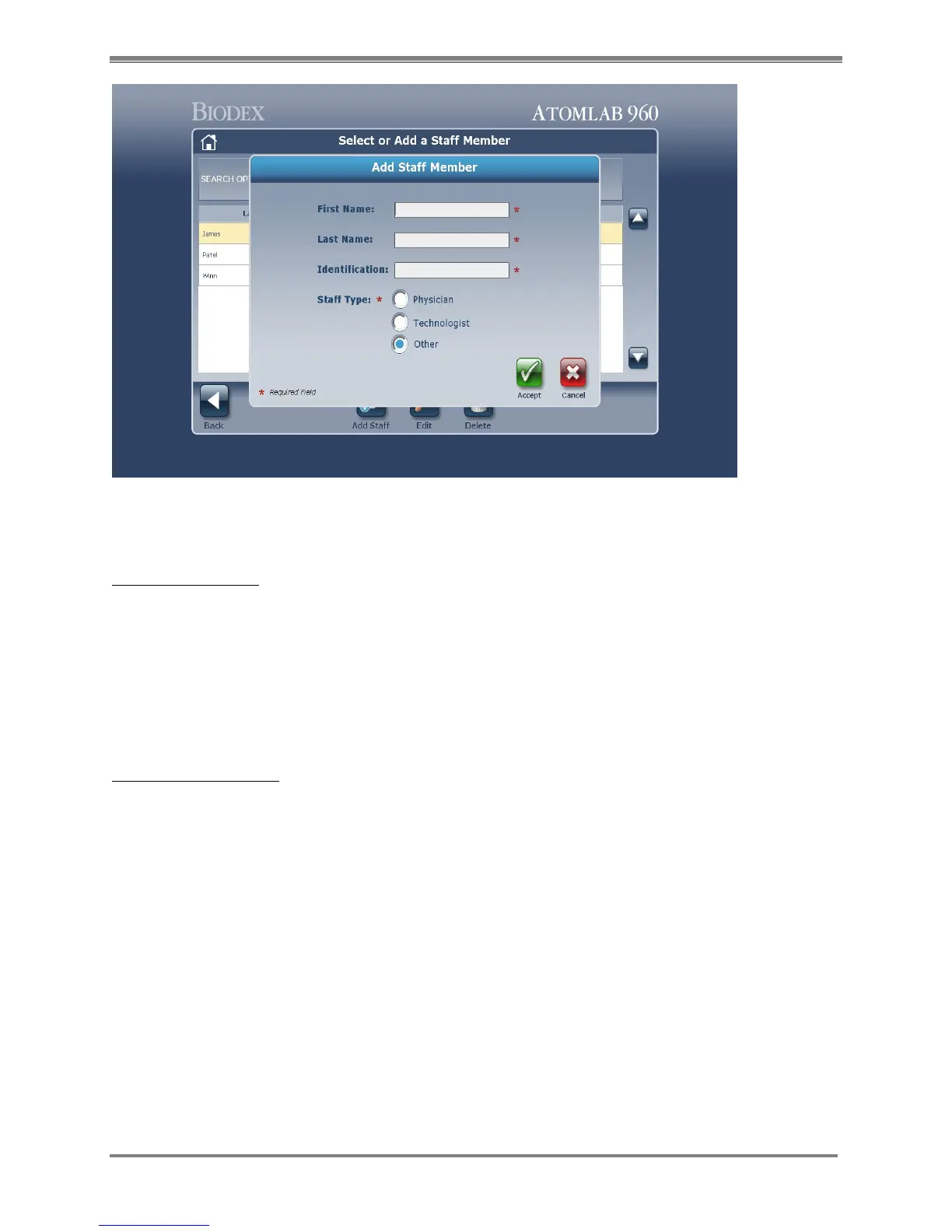
Figure 4.14. Add Staff Member screen.
Edit Staff Members:
1. At the Select or Add a Staff Member screen select the Staff member to edit.
2. Select <Edit>, the Edit Staff Member screen is now displayed.
3. Edit any field as appropriate.
4. Select <Accept> to save the current info and return to the Select or Add a Staff Member
screen, or <Cancel> to return to the Select or Add a Staff Member screen without making
any edits.
Delete Staff Members:
1. At the Select or Add a Staff Member screen select the staff member to delete.
2. Select <Delete>, a warning screen is displayed that you are about to permanently delete the
staff selected.
3. Select <Accept> to delete the staff member and return to the Select or Add Staff Member
screen or <Cancel> to return to the Select or Add Staff Member screen without deleting.



 To Next Page