Checkpoint Database
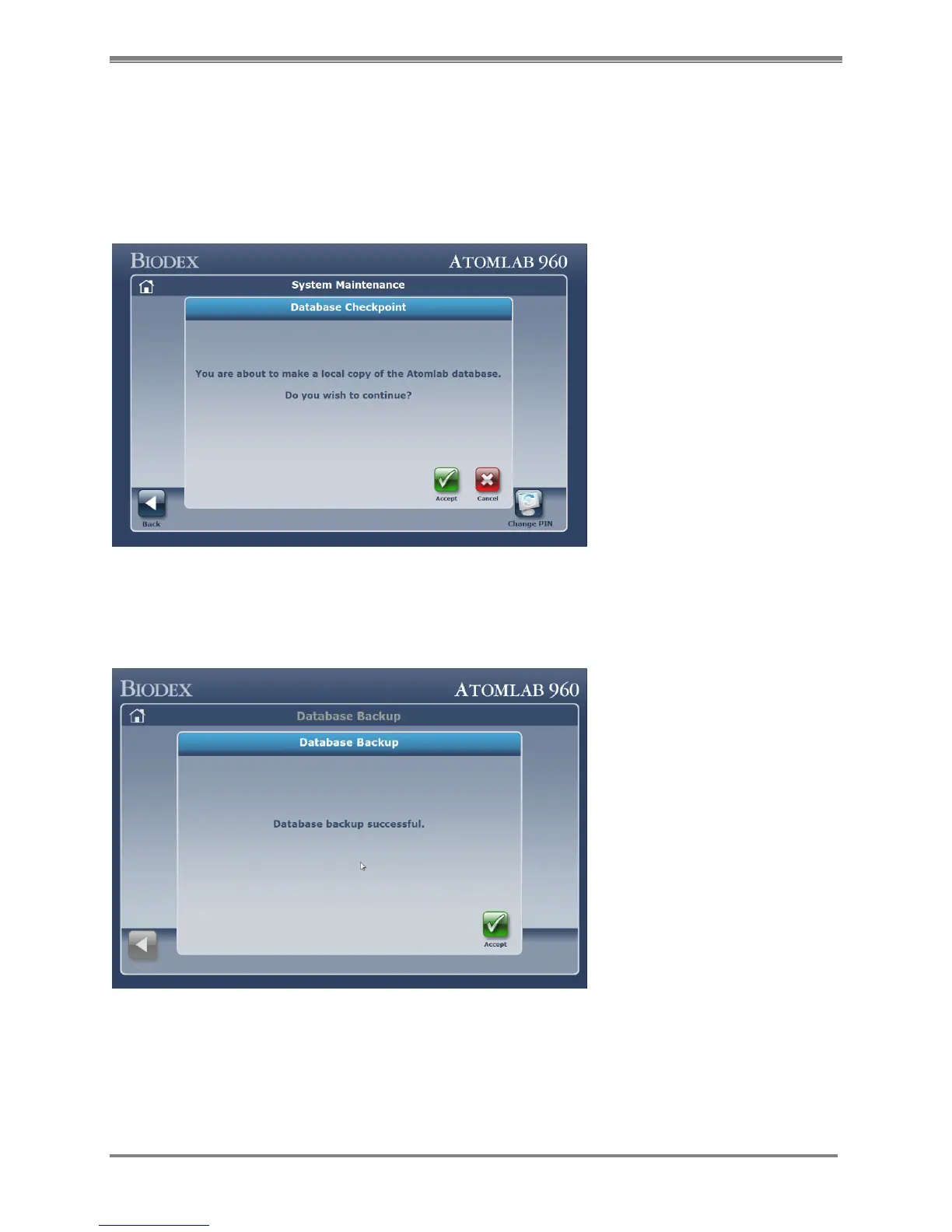
The Checkpoint Database function creates a backup database of current Atomlab 960 data on
the local hard drive.
Selecting the <Checkpoint Database> button on the System Maintenance menu will bring you to
this screen:
Figure 4.35. Database Backup screen.
Click <Accept> to perform the backup operation. Once the backup is complete, it will bring you
to this confirmation screen:
Figure 4.36. Database Backup confirmation screen.
Select <Accept> to return to the System Maintenance screen.



 To Next Page