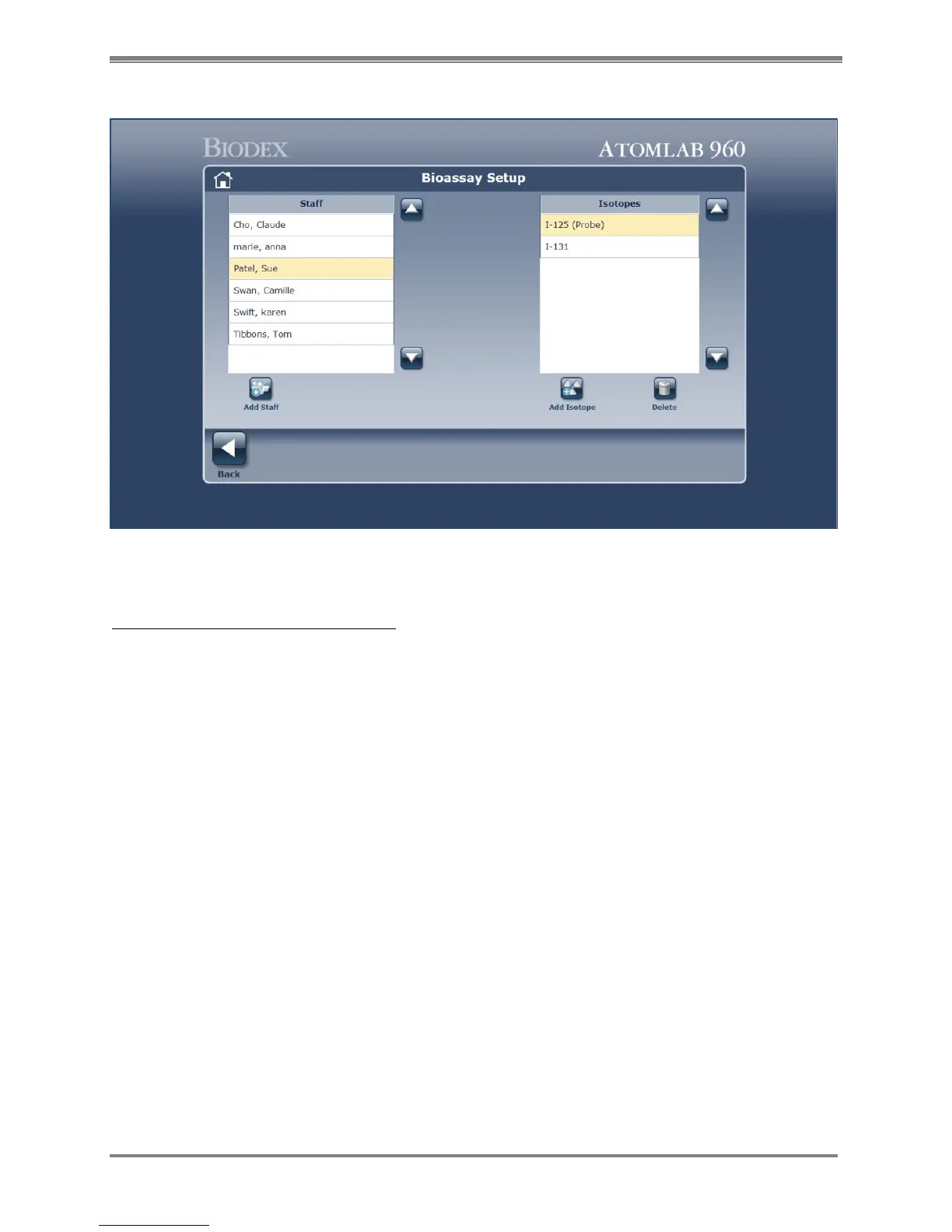
Figure 4.32. Bioassay Isotope Setup screen.
Delete an Isotope from Staff Member:
1. Highlight the name of the staff member from the list on the left of the screen from whom
the isotope is to be deleted.
2. Highlight the isotope from the list on the right side of the screen.
3. Select the <Delete> icon.
NOTE: Delete is an immediate action from this screen. There is no opportunity to cancel the
function if <Delete> is selected by mistake.
4. The isotope is deleted from this patient.



 To Next Page