4-38 UTILITIES Biodex Medical Systems, Inc. © 2014
Backup Database (USB flash drive)
The Backup Database function creates a backup database of the current Atomlab 960 data on a
USB flash drive. Insert a USB flash drive into the USB port.
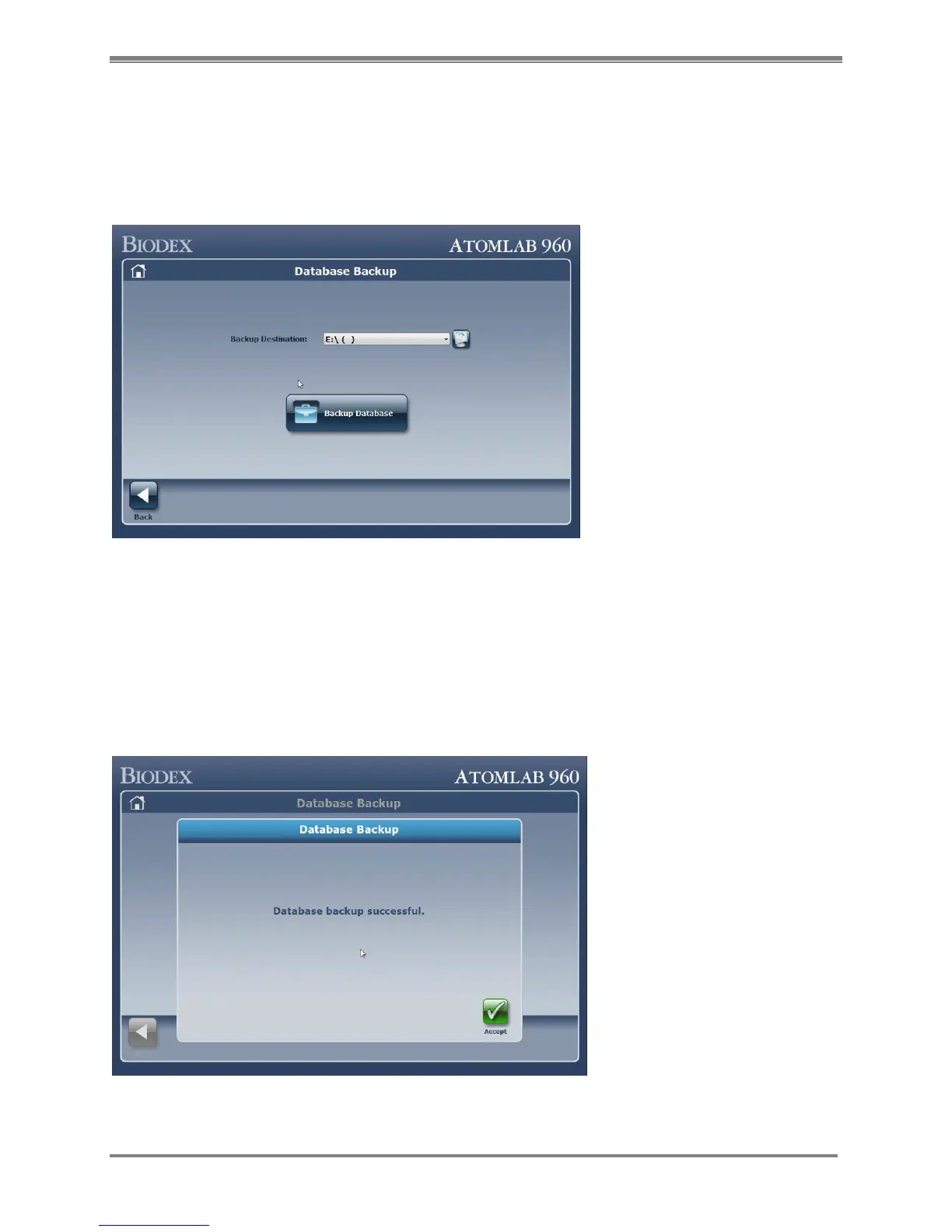
Selecting the <Backup Database> button on the System Maintenance menu will bring you to this
screen:
Figure 4.37. Database Backup screen.
Designate the flash drive location where the database will be backed up by selecting on the
drop-down menu and choosing it.
NOTE: If you insert your flash drive after this screen appears, select the <Refresh> button (with
the monitor/encircling arrows icon) to refresh the drop-down menu. After doing so, you should
see your flash drive.
Selecting the <Backup Database> button will bring you to this confirmation screen:
Figure 4.38 Database Backup confirmation screen.
NOTE: Depending on the size of the database, this may take some time.



 To Next Page