4-10 UTILITIES Biodex Medical Systems, Inc. © 2014
Detectors
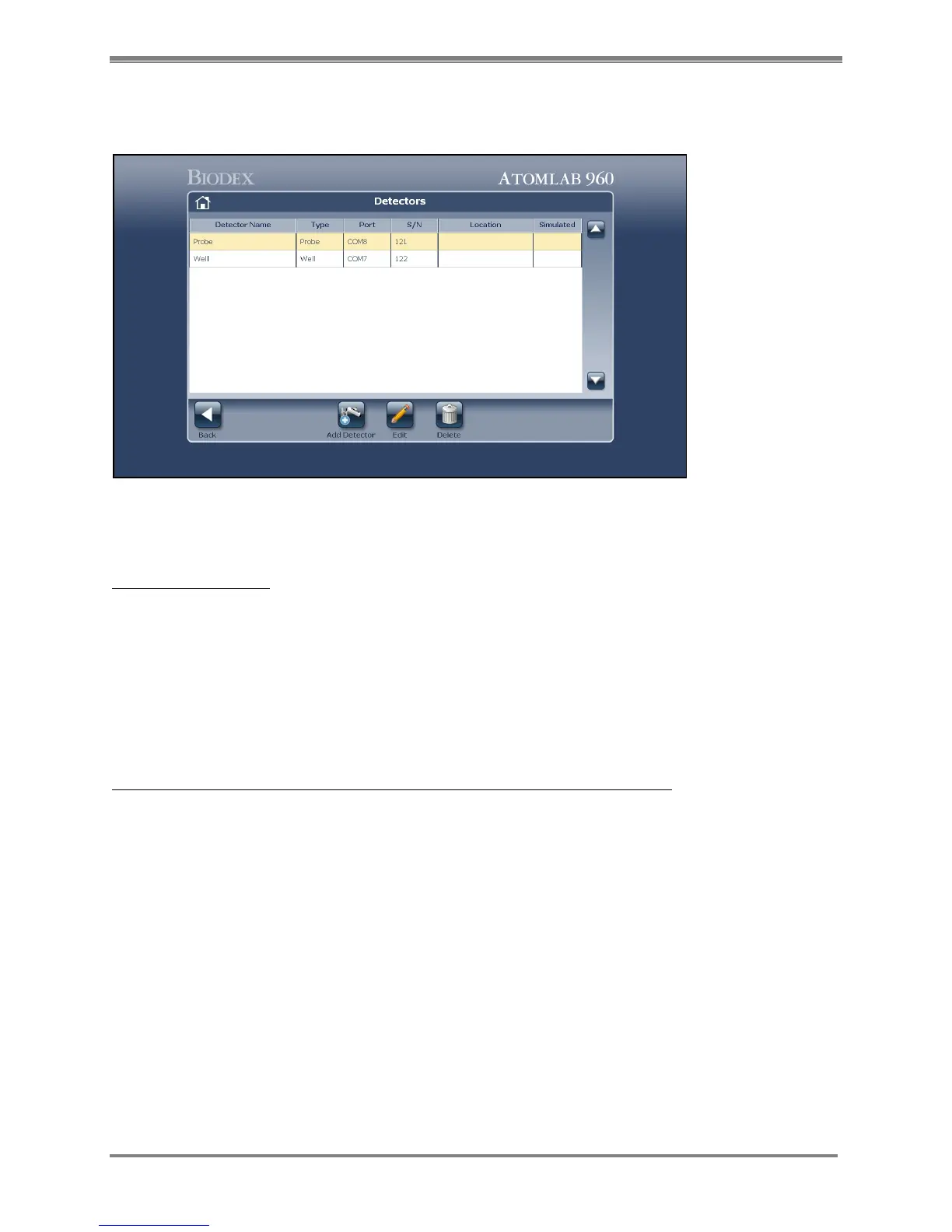
(See Figure 4.9.)
Figure 4.9 The Detectors screen.
The Detector Screen:
1. From the Utilities Menu, select <Detectors>. The Detectors screen is now displayed. The
detector Name, Type, Port, ID and Location are displayed at the top of the screen for all
detectors listed. The Locations field allows the user to specifically label the location of any
connected detector. If a detector has already been entered and currently selected, it will be
highlighted.
2. If more than one detector is displayed, highlight or use the <▲> and <▼> arrows or cursor
to highlight the desired choice.
In addition to viewing detector specifics on the Detectors screen, you can:
• Add a detector
• Edit a selected detector
• Delete a selected detector and its accompanying information



 To Next Page