ATOMLAB 960 MEDICAL SPECTROMETER ASSEMBLY AND STAND OPERATION 2-5
Power-Up And Self-Test
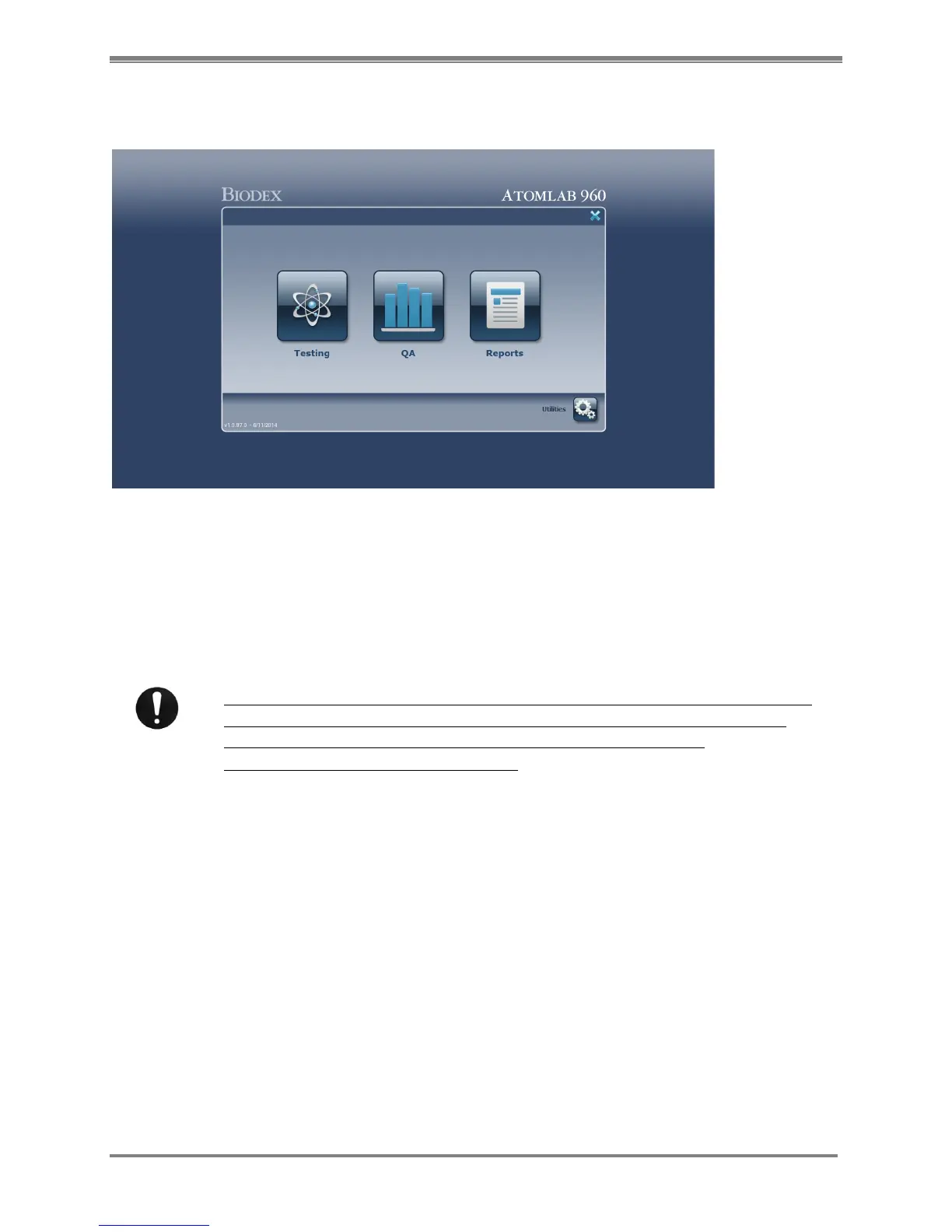
(See Figure 2.3.)
Figure 2.3. The Atomlab 960 Home page.
To Power-Up And Run The Self-Test:
Turn on all components, including the printer. The system may immediately advance to the
Atomlab 960 program. If not, select the <Atomlab960> icon from the system desktop. Once the
Atomlab 960 program is activated, the system immediately performs a self-test.
A user name and password must be entered. The factory default user name is
Biodex and the password is Biodex. The user name and password are case
sensitive. To change the password you must contact the Biodex
Service/Technical Support department.
NOTE: You must install a detector before you can perform any counting.
Once the self-test is complete, the system automatically advances to the Atomlab 960 Home
screen. Allow the system some time to warm-up before counting. The system is now ready for
use.



 To Next Page