Print MDA Reports
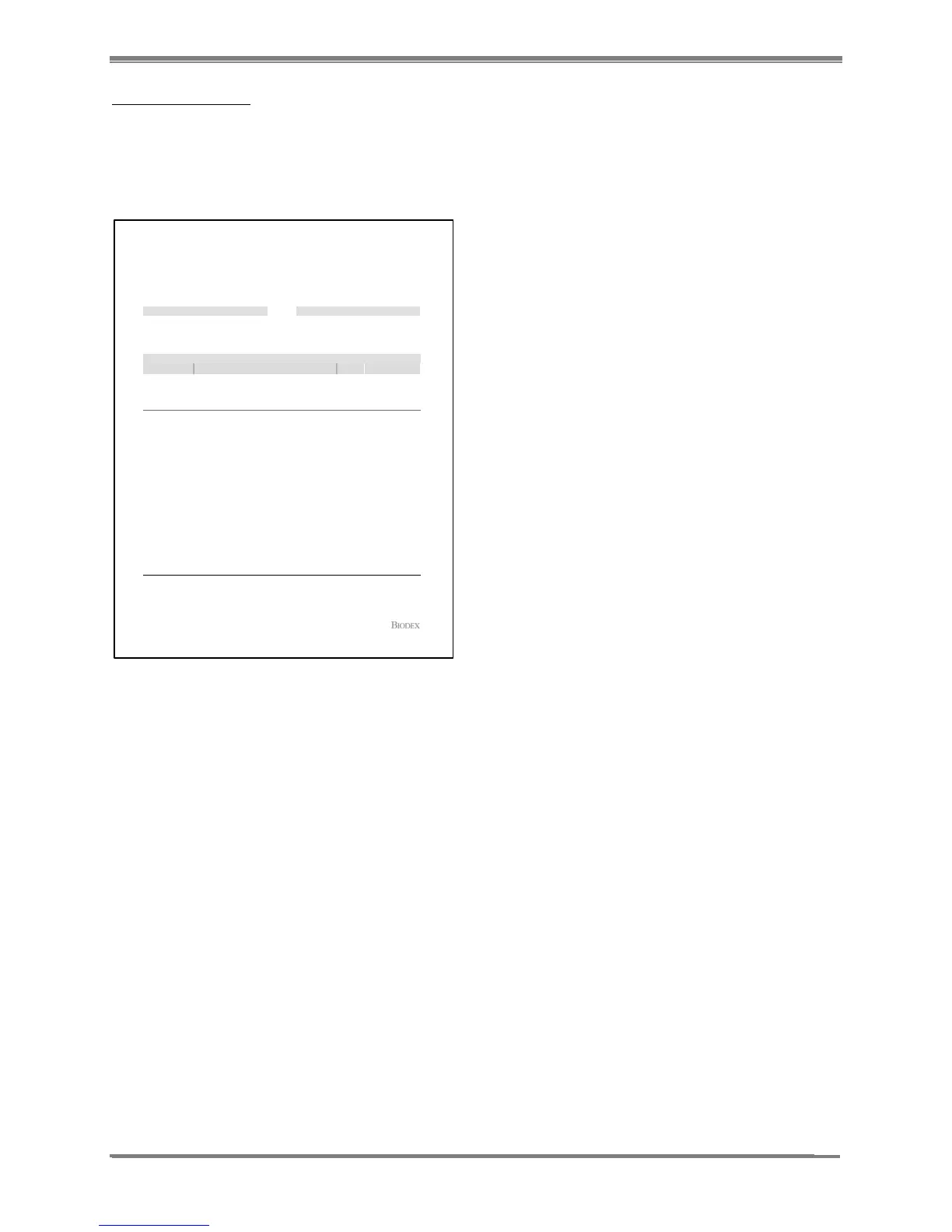
1. To print the MDA Report from the QA Report screen, select the <MDA> icon.
2. Select the <detector> that you wish to display the MDA. Now select <accept>.
3. The screen will now display the report. You can select the <printer> icon to print the report.
(See report below.)
Figure 11.11. MDA Report for the probe.
NOTE: You can also print the MDA Reports from the QA Mode using the MDA History Button.
MDA Report
Printed on: 4/19/2013 2:44:42 PM
MDA Measure Data
1.51 %
121
:
:
Geometric Efficiency
Detector S/N
MDA Performed
Background Count Time (sec)
Sample Count Time (sec)
:
:
:
30
30
4/15/2013 3:05:11 PMDetector : Probe (Probe)
MDA InformationDetector Information
MDA
ROI (keV)Background CPM
Isotope
Staff
Detector
Efficiency
Total
Efficiency
I-123 (Probe)
129 - 18326.00 anna marie5,268 DPM
49.00 % 0.74 %
I-125 (Probe)
20 - 4014.00 anna marie3,553 DPM
56.00 % 0.85 %
I-131
320 - 41040.00 anna marie7,145 DPM
43.60 % 0.66 %
Distance from Probe (cm) : 10.100
Johnson Memorial Clinic
20 Hospital Way
Port Jefferson,NY 11967
Page 1 of 1Software Ver: 1.0.66.0
Comments :
Signature : Date Signed :



 To Next Page