3. If you press on the “from” date or “to” date, it will open up a screen to scroll up or down for
the month, day and year. When you have the date desired, select <Accept>. You return
back to the date range selection where you can now select the ending date, which is listed
as “to”. Select <Accept> to proceed to the printout viewing screen.
4. You can use the +/- buttons to increase or decrease the size of the report you are viewing.
Select the <printer> icon to proceed to printing the report.
5. Select <Save> to save the High Voltage report as desired.
6. Select <Back> to return to the High Voltage History screen.
Daily Calibration and Constancy
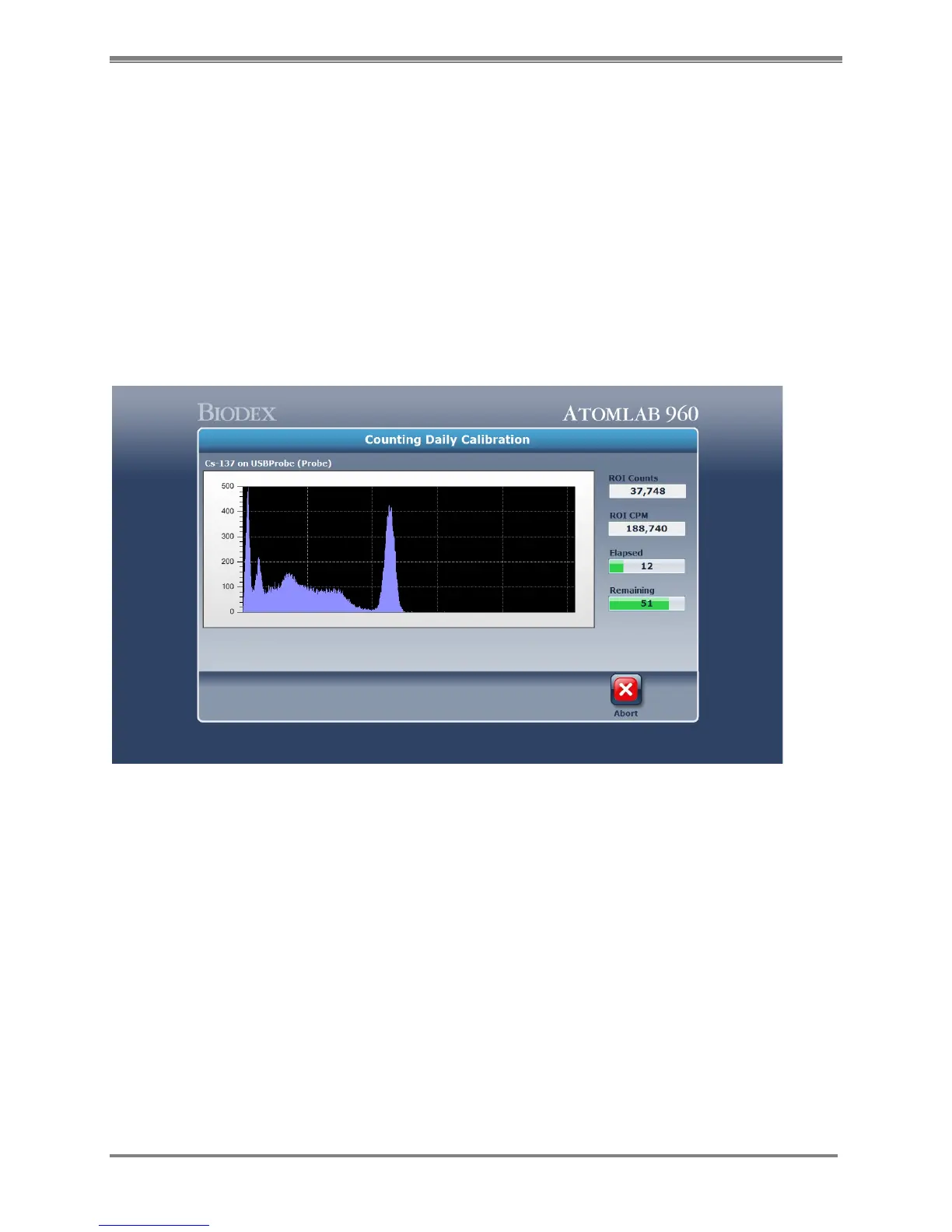
(See Figure 5.8.)
Figure 5.8. The Counting Daily Calibration screen.
NOTE: The system must be allowed to warm up and stabilize before performing a calibration.
Calibration Information
A daily system calibration must be performed each day the Atomlab 960 is to be used. Separate
calibrations are performed for the probe and well. The system keeps an internal listing of its
last calibration date and prompts when calibration is needed. The system will not allow
measurement procedures to commence until the calibration has been performed.
Calibration is performed automatically from the Quality Assurance Daily Calibration screen. The
Select Detector screen advises when the last high voltage and calibration were performed for
your detectors. It also checks to ensure that the MCA, detector and CPU are connected and
communicating with each other. This is noted in the on-line column and is set to display or not
in the system setup procedure.



 To Next Page