ATOMLAB 960 MEDICAL SPECTROMETER ASSEMBLY AND STAND OPERATION 2-3
To set the default printer
With the printer connected and the system turned on, press the Windows key at bottom left of
the keyboard. The Windows menu will appear; select “Devices and Printers”. This will open the
“Devices and Printers” window; select the appropriate HP Printer model. Highlight printer, press
and hold the printer icon. Once circle appears on the printer icon (this may take several
seconds), release your finger from the icon. Once the menu appears, select “set as default
printer”. A green checkmark will appear confirming your choice of default printer. Your printer
default process is now complete. Close all windows and return to the Atomlab program.
Relocating the Thyroid Uptake Stand
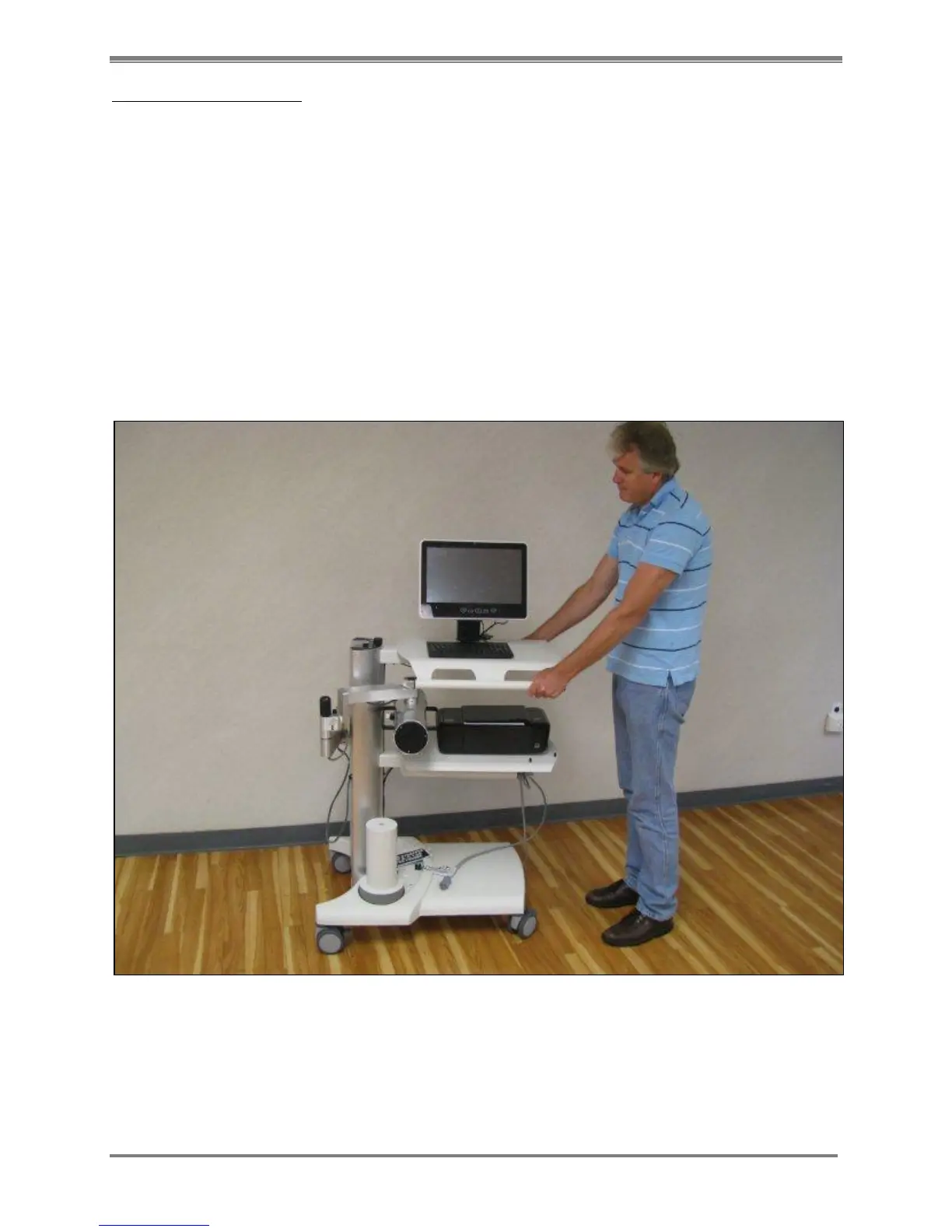
One person can relocate the Thyroid Uptake Stand with ease. Before moving the stand, ensure
that all the casters are unlocked. Tuck the collimator and arm into the shelf area so it does not
extend out. Grab the handles on either side of the upper shelf, so that you are standing on the
opposite end from where the uptake arm is located, to push the stand. Roll the stand to the
desired position and lock at least two casters to keep it from moving.
Figure 2.2. Relocating the Thyroid Uptake Stand.



 To Next Page