5. Quality Assurance
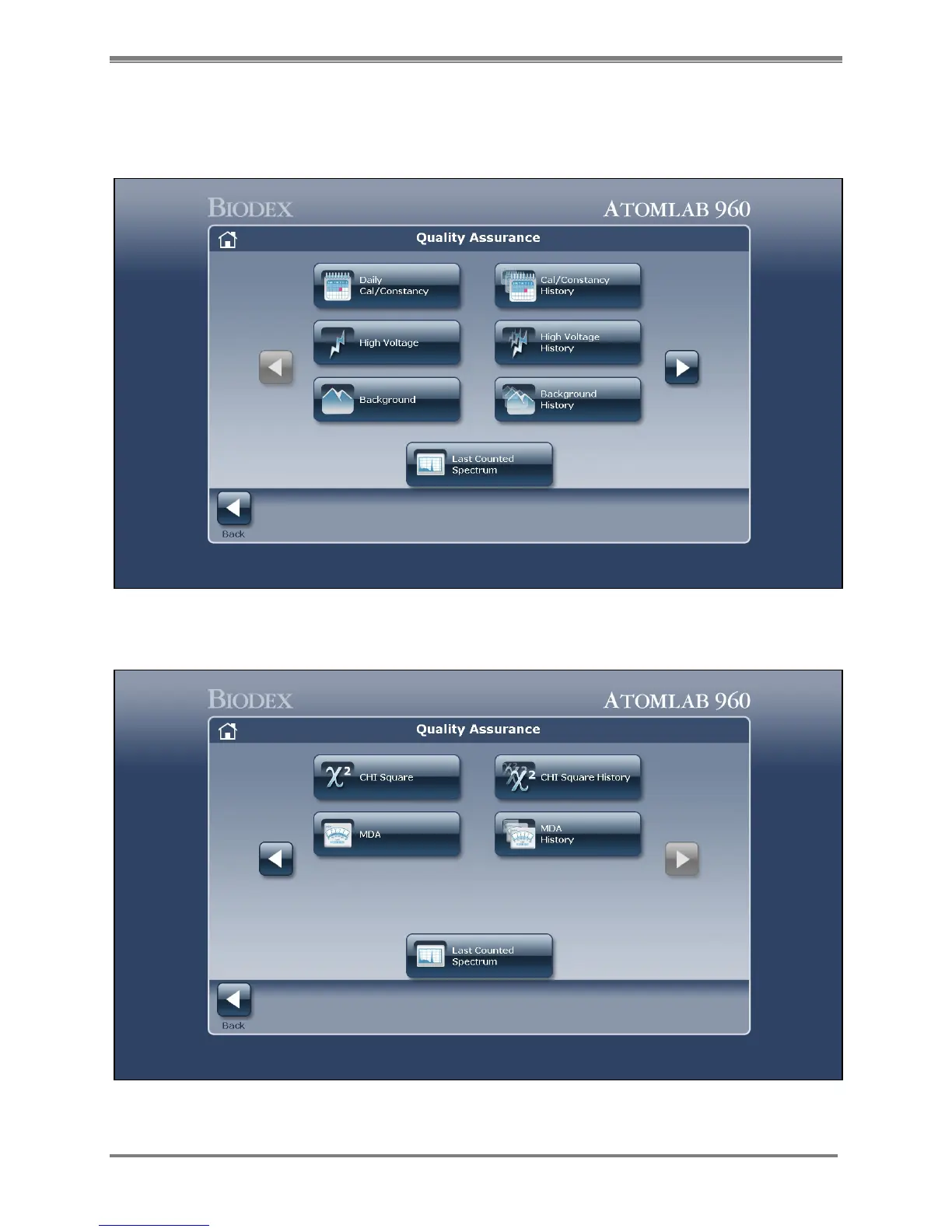
Figure 5.1. The Quality Assurance Menu screen one. If you have selected to perform constancy along with daily calibration in
the setup section under Utilities, it will be noted on the daily calibration button as shown. If you have not selected to perform
constancy, only the words "Daily Calibration" will show on the button.
Figure 5.2. The Quality Assurance Menu screen two. Those programs are for Chi-Square and MDA.



 To Next Page