4-40 UTILITIES Biodex Medical Systems, Inc. © 2014
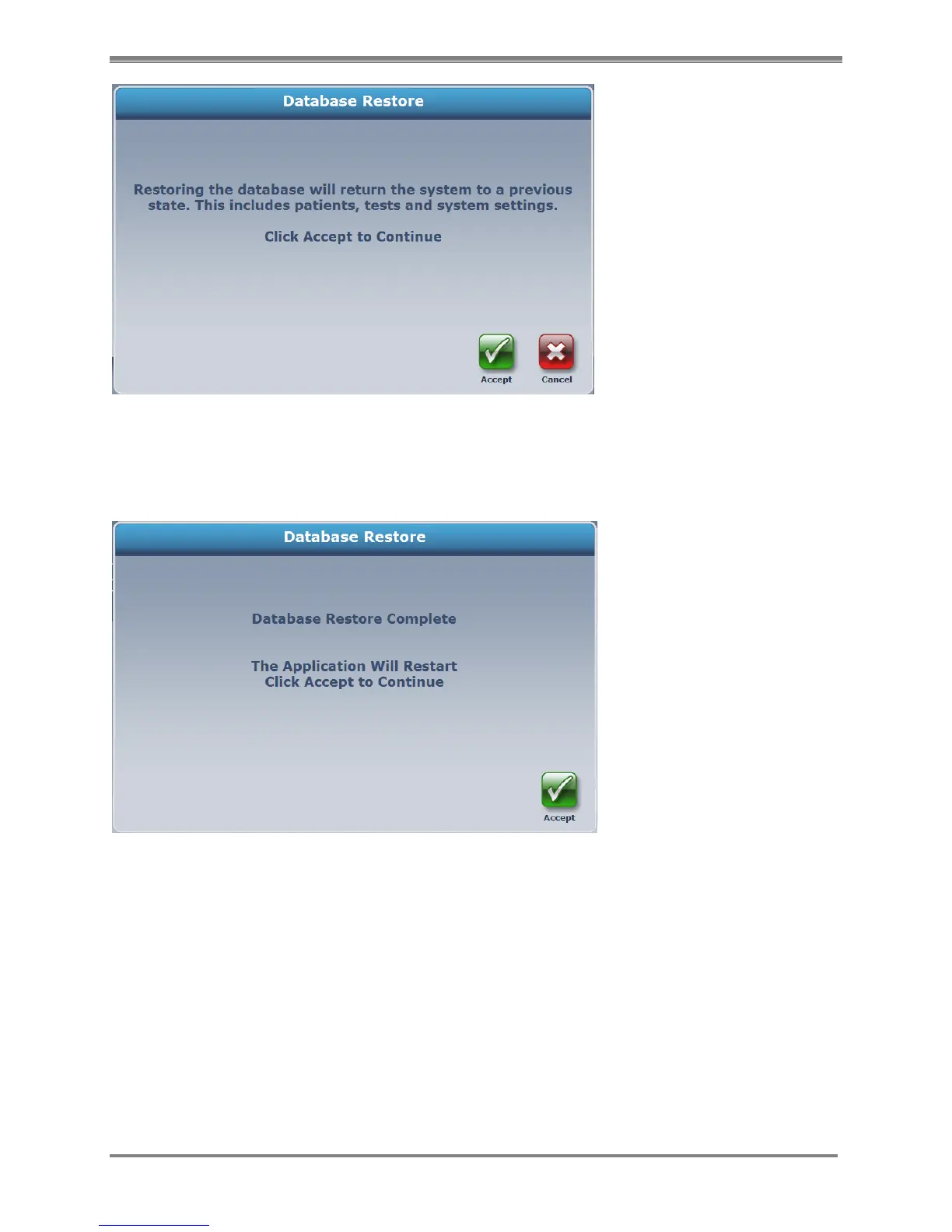
Figure 4.40. Database Restore Accept / Cancel screen.
Selecting <Accept> will give you a confirmation screen and inform you that the application will
need to restart.
Figure 4.41. Database Restore confirmation screen.
NOTE: Later versions of the Atomlab software (v.1.0.93 and higher) will produce backup files
with the “.biodb” filename extension. Software versions beginning with v1.0.75 produce backup
files with the “.bak” filename extension. The v1.0.93(+) software can restore backup files with
either the “.biodb” or “.bak” filename extensions.



 To Next Page