4-36 UTILITIES Biodex Medical Systems, Inc. © 2014
System Maintenance
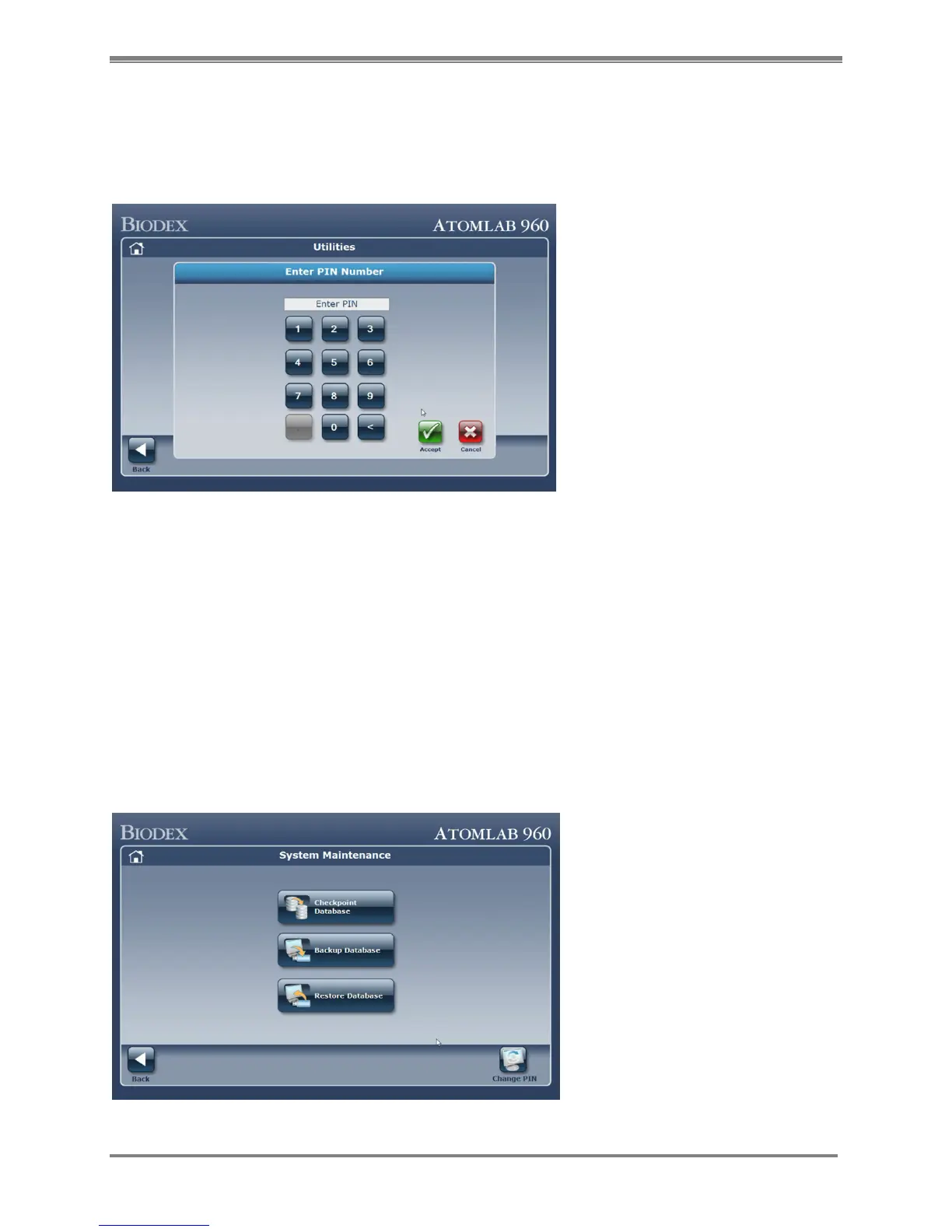
When the System Maintenance button is selected the first time, the user will be directed to
configure their PIN. Every time thereafter, the user will be asked to enter that PIN to access the
System Maintenance menu.
Figure 4.33. PIN Number entry screen.
1. Enter the Pin Number then select <Accept>.
2. The first time you enter a PIN Number, you will be asked to verify the PIN number by
entering it again.
The PIN can be changed by selecting the <Change PIN> button on the lower right corner of the
System Maintenance main menu.
On the System Maintenance main menu you will see buttons for the three configurations related
to System Maintenance:
1. Checkpoint Database
2. Backup Database
3. Restore Database
Figure 4.34. System Maintenance main screen.



 To Next Page